

Markdown Viewer
This Markdown editor provides live preview, diagrams, LaTeX, syntax highlighting, PDF export, and multi-tab support.
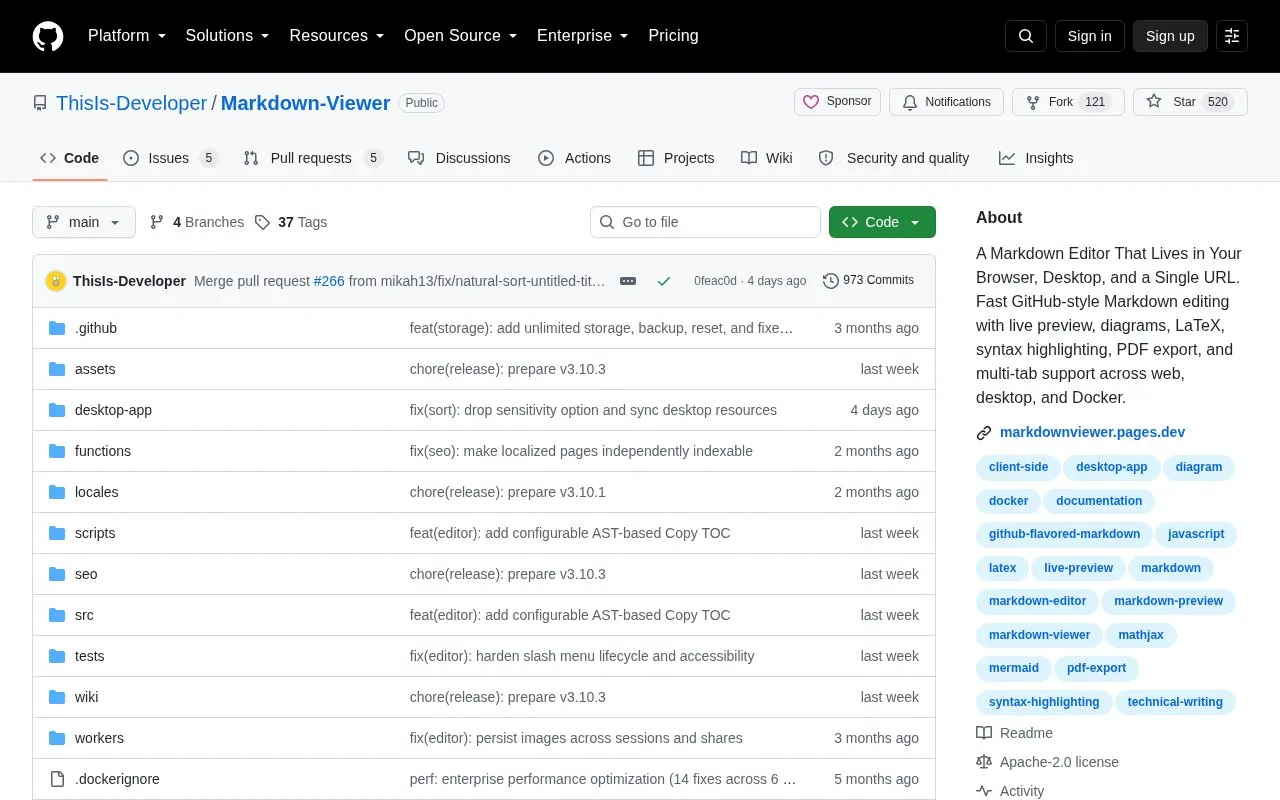
About Markdown Viewer
Markdown Viewer is an open source, local-first Markdown editor and viewer. It runs in a web browser, as a Progressive Web App, in Docker, and as a desktop application. It supports CommonMark-style Markdown and GitHub-Flavored Markdown with tables, task lists, footnotes, and syntax highlighting.
You can write and organize multiple documents in nested folders with tabs, search, Recent, Favorites, and a 30-day Trash. Editing modes include Editor, Split view, and Preview, with formatting tools, Find and Replace, and document outline navigation. It renders diagrams, math with MathJax, charts, maps, 3D models, and music, and can export work including PDF and workspace ZIP backups. Review options include selection-anchored comments and threaded replies, plus Share Snapshot links and Live Share for co-editing.
It suits developers, writers, students, researchers, and others who work with .md or .markdown files and want local editing without an account.
Key features
- Live preview with Editor, Split view, and Preview modes
- GitHub-Flavored Markdown with tables, task lists, and footnotes
- Renders diagrams, math with MathJax, and syntax highlighting
- Multi-tab support with nested folders, search, and favorites
- PDF export and workspace ZIP backup and restore
- Runs on web, PWA, Docker, and desktop application
Best for: Developers, writers, students, and researchers who work with Markdown files locally.
Good for
- No account required with local-first editing
- Available on web, PWA, Docker, and desktop
- Handles diagrams, LaTeX math, and syntax highlighting
Markdown Viewer at a glance
- Category
- Software & Utilities › Text Editors
- Type
- Open-source project
- Pricing
- Not confirmed. Check the site
- Open source
- Yes · Source code
- Language
- English
- Last checked
- Oct 5, 2026 · Online when checked
- Listed
- Oct 5, 2026
Guides for Text Editors

Markdown Viewer alternatives
Tools and sites you could use instead, ranked by how closely they match.

Edit Markdown in the browser with a live GFM preview, diagrams, export, and sharing options, without logging in.

Whimsical provides a collaborative whiteboard for diagrams, interface wireframes, and product documentation, with team and AI features.

Tasks.md is a self-hosted task board based on Markdown files, with cards, lanes, and tags.
Open source
24 alternatives
Collaborate on code in the browser with Rustpad, a self-hosted editor that does not require a database.
Open source
24 alternatives
Collaborate on Markdown notes, diagrams, and presentations with HedgeDoc, a web editor that can be self-hosted.

Edit Markdown on Windows with Markdown Monster, which includes live preview, syntax highlighting, weblog publishing, and Git integration.
Free trial
16 alternativesPopular in Text Editors
Well-known listings from the same topic.
Google Docsgoogle.com/docs/aboutProton Docsproton.me/drive/docsVertex42vertex42.comNotepad++notepad-plus-plus.orgLibreOfficelibreoffice.orgSublime Textsublimetext.com


Markdown Viewer FAQ
What is Markdown Viewer?
It is an open source, local-first Markdown editor and viewer for writing, organizing, reviewing, and exporting .md files.
Do I need an account to use Markdown Viewer?
No. Everyday editing stays on your device and no account is required.
What platforms does Markdown Viewer support?
It runs in a web browser, as a Progressive Web App, in Docker, and as a desktop application.
Can Markdown Viewer render diagrams and math?
Yes. It renders diagrams, math with MathJax, charts, maps, and code with syntax highlighting.
Is something wrong or out of date?
Tell us and an editor will check it.
Own this website?
Claim this listing
Claim the listing and suggest updates yourself. An editor checks every claim first.