

Notepads
Notepads offers a lightweight Windows 10 text editor as an alternative to existing code editors.
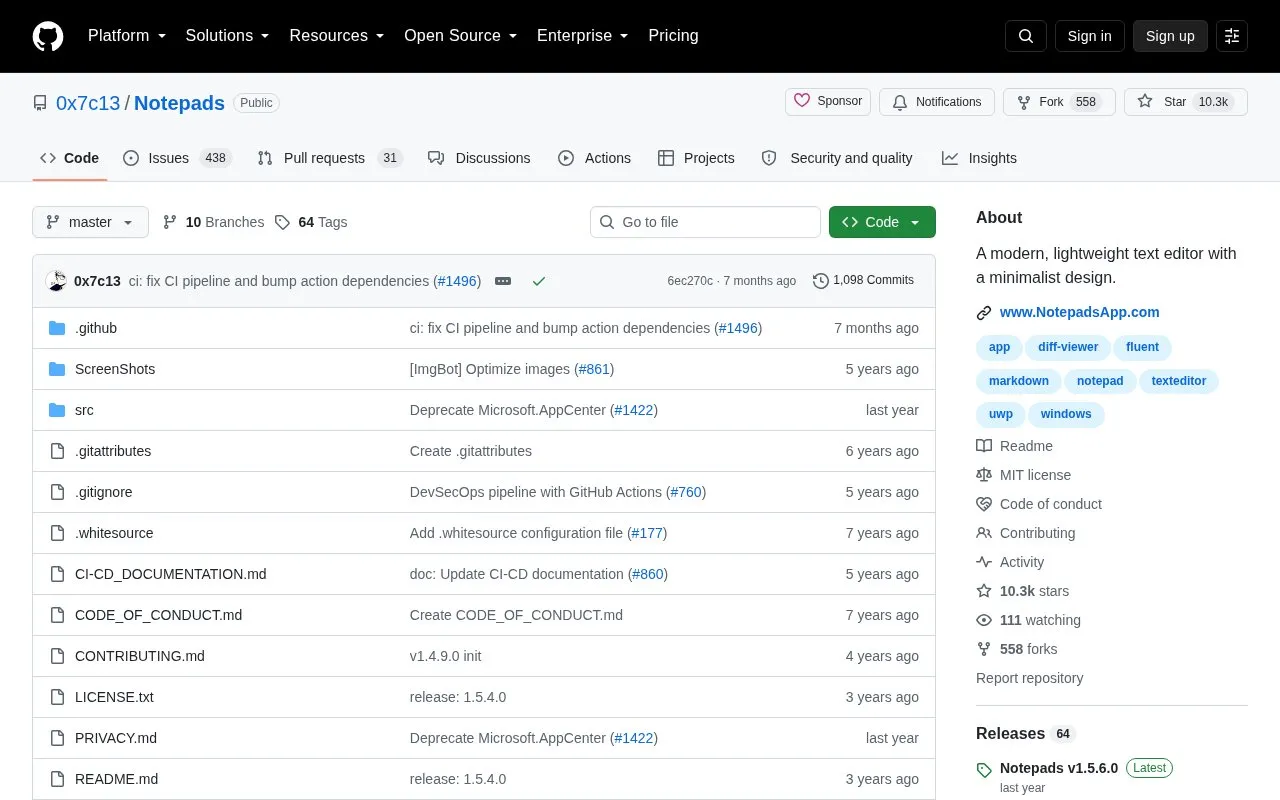
About Notepads
Notepads is a free, open-source lightweight text editor for Windows 10, designed as a modern alternative to heavier code editors and the default Windows Notepad. It uses a minimalist Fluent design and prioritizes fast performance for basic text editing tasks. Key features include a built-in tab system, Markdown live preview, side-by-side diff viewer, multi-line handwriting support, and session snapshots. Notable limits include UWP restrictions that block saving to system folders and associating with potentially harmful file types like .cmd and .bat, a current 1MB file size cap, and lack of official Microsoft endorsement or development.
Key features
- Fluent design with built-in tab system
- Built-in Markdown live preview
- Built-in side-by-side diff viewer
- Multi-line handwriting support
- Session snapshot and multi-instance support
- Command line and PowerShell launch support
Best for: Users seeking a fast, minimalist Windows text editor for basic note-taking, config file edits, and light text work as an alternative to heavier code editors or the default Notepad.
Good for
- Free and open source with publicly available source code
- Lightweight and fast with minimalist modern design
- Includes built-in Markdown preview, diff viewer, and handwriting support
Watch out for
- UWP restrictions prevent saving to system folders and associating with .cmd/.bat file types
- 1MB file size limit makes it unsuitable for large files currently
- Independent personal project, not developed or endorsed by Microsoft
Notepads at a glance
- Website
- github.com/0x7c13/Notepads
- Category
- Software & Utilities › Text Editors
- Type
- Open-source project
- Pricing
- Not confirmed. Check the site
- Platforms
- Windows
- Open source
- Yes · Source code
- Language
- English
- Last checked
- Oct 5, 2026 · Online when checked
- Listed
- Oct 5, 2026
Guides for Text Editors

Notepads alternatives
Tools and sites you could use instead, ranked by how closely they match.

NotepadNext reimplements Notepad++ for multiple platforms, and its project notes warn about bugs and incomplete features.
Open source
24 alternatives
Collaborate on code in the browser with Rustpad, a self-hosted editor that does not require a database.
Open source
24 alternatives
Edit Markdown in Markpad, a Notepad-style application available for Windows, macOS, and Linux.
Open source
24 alternatives
Fastedit supports text editing across multiple documents in a Windows application written in C#.
Open source
24 alternatives
Take notes in tomboy-ng and synchronize them across Linux, Windows, and macOS, with rich text, printing, and spell check.
Open source
24 alternatives
Create mind maps, diagrams, and notes with Heimer, a desktop tool targeting Linux and Windows.
FreeOpen source
24 alternativesPopular in Text Editors
Well-known listings from the same topic.
Google Docsgoogle.com/docs/aboutProton Docsproton.me/drive/docsVertex42vertex42.comNotepad++notepad-plus-plus.orgLibreOfficelibreoffice.orgSublime Textsublimetext.com


Notepads FAQ
How can I install Notepads?
It is available for free via the Microsoft Store or Windows Package Manager (winget install "Notepads App").
Can I launch Notepads from the command line?
Yes, type 'notepads' or 'notepads %FilePath%' in Command Prompt or PowerShell to launch it.
Does Notepads collect user data?
The developer states it does not collect user information, typing data, or file contents, but uses AppCenter for basic usage telemetry and error debugging.
Is something wrong or out of date?
Tell us and an editor will check it.
Own this website?
Claim this listing
Claim the listing and suggest updates yourself. An editor checks every claim first.