
notepad-online.com
Notepad Online stores text notes in the browser and supports multiple pages, printing, and downloads.
About notepad-online.com
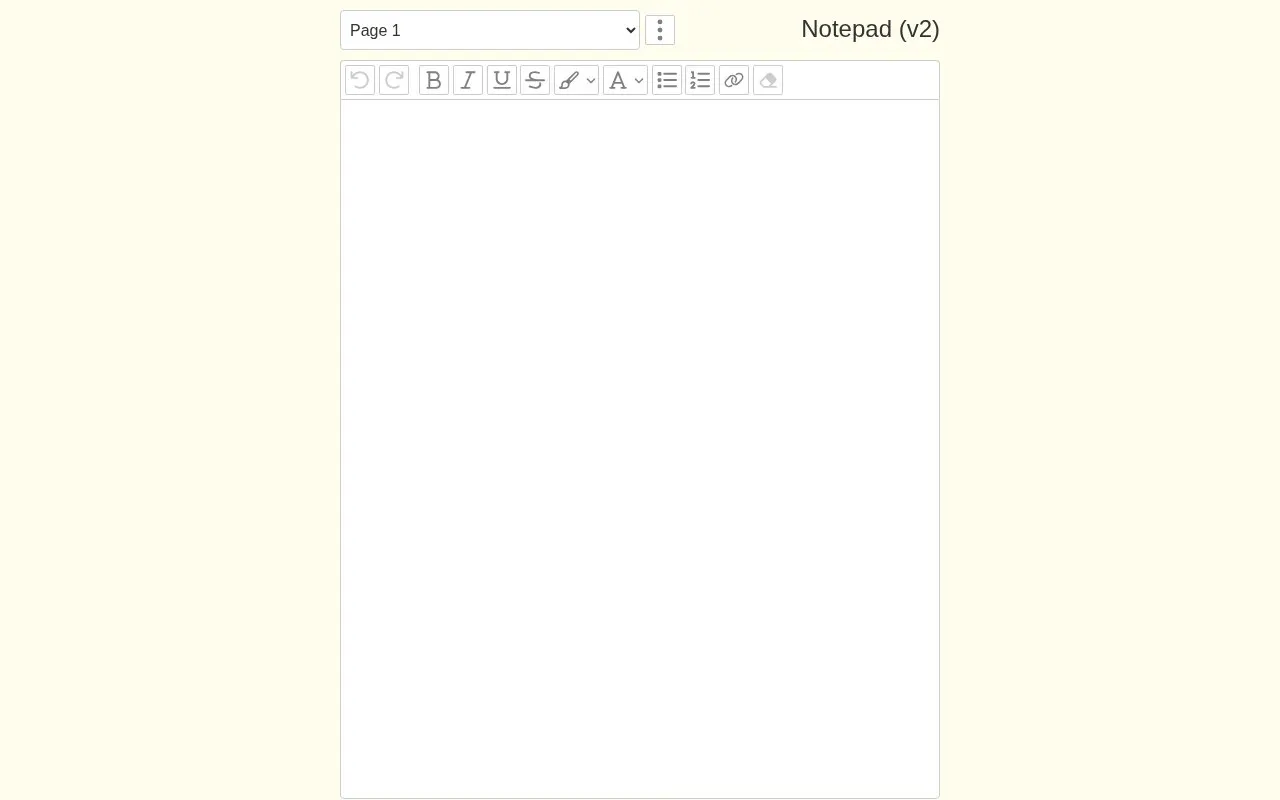
Notepad Online is a free browser-based text editor for writing and keeping quick notes. Notes are stored in the browser rather than on a server, and no registration is required. A notebook can hold up to 50 pages, and individual pages can be renamed, printed, or downloaded in TXT or Word format.
Key features
- Create and edit text notes in the browser
- Store notes in the browser without registration
- Support up to 50 pages per notebook
- Rename, print, or delete individual pages
- Download pages as TXT or Word
- Interface available in English, French, and Russian
Best for: People who need to jot down or keep short text notes in a browser without creating an account.
Good for
- Free to use with no registration
- Notes stay in the browser rather than being uploaded to an account
- Multiple export formats and printing supported
Watch out for
- A notebook is limited to a maximum of 50 pages
- Notes are tied to the browser, so there is no stated account-based sync
notepad-online.com at a glance
- Website
- notepad-online.com
- Category
- Software & Utilities › Text Editors
- Type
- Website
- Pricing
- Not confirmed. Check the site
- Platforms
- Web
- Open source
- Not stated
- Language
- English
- Last checked
- Oct 5, 2026 · Online when checked
- Listed
- Oct 5, 2026
Guides for Text Editors

notepad-online.com alternatives
Tools and sites you could use instead, ranked by how closely they match.

NotepadNext reimplements Notepad++ for multiple platforms, and its project notes warn about bugs and incomplete features.
Open source
24 alternatives
JustNotepad provides browser-based notes with autosave, multiple pages, and a word and character counter.

Write and save plain-text notes in this browser-based online notepad without an account.
Free
5 alternatives
Create and organize notes with ZippyJot, an online notepad with autosave and no account required to start.

Take notes in tomboy-ng and synchronize them across Linux, Windows, and macOS, with rich text, printing, and spell check.
Open source
24 alternatives
Notepad++ is a free, open-source text and source code editor for Windows, with support for multiple programming languages.
FreeOpen source
Popular in Text Editors
Well-known listings from the same topic.
Google Docsgoogle.com/docs/aboutProton Docsproton.me/drive/docsVertex42vertex42.comdDocsdocs.fileverse.ioLibreOfficelibreoffice.orgSublime Textsublimetext.com


notepad-online.com FAQ
How many pages can one notebook have?
A notebook can have a maximum of 50 pages. To add a new page, delete an existing one first.
What formats can I download pages in?
Pages can be downloaded as TXT or Word files.
Do I need to register?
No. The service is described as free and usable without registration.
Is something wrong or out of date?
Tell us and an editor will check it.
Own this website?
Claim this listing
Claim the listing and suggest updates yourself. An editor checks every claim first.