

Debugger
Debugtron is a desktop debugging tool for Electron applications running in production.
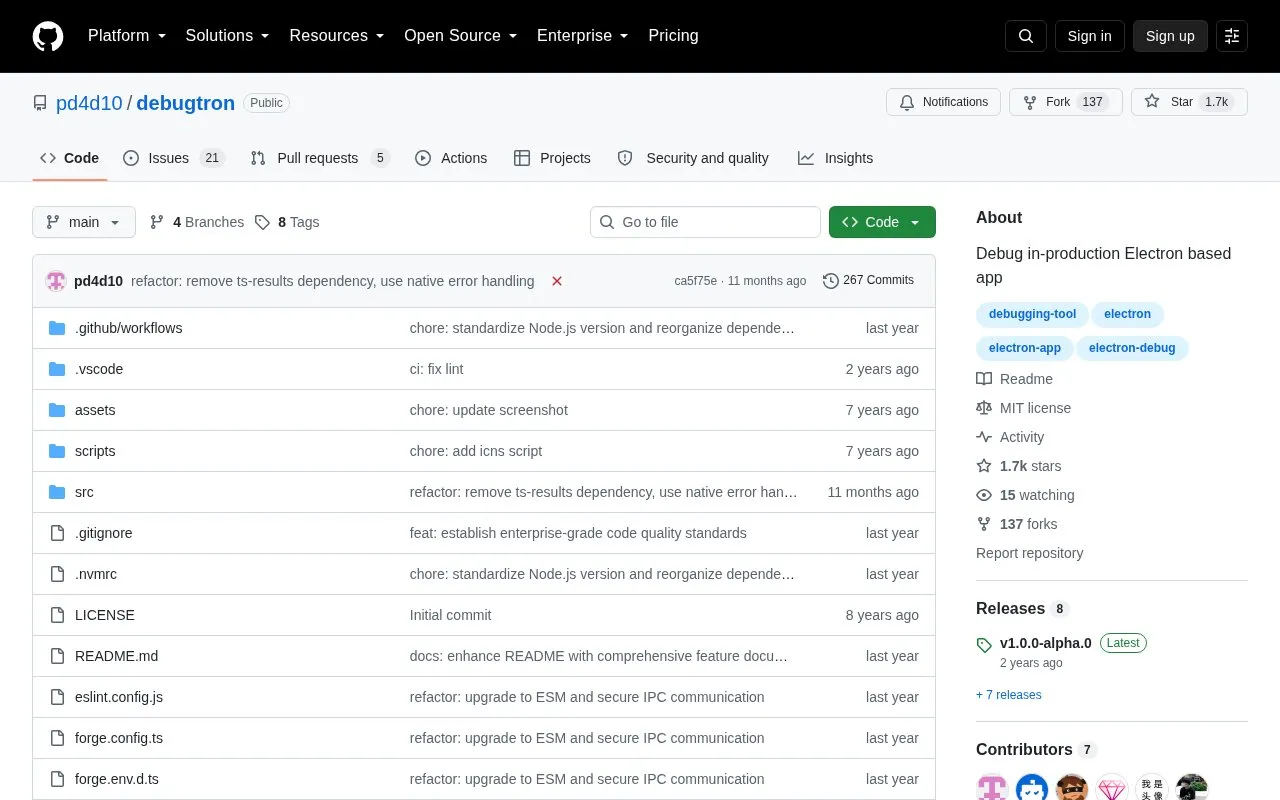
About Debugger
Debugtron is a desktop tool for debugging Electron applications running in production. It finds installed Electron apps, launches them with debugging flags enabled, opens Chrome DevTools for the Node.js main process and renderer processes, and shows live stdout and stderr output in an integrated terminal.
It provides releases for Windows (x64), macOS (Intel and Apple Silicon), and Linux (x64, AppImage). The source code is available on GitHub under the MIT license.
Key features
- Automatic detection of installed Electron applications
- Launch Electron apps with debugging flags enabled
- Support for multiple simultaneous debug sessions
- Chrome DevTools access for main and renderer processes
- Live stdout and stderr logging in integrated terminal
- Releases for Windows, macOS, and Linux
Best for: Developers, support staff, and testers who need to investigate production builds of Electron apps.
Good for
- Detects installed Electron apps automatically
- Covers both main process and renderer processes
- Open source under the MIT license
Debugger at a glance
- Website
- github.com/pd4d10/debugtron
- Category
- Development › Developer Tools
- Type
- Open-source project
- Pricing
- Not confirmed. Check the site
- Platforms
- Linux, macOS, Windows
- Open source
- Yes · Source code
- Language
- English
- Last checked
- Oct 6, 2026 · Online when checked
- Listed
- Oct 5, 2026
Guides for Developer Tools


Debugger alternatives
Tools and sites you could use instead, ranked by how closely they match.

Weights & Biases supports model training, fine tuning, and management from experimentation through production.
Open source
24 alternatives
Netron displays neural network, deep learning, and machine learning models across formats such as ONNX, TensorFlow, and PyTorch.
Open source
24 alternatives
Tonic helps download, manipulate, and load event-based or spike-based datasets for neuromorphic data workflows.
Open source
24 alternatives
Share terminal sessions in a browser with sshx, including chat and movable windows on a collaborative canvas.
Open source
24 alternatives
Images of source code and terminal output can be generated with Freeze.
Open source
24 alternatives
Open URLs, files, or executables from command-line tools and scripts with the cross-platform open package.
Open source
24 alternativesPopular in Developer Tools
Well-known listings from the same topic.
AppDevToolsappdevtools.comCommand Not Foundcommand-not-found.comTestFlighttestflight.apple.com/join/A8GwCnq8Sourcegraphabout.sourcegraph.comProject Wallaceprojectwallace.comCarbon Calculatorwebsitecarbon.com


Debugger FAQ
Which operating systems does Debugtron support?
Windows (x64), macOS (Intel and Apple Silicon), and Linux (x64, AppImage).
How does a typical debug workflow work?
Open Debugtron, select a discovered Electron app, launch it with debugging enabled, use the Inspect buttons to open DevTools, and view output in the integrated terminal.
What is required to build it from source?
Node.js 18+ and the Yarn package manager, then clone the repository, install dependencies, and use the dev, build, and package scripts.
Is something wrong or out of date?
Tell us and an editor will check it.
Own this website?
Claim this listing
Claim the listing and suggest updates yourself. An editor checks every claim first.