

Dim
Organize media collections and access or play them remotely with Dim, a self-hosted media manager.
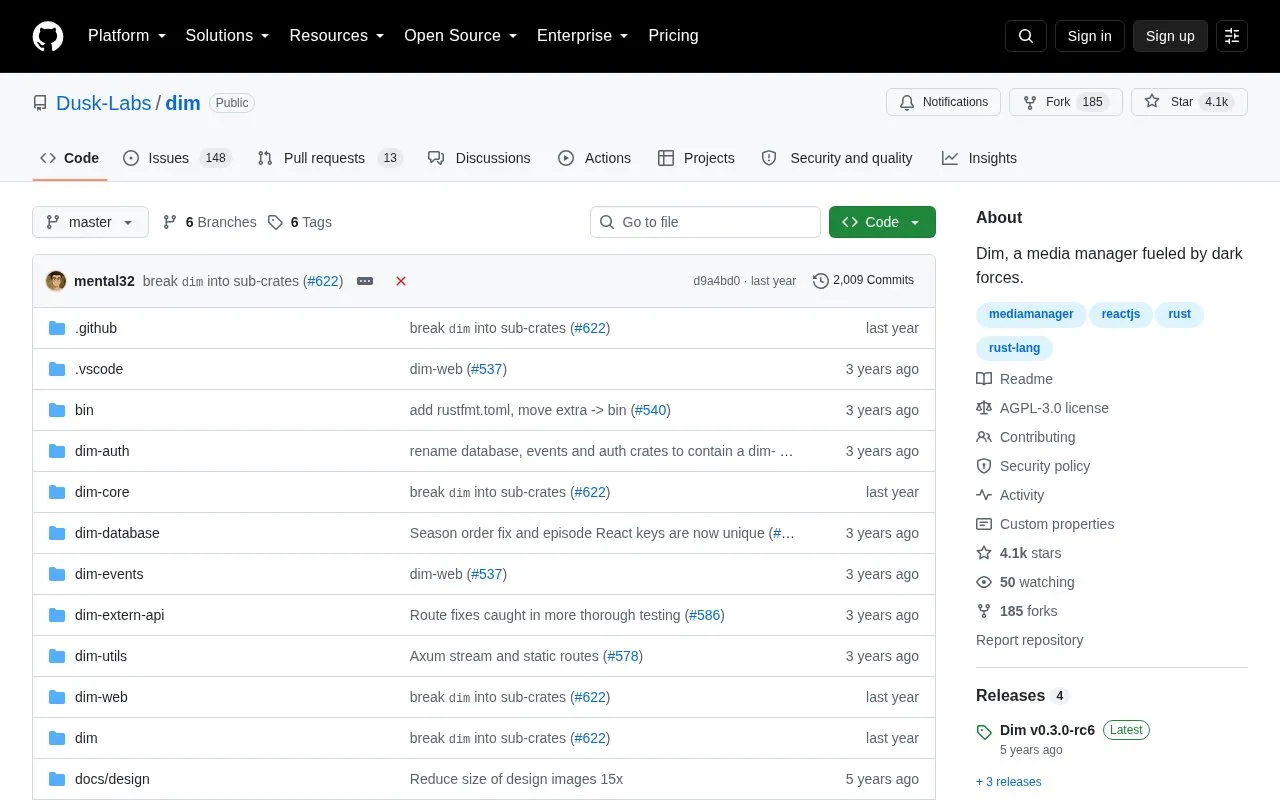
About Dim
Dim is a self-hosted media manager that organizes local media collections and lets users browse and play them through a browser-based web interface, which runs by default on port 8000. It can be deployed from prebuilt binaries, a Docker image, Docker Compose, or built from source, and configuration can be stored in a chosen directory. Hardware-accelerated playback on Linux is possible by mounting a render device such as /dev/dri/renderD128 into the container.
Key features
- Self-hosted media manager with a browser-based web UI
- Organizes local media collections for remote access and playback
- Runs from binaries, Docker, Docker Compose, or source
- Optional hardware acceleration by exposing a render device
- Mounts multiple host media directories into the container
- AGPLv3-licensed project written in Rust
Best for: People who want to run their own server to organize and stream a personal media collection.
Good for
- Open source under the AGPLv3 license
- Several deployment paths: binaries, Docker, Docker Compose, or source
- Supports hardware acceleration when a render device is made available
Watch out for
- Running from source requires installing sqlite, cargo, nightly rustc, yarn/npm, libssl-dev and ffmpeg
- Hardware acceleration via libva applies to Linux setups
Dim at a glance
- Website
- github.com/Dusk-Labs/dim
- Category
- Software & Utilities › Media Players & Servers
- Type
- Open-source project
- Pricing
- Not confirmed. Check the site
- Open source
- Yes · Source code
- Language
- English
- Last checked
- Oct 6, 2026 · Online when checked
- Listed
- Oct 5, 2026
Guides for Media Players & Servers
Dim alternatives
Tools and sites you could use instead, ranked by how closely they match.

Feishin provides a modern client for playing music from self-hosted services.
Open source
24 alternatives
Black Candy runs a self-hosted music streaming server for listening to a personal music collection.
Open source
24 alternatives
Streama offers a self-hosted streaming media server, with setup instructions and documentation linked from the project.
Open source
24 alternatives
Homehost streams a personal collection of movies, TV shows, and music across a home network as a self-hosted app.
Open source
24 alternatives
Swing Music is a self-hosted player for local audio files, according to its project description.
Open source
24 alternatives
Run a self-hosted virtual browser in Docker with Neko, which uses WebRTC.
Open source
24 alternativesPopular in Media Players & Servers
Well-known listings from the same topic.
Ampacheampache.orgAIMPaimp.ruXbox Kodiapps.microsoft.com/detail/9nblggh4t892Pasta Toolpastatool.comMuseeksmuseeks.ioCaracal Clubcaracal.club


Dim FAQ
How do I run Dim with Docker?
The documented command runs it on port 8000, stores configuration in $HOME/.config/dim, and mounts media directories, for example: docker run -d -p 8000:8000/tcp -v $HOME/.config/dim:/opt/dim/config -v /media:/media:ro ghcr.io/dusk-labs/dim:dev.
How do I access the web interface?
After starting Dim locally, the web UI is reachable in a browser at http://0.0.0.0:8000.
What license does Dim use?
Dim is licensed under the AGPLv3 license.
Is something wrong or out of date?
Tell us and an editor will check it.
Own this website?
Claim this listing
Claim the listing and suggest updates yourself. An editor checks every claim first.