

Homehost
Homehost streams a personal collection of movies, TV shows, and music across a home network as a self-hosted app.
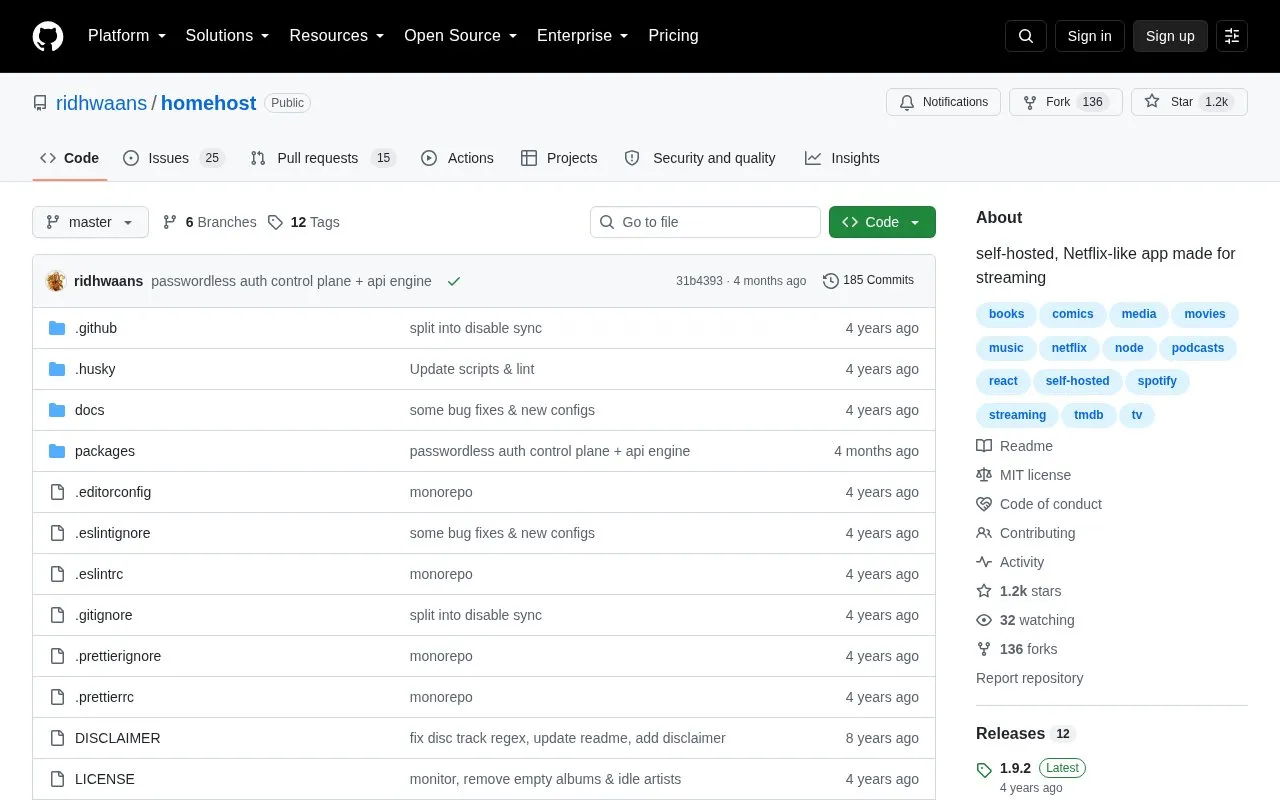
About Homehost
Homehost is an open-source, self-hosted web app for streaming a personal collection of movies, TV shows and music over a home network. It scans configured media folders, builds a local database of the files it finds, and serves a browser interface with browsing, search and detail pages per title.
Key features
- Streams local movies, TV shows and music over a home network
- Browses by genre, popularity, rating and recently added, with search
- Scans media paths and stores files in a SQLite database
- Continuously records media that is added, moved or removed while running
- REST endpoints for library stats, movies, TV, music and search
- Docker Compose file plus npm scripts for setup and running
Best for: People who keep their own movie, TV and music files and want to stream them to devices on their home network.
Good for
- Open source under the MIT License
- Covers movies, TV shows and music in one application
- Keeps the library database updated as files change
Watch out for
- Setup requires a TMDb API key and Spotify Web API credentials
- Files must follow naming conventions that embed TMDb or Spotify IDs
- Interface works best in Chrome; desktop, iOS and Android are listed as forthcoming
Homehost at a glance
- Category
- Software & Utilities › Media Players & Servers
- Type
- Open-source project
- Pricing
- Not confirmed. Check the site
- Open source
- Yes · Source code
- Language
- English
- Last checked
- Oct 5, 2026 · Online when checked
- Listed
- Oct 5, 2026
Guides for Media Players & Servers
Homehost alternatives
Tools and sites you could use instead, ranked by how closely they match.

Black Candy runs a self-hosted music streaming server for listening to a personal music collection.
Open source
24 alternatives
Kyoo runs as a self-hosted server for movies, series, and anime, with automatic scanning and metadata matching.
Open source
24 alternatives
Streama offers a self-hosted streaming media server, with setup instructions and documentation linked from the project.
Open source
24 alternatives
Swing Music is a self-hosted player for local audio files, according to its project description.
Open source
24 alternatives
Feishin provides a modern client for playing music from self-hosted services.
Open source
24 alternatives
Run a self-hosted virtual browser in Docker with Neko, which uses WebRTC.
Open source
24 alternativesPopular in Media Players & Servers
Well-known listings from the same topic.
Ampacheampache.orgAIMPaimp.ruXbox Kodiapps.microsoft.com/detail/9nblggh4t892Pasta Toolpastatool.comMuseeksmuseeks.ioCaracal Clubcaracal.club


Homehost FAQ
What API credentials does Homehost need?
Setup requires a TMDb API key and a Spotify Web API client ID and secret, requested from those providers.
How must media files be named?
Movie files include the TMDb movie ID; TV episodes sit in a show directory tagged with the TMDb show ID and use SxxExx naming; music goes in album folders tagged with a Spotify album ID, with non-Spotify tracks placed in a folder titled Unknown Album.
How is the application run?
Install packages, set environment variables for API keys, media paths and client URL, run database migrations, then npm run start; the server defaults to port 5000 and the client to port 3000, and a production start script is also provided.
Is something wrong or out of date?
Tell us and an editor will check it.
Own this website?
Claim this listing
Claim the listing and suggest updates yourself. An editor checks every claim first.