

DockSTARTer
DockSTARTer helps configure a system for running apps in Docker, with setup guidance and options to use it as a starting point for Docker configuration.
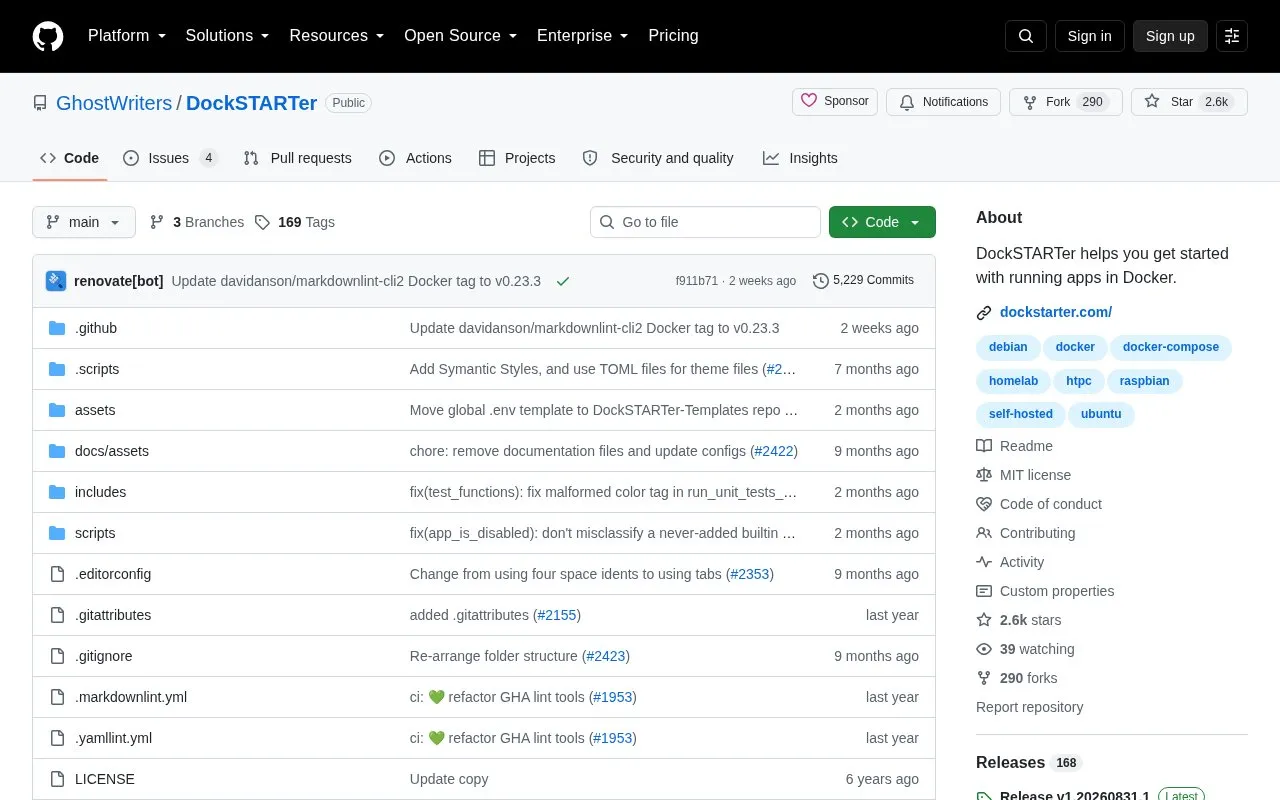
About DockSTARTer
DockSTARTer is an open source project hosted on GitHub that helps users set up a system to run applications in Docker. Its stated goal is to make it quick and easy to get started with Docker. Users can rely on it to make changes to their Docker system, or use it as a starting point and learn more advanced configuration over time.
The project provides one-line install scripts for several Linux distributions (Alpine, Debian, Ubuntu, Fedora, Arch-based systems, and CentOS) and for macOS through Homebrew. After installation, the ds command opens a main menu. Selecting Configuration and then Full Setup guides the user through choosing apps and starting containers. The project's own documentation notes that the standard install method downloads its initial script in a way that has some known risks, and it offers a manual git clone alternative for users who are concerned about this. Installation requires a supported platform and a non-root user with sudo permissions. Raspbian and macOS require additional steps, and OpenMediaVault requires separate instructions that are linked from the project.
Key features
- Guided Full Setup menu that walks through selecting apps and starting containers
- One-line install scripts for Alpine, Debian, Ubuntu, Fedora, Arch-based, and CentOS systems
- Homebrew-based installation steps for macOS
- Alternate manual install using git clone, for users concerned about the standard script download
- Ready-to-use ds command that opens the main menu after installation
- Support channels including a Discord server and a Support Page
Best for: People who want a guided starting point for running apps in Docker on a supported Linux or macOS system, including self-hosters who are new to Docker.
Good for
- Open source, with the source code available in a public GitHub repository
- Guided menu that helps select apps and start containers without manual setup of each one
- Offers a manual install path for users who want to avoid the standard script download
Watch out for
- Requires a supported platform and a non-root user with sudo permissions
- macOS requires extra steps, including enabling Docker Desktop at sign-in and approving keychain permissions
- The standard install method carries risks that the project itself describes
DockSTARTer at a glance
- Category
- Software & Utilities › Media Players & Servers
- Type
- Open-source project
- Pricing
- Not confirmed. Check the site
- Open source
- Yes · Source code
- Language
- English
- Last checked
- Oct 6, 2026 · Online when checked
- Listed
- Oct 5, 2026
Guides for Media Players & Servers
DockSTARTer alternatives
Tools and sites you could use instead, ranked by how closely they match.

Run a self-hosted virtual browser in Docker with Neko, which uses WebRTC.
Open source
24 alternatives
Streama offers a self-hosted streaming media server, with setup instructions and documentation linked from the project.
Open source
24 alternatives
Swing Music is a self-hosted player for local audio files, according to its project description.
Open source
24 alternatives
Kyoo runs as a self-hosted server for movies, series, and anime, with automatic scanning and metadata matching.
Open source
24 alternatives
Airsonic-refix provides a modern web interface for Subsonic-compatible music servers.
Open source
24 alternatives
Gonic streams music through a server implementing the Subsonic API as free software.
Open source
24 alternativesPopular in Media Players & Servers
Well-known listings from the same topic.
Ampacheampache.orgAIMPaimp.ruXbox Kodiapps.microsoft.com/detail/9nblggh4t892Pasta Toolpastatool.comMuseeksmuseeks.ioCaracal Clubcaracal.club


DockSTARTer FAQ
Can I run DockSTARTer as the root user?
No. The project requires you to be logged in as a non-root user with sudo permissions.
What do I do after installing DockSTARTer?
Run the ds command to open the main menu. Select Configuration and then Full Setup to be guided through selecting apps and starting containers.
Where can I get help?
The project offers support on Discord, and additional information is available on its Support Page.
Is something wrong or out of date?
Tell us and an editor will check it.
Own this website?
Claim this listing
Claim the listing and suggest updates yourself. An editor checks every claim first.