

Ledfx
LedFx generates real-time audio effects for supported network-connected LED devices.
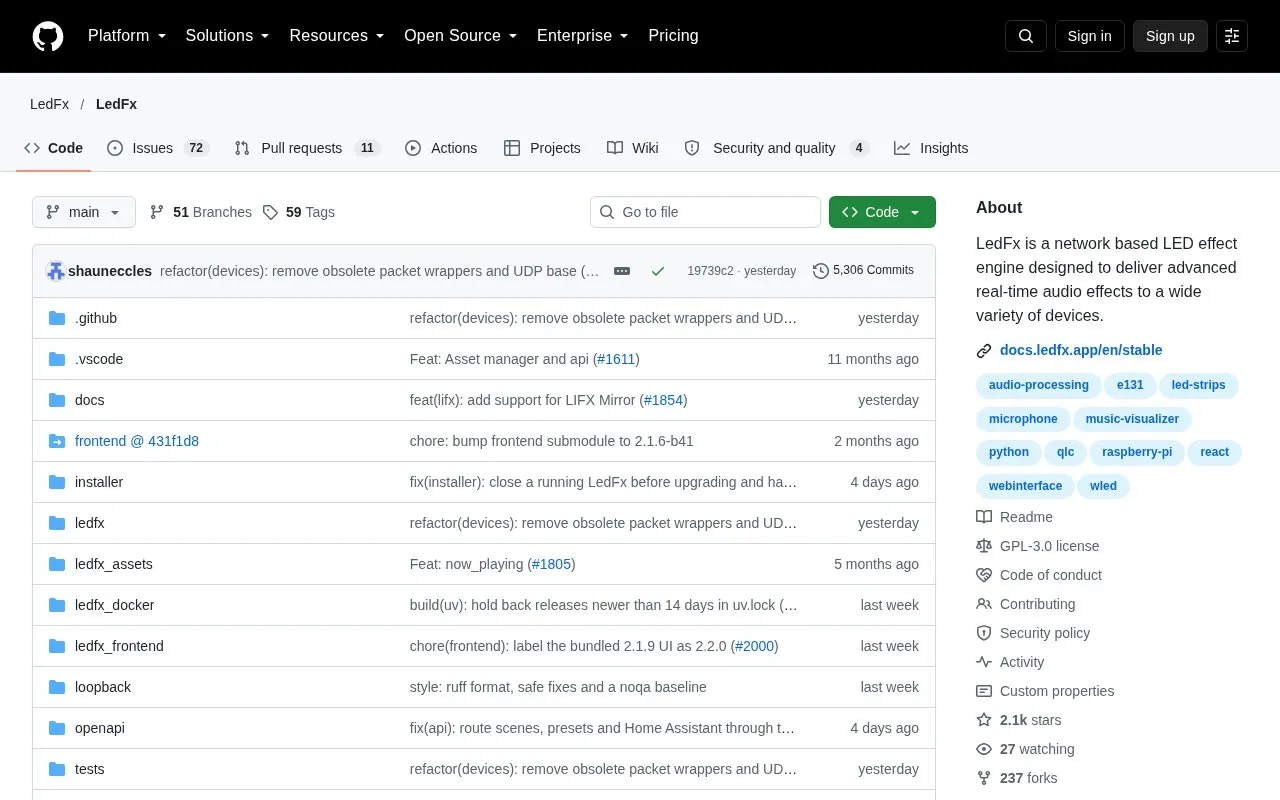
About Ledfx
LedFx is an open-source, network-based LED effect engine. It takes audio input and processes it in real time into light effects for multiple LED strips and matrices. Its supported devices are network-connected units such as ESP8266 and ESP32 nodes and Raspberry Pi 4 boards. According to the source, it can control several devices at once, including low-cost ESP8266 and ESP32 nodes, to produce synchronized effects across a home.
LedFx includes a browser-based interface for configuration, control and live visualisation, served on port 8888 by default. The project provides releases for Windows and Mac, and Linux users install it with pip, which may require some dependencies first. On Windows, LedFx attempts to listen to system audio by default. Linux and macOS audio setup is covered in separate instructions that are not summarized here. Building a networked LED strip is described as the hardest step of setup. Pricing is unknown.
Key features
- Converts live audio input into real-time LED light effects
- Controls network-connected ESP8266, ESP32 and Raspberry Pi 4 devices
- Controls multiple LED devices from one LedFx installation
- Browser-based interface for configuration, control and live visualisation
- Listens to system audio by default on Windows
- Installs on Windows and Mac from releases, and on Linux via pip
Best for: Hobbyists and home builders who want music-synchronized effects across networked LED strips, including low-cost WLED-style ESP8266 or ESP32 nodes.
Good for
- Open source, with the code available in a public repository
- Works with inexpensive ESP8266 and ESP32 nodes, according to the source
- Generates light effects from audio automatically, so users do not need to program each song
Watch out for
- Setup requires building a networked LED strip, which the source describes as the difficult step
- Linux installation may require installing some dependencies first
- Linux and macOS audio capture needs separate instructions beyond the default Windows setup
Ledfx at a glance
- Website
- github.com/ledfx/ledfx
- Category
- Software & Utilities › Media Players & Servers
- Type
- Open-source project
- Pricing
- Not confirmed. Check the site
- Open source
- Yes · Source code
- Language
- English
- Last checked
- Oct 6, 2026 · Online when checked
- Listed
- Oct 5, 2026
Guides for Media Players & Servers
Ledfx alternatives
Tools and sites you could use instead, ranked by how closely they match.

DockSTARTer helps configure a system for running apps in Docker, with setup guidance and options to use it as a starting point for Docker configuration.
Open source
24 alternatives
LedFx drives real-time audio effects on network-connected LED devices.

Dispatcharr describes itself as a companion for managing IPTV and streams.
Open source
24 alternatives
ytdl-sub automates media downloads and metadata generation with yt-dlp.
Open source
24 alternatives
Kyoo runs as a self-hosted server for movies, series, and anime, with automatic scanning and metadata matching.
Open source
24 alternatives
Synchronize subtitles automatically for mpv with AutoSubSync MPV, which lists ffsubsync and alass as supported backends.
Open source
24 alternativesPopular in Media Players & Servers
Well-known listings from the same topic.
Ampacheampache.orgAIMPaimp.ruXbox Kodiapps.microsoft.com/detail/9nblggh4t892Pasta Toolpastatool.comMuseeksmuseeks.ioCaracal Clubcaracal.club


Ledfx FAQ
Which devices does LedFx work with?
The source names network-connected devices such as ESP8266 and ESP32 nodes and Raspberry Pi 4 boards. Its example setup uses an ESP8266 running WLED to drive an addressable LED strip.
How do I install LedFx?
The source says Windows and Mac users should use the releases page. Linux users can install it with pip, though some dependencies may need to be installed first.
How is the LedFx interface accessed?
The browser-based interface runs on port 8888 by default and can be opened at http://localhost:8888 or http://127.0.0.1:8888.
Is something wrong or out of date?
Tell us and an editor will check it.
Own this website?
Claim this listing
Claim the listing and suggest updates yourself. An editor checks every claim first.