

AutoSubSync MPV
Synchronize subtitles automatically for mpv with AutoSubSync MPV, which lists ffsubsync and alass as supported backends.
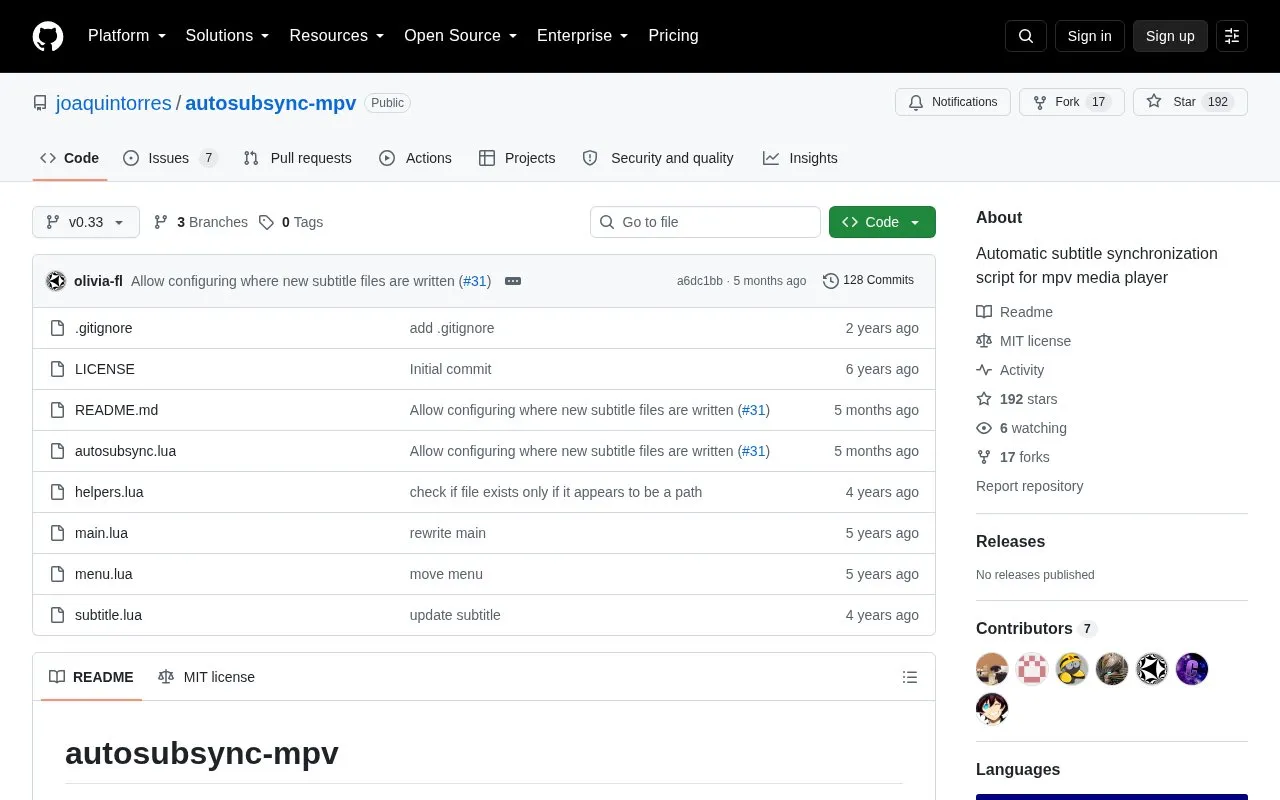
About AutoSubSync MPV
AutoSubSync MPV is an open source script for the mpv media player that synchronizes out-of-sync subtitles automatically. It runs external retiming tools, ffsubsync and alass, and is listed as supporting GNU/Linux and Windows. Users install the script into the mpv scripts folder and need mpv v0.33 or higher and FFmpeg.
The script can run without configuration if it works out of the box. Optional settings let users set paths to the executables, choose a preferred retiming tool, and control whether the original subtitle is unloaded or overwritten. Retiming can be slow: according to the author, ffsubsync can take about 20 to 30 seconds, and up to about 2 minutes with a very large file on a lower-end computer. Sync results also depend on the subtitle and the retiming tool, and the author notes that subtitles with extra text or made for a different version of the video may not sync properly.
Key features
- Automatic subtitle retiming within mpv using ffsubsync or alass backends
- Press n to start synchronizing an out-of-sync subtitle
- Configurable preferred tool for syncing to audio or to another subtitle
- Option to unload the original subtitle track after retiming
- Option to overwrite the original subtitle file with the retimed version
- Saves retimed subtitles with a _retimed suffix, optionally to a chosen directory
Best for: Users of the mpv media player on GNU/Linux or Windows who want to fix subtitle timing without editing subtitle files by hand.
Good for
- Open source under the MIT license
- Supports both ffsubsync and alass as retiming backends
- Configuration is optional if the default setup works
Watch out for
- Retiming can take 20 to 30 seconds, and longer on large files or slower computers
- Subtitles with extra text or made for a different version of the video may not sync properly
- Requires mpv v0.33 or higher, and FFmpeg must be installed; Windows users must install FFmpeg manually
AutoSubSync MPV at a glance
- Category
- Software & Utilities › Media Players & Servers
- Type
- Open-source project
- Pricing
- Not confirmed. Check the site
- Platforms
- Linux, Windows
- Open source
- Yes · Source code
- Language
- English
- Last checked
- Oct 6, 2026 · Online when checked
- Listed
- Oct 5, 2026
Guides for Media Players & Servers
AutoSubSync MPV alternatives
Tools and sites you could use instead, ranked by how closely they match.

VideoClip creates video and audio clips with mpv, saving them as MP4 or WebM and allowing subtitles to be embedded.
Open source
24 alternatives
LedFx generates real-time audio effects for supported network-connected LED devices.
Open source
24 alternatives
CatNip provides a terminal audio visualizer for Linux, Unix, macOS, and Windows.
Open source
24 alternatives
Watch videos in sync with friends using SyncWatch, a browser extension that lists support for Firefox, Chrome, and Opera.
Open source
24 alternatives
DockSTARTer helps configure a system for running apps in Docker, with setup guidance and options to use it as a starting point for Docker configuration.
Open source
24 alternatives
mpv-autosub automatically downloads subtitles when opening a video if suitable subtitles are not already present.
Open source
24 alternativesPopular in Media Players & Servers
Well-known listings from the same topic.
Ampacheampache.orgAIMPaimp.ruXbox Kodiapps.microsoft.com/detail/9nblggh4t892Pasta Toolpastatool.comMuseeksmuseeks.ioCaracal Clubcaracal.club


AutoSubSync MPV FAQ
Which retiming tools does AutoSubSync MPV support?
The repository lists ffsubsync and alass as supported backends. Users install the one they prefer, or both, and can set which one to use.
What is required before installing the script?
mpv v0.33 or higher and FFmpeg must be installed. On Windows, FFmpeg must be installed manually. A retiming tool such as ffsubsync or alass is also needed.
Does the script replace the original subtitle file?
By default, it creates a new subtitle file with a _retimed suffix in the same folder as the original. An option is available to overwrite the original file instead.
Is something wrong or out of date?
Tell us and an editor will check it.
Own this website?
Claim this listing
Claim the listing and suggest updates yourself. An editor checks every claim first.