

VideoClip
VideoClip creates video and audio clips with mpv, saving them as MP4 or WebM and allowing subtitles to be embedded.
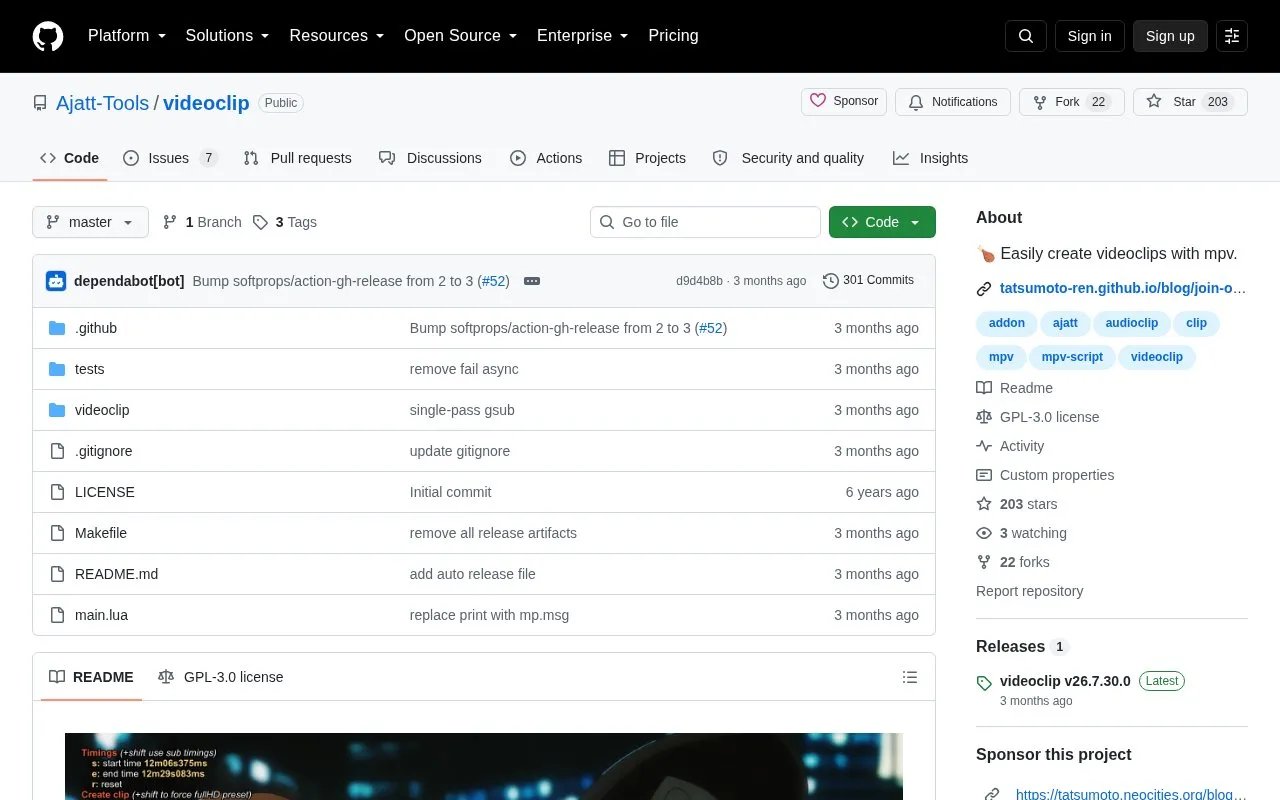
About VideoClip
VideoClip is an mpv user script that creates video and audio clips from a file open in mpv. Clips are saved as .mp4 or .webm, and visible subtitles are embedded unless turned off.
It requires mpv to be installed and available in PATH, with the script placed in the mpv scripts directory. Clips are made from an on-screen menu by setting a start point and an end point.
Key features
- Create video and audio clips from files open in mpv
- Save clips as .mp4 or .webm files
- Embed visible subtitles into clips automatically
- Create silent clips by muting mpv audio
- Configure defaults via videoclip.conf file
- Change menu key binding via mpv input.conf
Best for: mpv users who want to cut short video or audio clips with keypresses.
Good for
- Creates both video and audio clips from mpv playback
- Saves clips as .mp4 or .webm with subtitle embedding
- Provides git, make, and manual installation options
Watch out for
- Requires mpv to be installed and in PATH
- Requires manual placement in mpv scripts directory
- Requires user to create config file for customization
VideoClip at a glance
- Category
- Software & Utilities › Media Players & Servers
- Type
- Open-source project
- Pricing
- Not confirmed. Check the site
- Platforms
- Linux
- Open source
- Yes · Source code
- Language
- English
- Last checked
- Oct 6, 2026 · Online when checked
- Listed
- Oct 5, 2026
Guides for Media Players & Servers
VideoClip alternatives
Tools and sites you could use instead, ranked by how closely they match.

Synchronize subtitles automatically for mpv with AutoSubSync MPV, which lists ffsubsync and alass as supported backends.
Open source
24 alternatives
CatNip provides a terminal audio visualizer for Linux, Unix, macOS, and Windows.
Open source
24 alternatives
Watch videos in sync with friends using SyncWatch, a browser extension that lists support for Firefox, Chrome, and Opera.
Open source
24 alternatives
LedFx generates real-time audio effects for supported network-connected LED devices.
Open source
24 alternatives
DockSTARTer helps configure a system for running apps in Docker, with setup guidance and options to use it as a starting point for Docker configuration.
Open source
24 alternatives
mpv-webm adds a simple WebM creation script to mpv without external dependencies.
Open source
24 alternativesPopular in Media Players & Servers
Well-known listings from the same topic.
Ampacheampache.orgAIMPaimp.ruXbox Kodiapps.microsoft.com/detail/9nblggh4t892Pasta Toolpastatool.comMuseeksmuseeks.ioCaracal Clubcaracal.club


VideoClip FAQ
How do I create a clip?
Open a file in mpv, press c to open the menu, set the start and end points, then press c to create the clip.
How do I create a clip without audio?
Mute audio in mpv before creating the clip; the default mute key is m.
How do I exclude subtitles from a clip?
Turn subtitles off in mpv before creating the clip; the default key is v. Visible subtitles are otherwise embedded automatically.
Is something wrong or out of date?
Tell us and an editor will check it.
Own this website?
Claim this listing
Claim the listing and suggest updates yourself. An editor checks every claim first.