

MPV WebM
mpv-webm adds a simple WebM creation script to mpv without external dependencies.
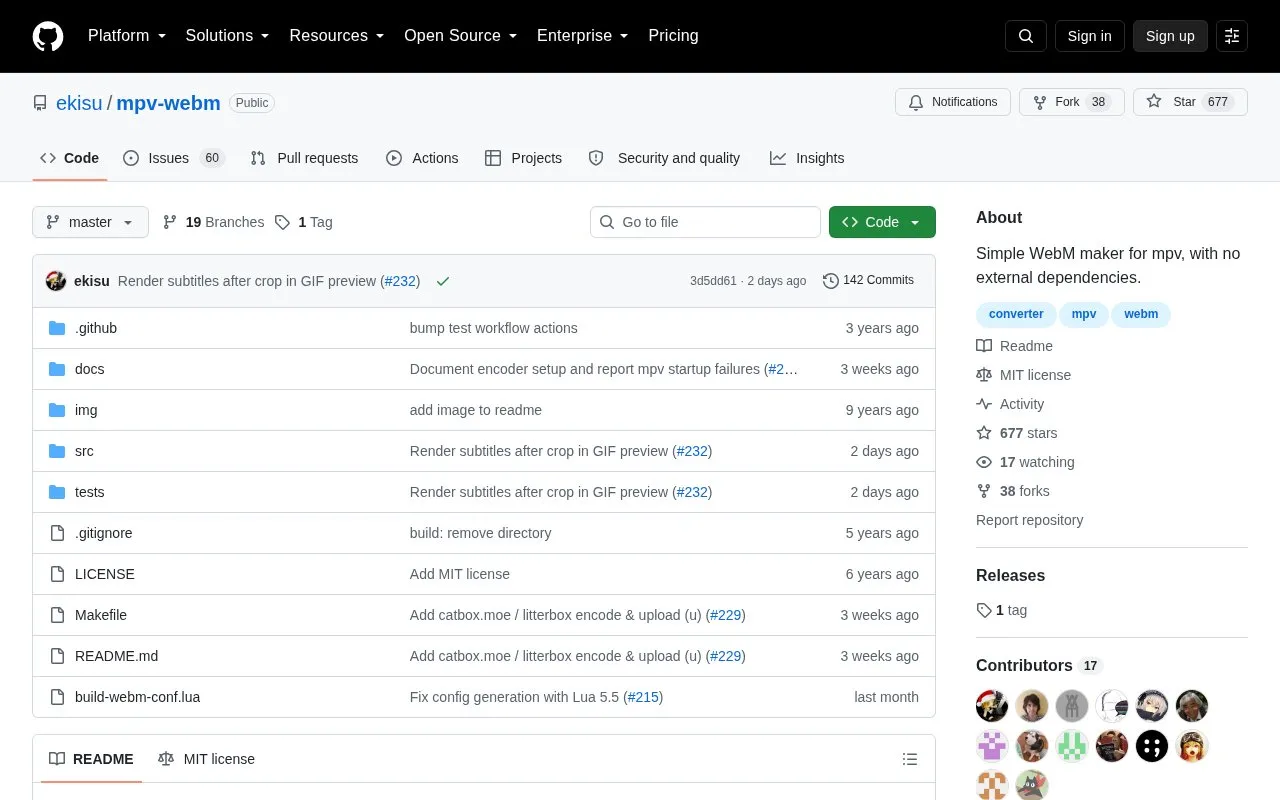
About MPV WebM
MPV WebM is a script for mpv that creates WebM clips from playback. It is activated with W (shift+w) and follows on-screen instructions. Encoded files include audio and subtitles based on current playback options.
Encoding runs as a separate mpv process, so mpv must be available on PATH. It can also encode and upload clips to Catbox or Litterbox using curl, with the resulting URL copied to the clipboard. Available encoders depend on the FFmpeg libraries used by the mpv build.
Key features
- Creates WebM clips from mpv with W key
- Encodes audio and subtitles based on playback options
- Encodes and uploads clips to Catbox or Litterbox
- Supports Litterbox expiry times of 1h, 12h, 24h or 72h
- Copies upload URL to clipboard after upload
- Stores default overrides in webm.conf in script-opts
Best for: People who use mpv and want to create WebM clips from what they are playing.
Good for
- Requires no external dependencies for WebM creation
- Uploads directly to Catbox or Litterbox and copies URL to clipboard
- Allows overriding defaults through webm.conf without setting every option
Watch out for
- Requires mpv executable on PATH, including for desktop launches
- Hides upload option when curl is not on PATH
- Available encoders depend on mpv build; separate ffmpeg install may not add codecs
MPV WebM at a glance
- Website
- github.com/ekisu/mpv-webm
- Category
- Software & Utilities › Media Players & Servers
- Type
- Open-source project
- Pricing
- Not confirmed. Check the site
- Platforms
- Linux, macOS, Windows
- Open source
- Yes · Source code
- Language
- English
- Last checked
- Oct 5, 2026 · Online when checked
- Listed
- Oct 5, 2026
Guides for Media Players & Servers
MPV WebM alternatives
Tools and sites you could use instead, ranked by how closely they match.

VideoClip creates video and audio clips with mpv, saving them as MP4 or WebM and allowing subtitles to be embedded.
Open source
24 alternatives
Museeks provides a cross-platform music player with a simple interface, according to its project description.
Open source
24 alternatives
Flower’s MPV Config provides mpv settings for movies, TV, and anime, with scripts that include a manga reader and playback tools.
Open source
24 alternatives
Extensions for PotPlayer to watch Twitch streams without streamlinks or any crap.
Open source
24 alternatives
ImPlay offers cross-platform desktop media playback built on mpv and ImGui, with scripting and command-line options.
Open source
24 alternatives
ThumbFast generates on-the-fly thumbnails for mpv and is designed to work alongside an interface script.
Open source
24 alternativesPopular in Media Players & Servers
Well-known listings from the same topic.
Ampacheampache.orgAIMPaimp.ruXbox Kodiapps.microsoft.com/detail/9nblggh4t892Pasta Toolpastatool.comMuseeksmuseeks.ioCaracal Clubcaracal.club


MPV WebM FAQ
How do I start making a WebM clip?
Press W (shift+w) in mpv and follow the on-screen instructions.
Where do I install the script?
Place it in the mpv scripts folder: ~/.config/mpv/scripts on Linux/macOS, or %APPDATA%\mpv\scripts and related script folders on Windows.
Which upload destinations are supported?
Catbox for permanent uploads or Litterbox for temporary uploads with 1h, 12h, 24h or 72h expiry. Only Catbox services are supported.
Is something wrong or out of date?
Tell us and an editor will check it.
Own this website?
Claim this listing
Claim the listing and suggest updates yourself. An editor checks every claim first.