

ModernZ
ModernZ adds features to an mpv on-screen controller and is a fork of ModernX that retains mpv’s controller standards.
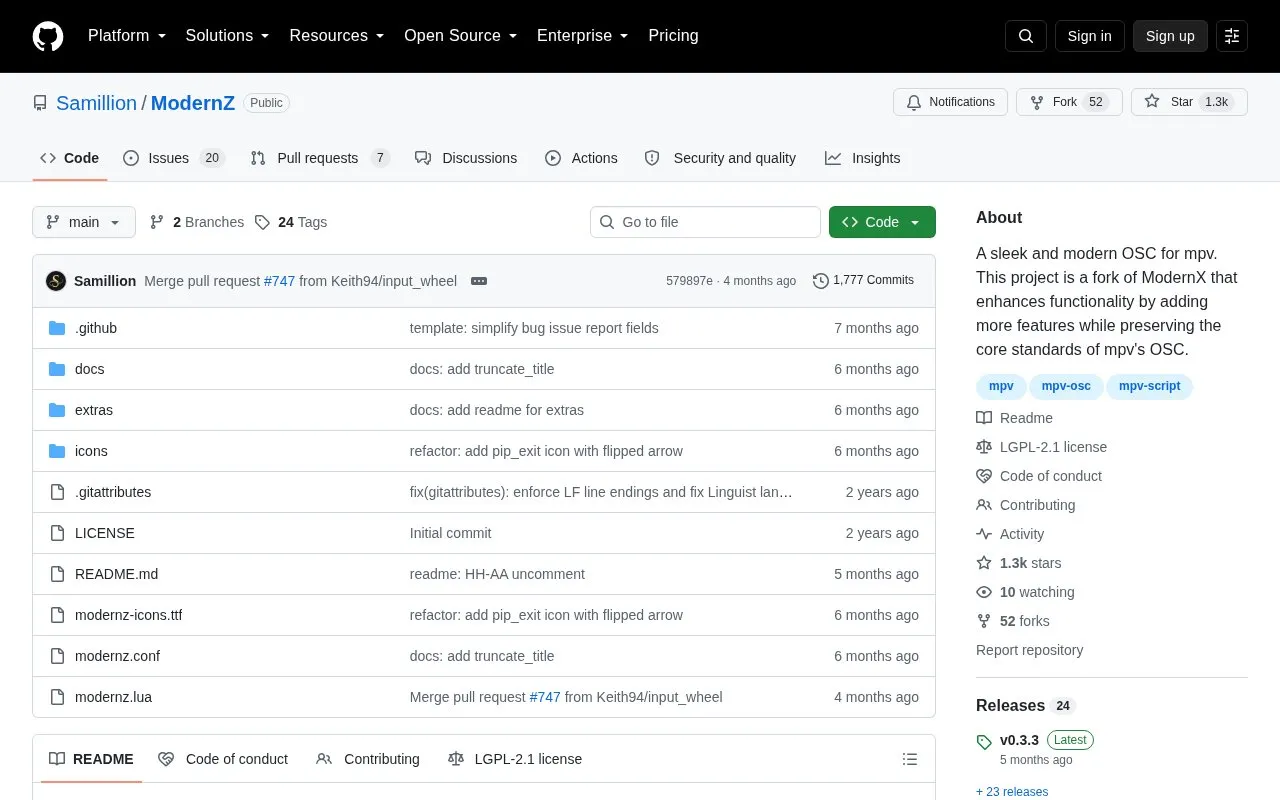
About ModernZ
ModernZ is an open source on-screen controller for mpv, forked from ModernX. It is installed as mpv script and configuration files and is used instead of the stock OSC.
It provides selectable layouts, icon themes and colors, menus for playlists, subtitles, chapters and audio settings, and buttons for functions such as loop, shuffle and screenshots. Installation requires disabling the stock OSC with osc=no and placing files in mpv folders; thumbnail previews need the separate thumbfast script, and no keybinds are set by default.
Key features
- On-screen controller for mpv with top and bottom bars
- Layout options including default, compact, mini, seekbar
- Fluent and material icon themes with mixed, filled, outline styles
- Interactive menus for playlist, subtitles, chapters, audio tracks, devices
- Image viewer mode with zoom controls
- Video thumbnail previews when used with thumbfast
Best for: mpv users who want a configurable on-screen controller with different layouts and menus.
Good for
- Retains core mpv OSC standards while adding options
- Settings for layouts, icon themes, seek bar, chapter markers and colors
- Documents configuration paths for Linux, Windows and macOS
Watch out for
- Requires manual setup including disabling stock OSC and copying files
- Thumbnail previews depend on installing the separate thumbfast script
- Does not set keybinds by default; users add them in input.conf
ModernZ at a glance
- Website
- github.com/Samillion/ModernZ
- Category
- Software & Utilities › Media Players & Servers
- Type
- Open-source project
- Pricing
- Not confirmed. Check the site
- Open source
- Yes · Source code
- Language
- English
- Last checked
- Oct 5, 2026 · Online when checked
- Listed
- Oct 5, 2026
Guides for Media Players & Servers
ModernZ alternatives
Tools and sites you could use instead, ranked by how closely they match.

uosc adds a proximity-based on-screen interface to the mpv media player.
Open source
24 alternatives
This GLSL shader predicts chroma from luma using a linear regression method and combines it with a standard resampling filter.
Open source
24 alternatives
mpv-webm adds a simple WebM creation script to mpv without external dependencies.
Open source
24 alternatives
H5player enhances audio and video playback on websites, with listed features including playback speed controls, screen capture, and downloads.
Open source
24 alternatives
Tethys replaces mpv’s built-in on-screen controller with a themed interface that includes thumbnail previews and a picture-in-picture button.

This Ansible playbook automates a home media server stack running in Docker, with options including GPU acceleration and SSL.
Open source
24 alternativesPopular in Media Players & Servers
Well-known listings from the same topic.
Ampacheampache.orgAIMPaimp.ruXbox Kodiapps.microsoft.com/detail/9nblggh4t892Pasta Toolpastatool.comMuseeksmuseeks.ioCaracal Clubcaracal.club


ModernZ FAQ
How do I disable the stock mpv controller to use ModernZ?
Add osc=no in mpv.conf before installing the ModernZ files.
Where do the ModernZ files go?
Place modernz.lua in the scripts folder, modernz-icons.ttf in the fonts folder, and modernz.conf in the script-opts folder inside the mpv directory.
Does ModernZ set keyboard shortcuts automatically?
No. It does not set keybinds by default to avoid interfering with existing setup; keybinds can be added in input.conf.
Is something wrong or out of date?
Tell us and an editor will check it.
Own this website?
Claim this listing
Claim the listing and suggest updates yourself. An editor checks every claim first.