

H5player
H5player enhances audio and video playback on websites, with listed features including playback speed controls, screen capture, and downloads.
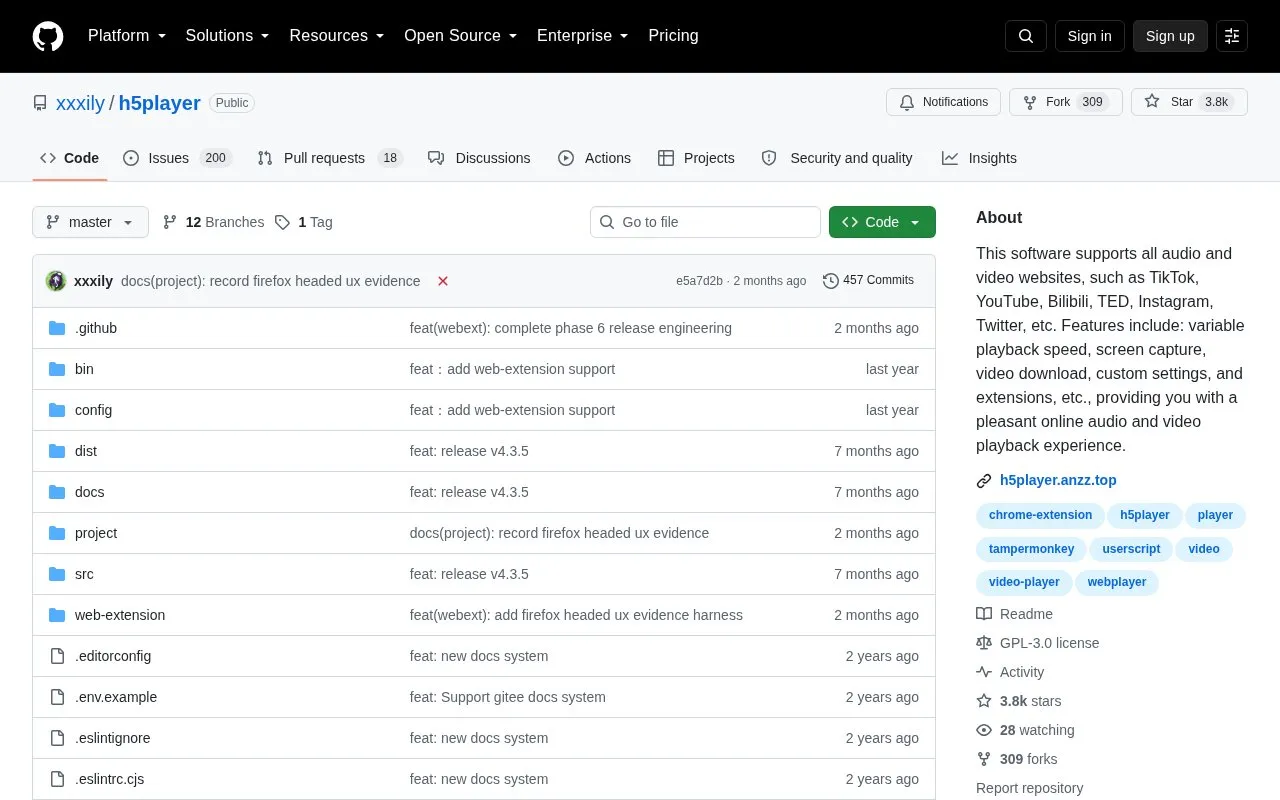
About H5player
H5player is an open-source user script hosted on GitHub that enhances HTML5 audio and video playback in the browser. It is installed through the Tampermonkey browser extension and works on webpages that contain video tags, including embedded iframes, with listed compatibility for sites such as YouTube, TikTok, Bilibili, TED, Instagram, and Twitter.
With the script installed, you can use keyboard shortcuts to control playback, change playback speed, fast-forward or rewind, use picture-in-picture and webpage fullscreen, zoom video, take screenshots, adjust brightness, saturation and contrast, track progress, and save audio or video files for offline use. It also supports speed memory, multi-instance control, live stream extraction, and custom configurations for added functions.
It suits people who regularly watch online videos, tutorials, or courses and want more playback control than standard site players provide. Installation requires first installing Tampermonkey, so it fits users comfortable with browser extensions and user scripts.
Key features
- Variable playback speed control with speed memory
- Keyboard shortcuts for fast-forward, rewind and playback
- Video screenshot capture
- Picture-in-picture mode with cross-tab control
- Webpage fullscreen, video zoom and image adjustment
- Offline storage of audio and video files
Best for: People who watch web video, tutorials, or courses and want keyboard-based playback control across many sites.
Good for
- Works on many H5 video websites
- Open source repository with documentation
- Keyboard shortcuts and custom configurations
- Picture-in-picture, screenshots and offline storage
Watch out for
- Requires Tampermonkey extension before installation
- Installed as user script, not a standalone app
H5player at a glance
- Website
- github.com/xxxily/h5player
- Category
- Software & Utilities › Media Players & Servers
- Type
- Open-source project
- Pricing
- Not confirmed. Check the site
- Open source
- Yes · Source code
- Language
- English
- Last checked
- Oct 5, 2026 · Online when checked
- Listed
- Oct 5, 2026
Guides for Media Players & Servers
H5player alternatives
Tools and sites you could use instead, ranked by how closely they match.

Watch videos in sync with friends using SyncWatch, a browser extension that lists support for Firefox, Chrome, and Opera.
Open source
24 alternatives
Metastream synchronizes streaming media across Chromium and Firefox, with sessions, chat, a shared queue, and host-managed playback permissions.

ff2mpv adds a browser action for opening the current page URL or a selected link in the mpv media player.

Nagi plays local music collections on Windows, with a focus on speed and simple operation.
Open source
24 alternatives
Jellyfin Desktop is a desktop client built with Qt WebEngine and libmpv, with downloads listed for Windows, macOS, and Linux.
Open source
24 alternatives
ModernZ adds features to an mpv on-screen controller and is a fork of ModernX that retains mpv’s controller standards.
Open source
24 alternativesPopular in Media Players & Servers
Well-known listings from the same topic.
Ampacheampache.orgAIMPaimp.ruXbox Kodiapps.microsoft.com/detail/9nblggh4t892Pasta Toolpastatool.comMuseeksmuseeks.ioCaracal Clubcaracal.club


H5player FAQ
What is H5player?
H5player is an open-source user script that enhances HTML5 audio and video playback in the browser.
How do I install H5player?
Install the Tampermonkey browser extension first, then install the h5player.user.js script from the repository links.
Which websites does H5player work with?
It works on webpages with video tags, including listed sites such as YouTube, TikTok, Bilibili, TED, Instagram, and Twitter.
Can H5player download video and audio?
Yes, the repository lists offline storage of video and audio files and live video stream extraction.
Is something wrong or out of date?
Tell us and an editor will check it.
Own this website?
Claim this listing
Claim the listing and suggest updates yourself. An editor checks every claim first.