

ff2mpv
ff2mpv adds a browser action for opening the current page URL or a selected link in the mpv media player.
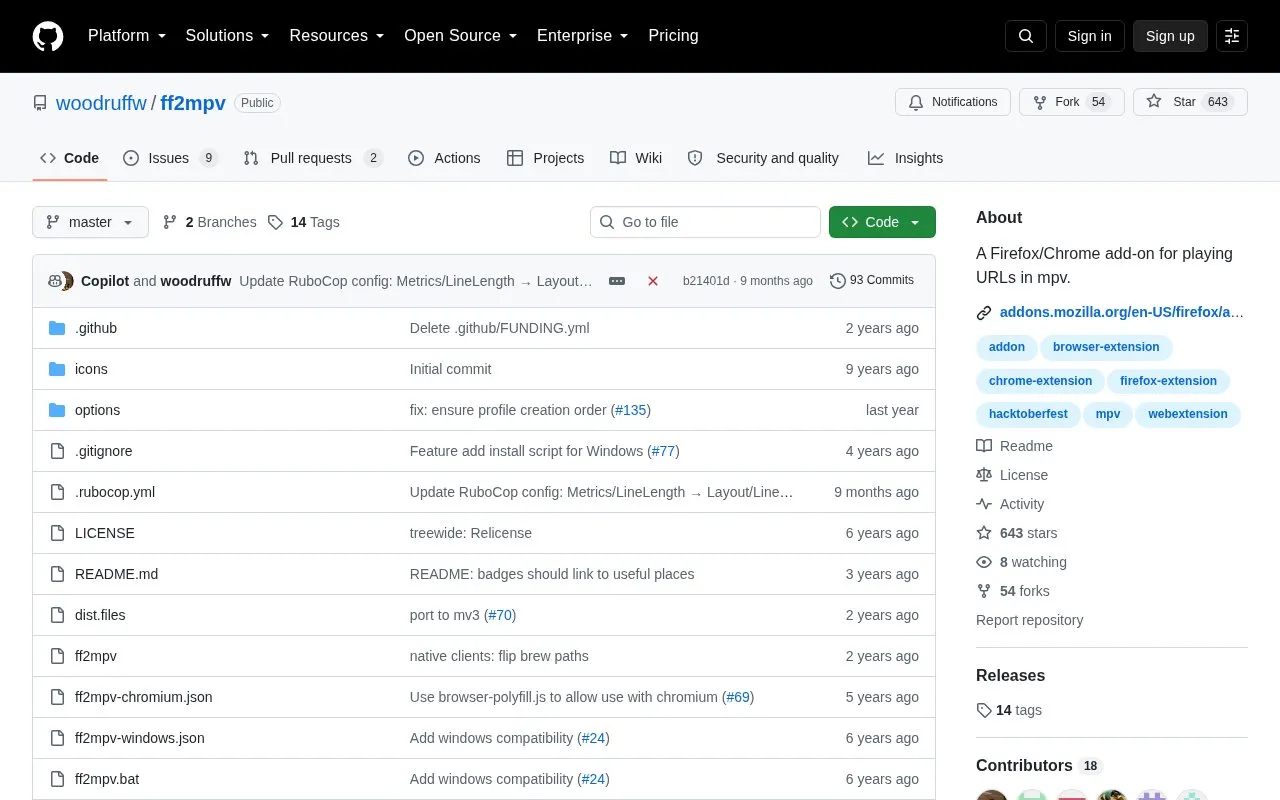
About ff2mpv
ff2mpv is a browser extension for playing URLs in the mpv media player. Clicking its toolbar icon sends the current page URL to mpv, and a right-click menu option labeled "Play in MPV" sends a selected link.
Use requires installing the browser add-on and a separate native host component, with separate setup steps for Linux, macOS, and Windows. The native host must also be updated when the add-on is updated.
Key features
- Play current page URL in mpv from toolbar button
- Play selected link via "Play in MPV" context menu
- Works with Firefox, Chrome, and other related browsers
- Provides setup paths for Linux, macOS, and Windows
- Offers community-maintained native clients in Rust and Go
Best for: People who prefer watching web video URLs in the mpv player instead of the browser.
Good for
- Supports both current-page playback and individual link playback
- Works across Firefox, Chrome, and other Firefox or Chromium-based browsers
- Documents separate installation steps for Linux, macOS, and Windows
Watch out for
- Requires installing and configuring a separate native host component
- Native host must be updated whenever the add-on is updated
ff2mpv at a glance
- Website
- github.com/woodruffw/ff2mpv
- Category
- Software & Utilities › Media Players & Servers
- Type
- Open-source project
- Pricing
- Not confirmed. Check the site
- Platforms
- Browser extension, Linux, macOS, Windows
- Open source
- Not stated
- Language
- English
- Last checked
- Oct 5, 2026 · Online when checked
- Listed
- Oct 5, 2026
Guides for Media Players & Servers
ff2mpv alternatives
Tools and sites you could use instead, ranked by how closely they match.

Watch videos in sync with friends using SyncWatch, a browser extension that lists support for Firefox, Chrome, and Opera.
Open source
24 alternatives
Metastream synchronizes streaming media across Chromium and Firefox, with sessions, chat, a shared queue, and host-managed playback permissions.

H5player enhances audio and video playback on websites, with listed features including playback speed controls, screen capture, and downloads.
Open source
24 alternatives
FastStream replaces website video players with a custom browser player focused on buffering and accessibility features.

uView keeps supported online videos and local media visible in a small always-on-top window while you use other apps.

uosc adds a proximity-based on-screen interface to the mpv media player.
Open source
24 alternativesPopular in Media Players & Servers
Well-known listings from the same topic.
Ampacheampache.orgAIMPaimp.ruXbox Kodiapps.microsoft.com/detail/9nblggh4t892Pasta Toolpastatool.comMuseeksmuseeks.ioCaracal Clubcaracal.club


ff2mpv FAQ
How do I play a video with ff2mpv?
Click the toolbar icon to play the current URL, or right-click a specific link and choose "Play in MPV".
What is required after installing the add-on?
Follow the system installation directions for Linux, macOS, or Windows to set up the native host.
What should I do when the add-on updates?
Update the native host as well to keep the two parts in sync.
Is something wrong or out of date?
Tell us and an editor will check it.
Own this website?
Claim this listing
Claim the listing and suggest updates yourself. An editor checks every claim first.