

Screenbox
Screenbox provides media playback through LibVLC on Windows and Xbox consoles.
About Screenbox
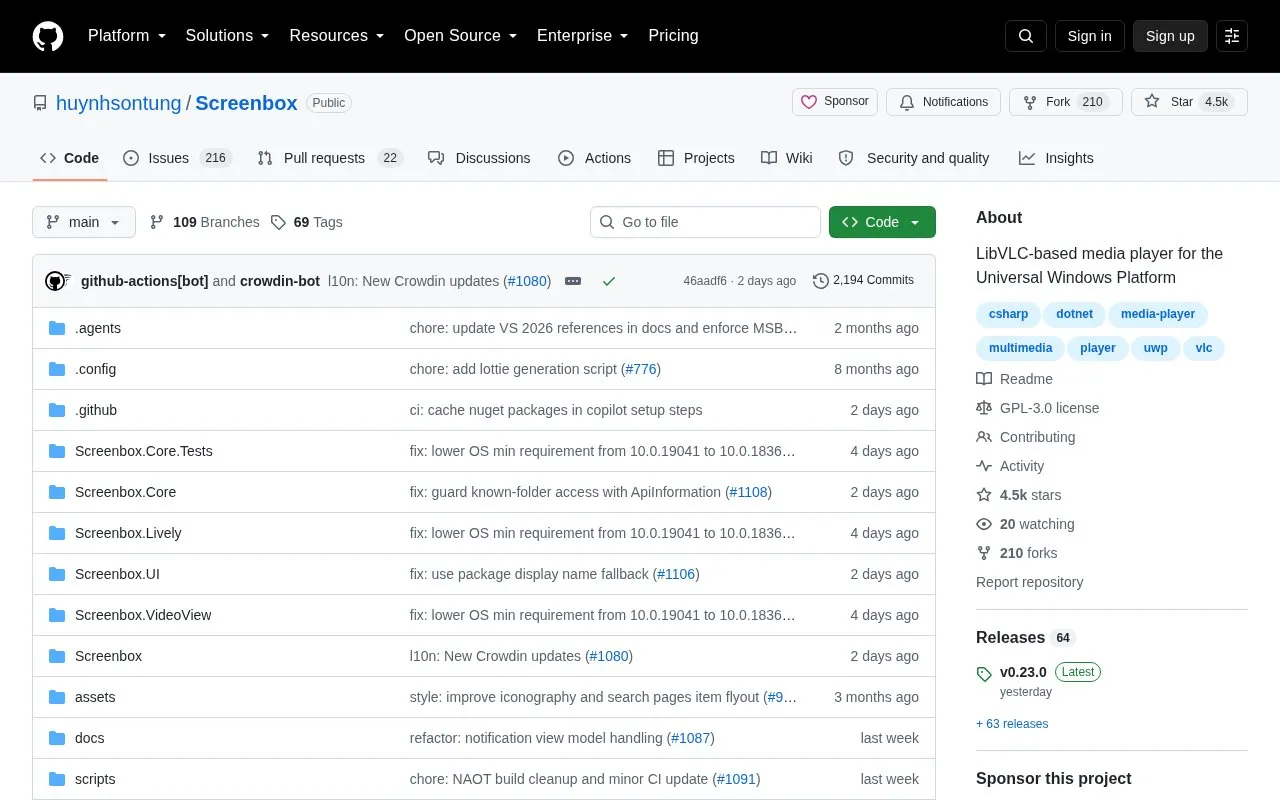
Screenbox is an open-source video player built on LibVLCSharp for the Universal Windows Platform. The project code, documentation, and issue tracking are hosted on GitHub under a GPL-3.0 license. It runs on Windows 10 version 1903 and up, Windows 11, and Xbox consoles.
You can use it to play video files and browse and play media over a network. It includes picture-in-picture mode, Chromecast support, and an option to save a video frame as an image. It also provides gesture controls for seeking and volume, hotkeys for playback, and number-row keys for window resizing. Installation is available through the Microsoft Store, which handles automatic updates, or through winget.
It suits people who watch video on Windows PCs or Xbox consoles and prefer an open-source LibVLC-based player. Developers and translators can also use the repository to review code, report issues, submit changes, or add localizations.
Key features
- Plays video using LibVLCSharp on Windows and Xbox
- Browse and play media over the network
- Picture-in-picture mode for video playback
- Chromecast support for playback
- Save video frame as an image
- Gesture and hotkey controls for playback
Best for: Windows PC and Xbox users who want an open-source LibVLC-based video player.
Good for
- Open source under GPL-3.0 license
- Runs on Windows 10, Windows 11, and Xbox
- Install via Microsoft Store or winget
- Supports network playback and Chromecast
Watch out for
- Only available on Windows and Xbox consoles
- Requires Windows 10 version 1903 or newer
Screenbox at a glance
- Category
- Software & Utilities › Media Players & Servers
- Type
- Open-source project
- Pricing
- Not confirmed. Check the site
- Platforms
- Windows
- Open source
- Yes · Source code
- Language
- English
- Last checked
- Oct 5, 2026 · Online when checked
- Listed
- Oct 5, 2026
Guides for Media Players & Servers
Screenbox alternatives
Tools and sites you could use instead, ranked by how closely they match.

Rise Media Player brings together playback for videos, music, discs, and streaming services in a WinUI application.
Open source
24 alternatives
MPC-QT reimplements much of the Media Player Classic interface with Qt and uses libmpv for video playback.
Open source
24 alternatives
Flower’s MPV Config provides mpv settings for movies, TV, and anime, with scripts that include a manga reader and playback tools.
Open source
24 alternatives
ImPlay offers cross-platform desktop media playback built on mpv and ImGui, with scripting and command-line options.
Open source
24 alternatives
Syncplay synchronizes playback position and play state across media players such as mpv, VLC, MPC-HC, and MPC-BE over the internet.
Open source
24 alternatives
Snapcast synchronizes audio playback across rooms, according to its project description.
Open source
24 alternativesPopular in Media Players & Servers
Well-known listings from the same topic.
Ampacheampache.orgAIMPaimp.ruXbox Kodiapps.microsoft.com/detail/9nblggh4t892Pasta Toolpastatool.comMuseeksmuseeks.ioCaracal Clubcaracal.club


Screenbox FAQ
What is Screenbox?
Screenbox is a LibVLC-based media player for the Universal Windows Platform with code hosted on GitHub.
Which devices can run Screenbox?
It runs on Windows 10 version 1903 and up, Windows 11, and Xbox consoles.
How is Screenbox installed?
It can be installed through the Microsoft Store for automatic updates or with winget using winget install screenbox -s winget.
Is Screenbox open source?
Yes. The repository is public on GitHub under the GPL-3.0 license and accepts issues and pull requests.
Is something wrong or out of date?
Tell us and an editor will check it.
Own this website?
Claim this listing
Claim the listing and suggest updates yourself. An editor checks every claim first.