

ImPlay
ImPlay offers cross-platform desktop media playback built on mpv and ImGui, with scripting and command-line options.
About ImPlay
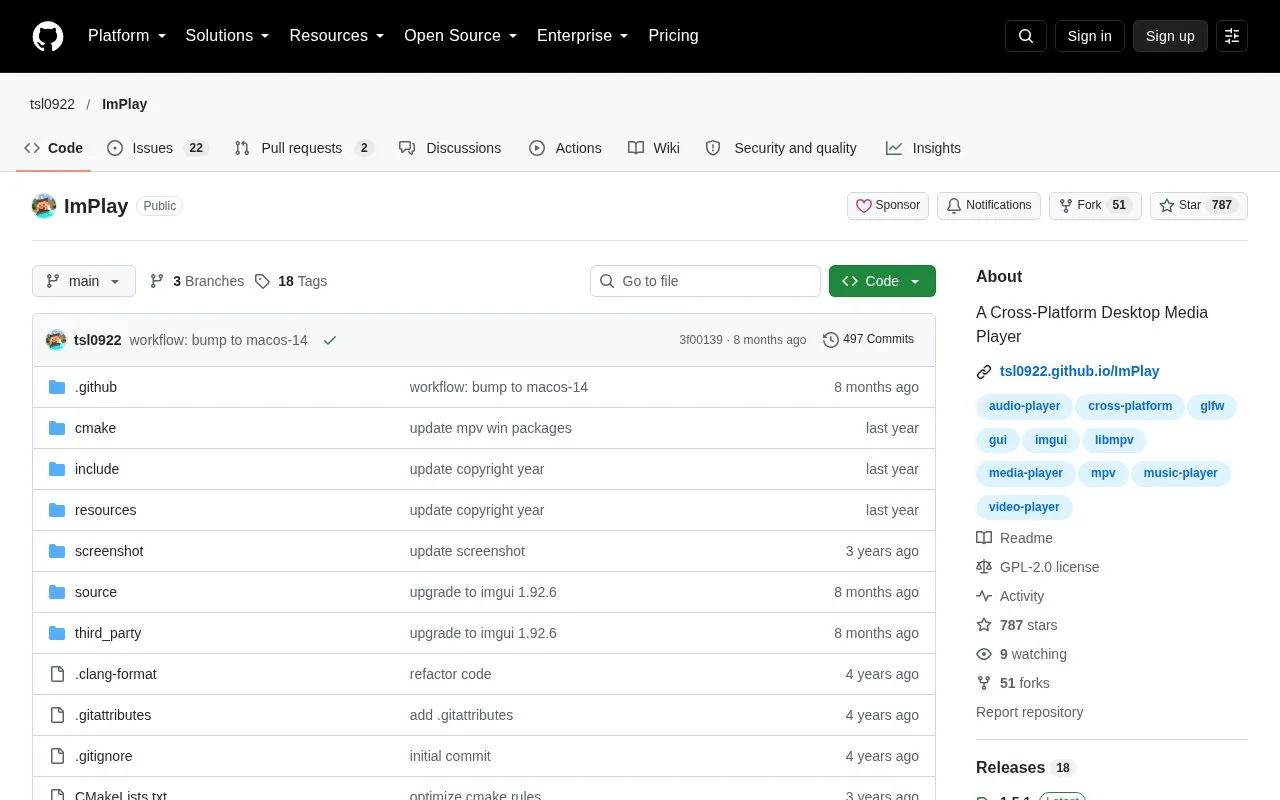
ImPlay is an open source desktop media player for Linux and macOS, built on mpv for playback and ImGui for the graphical interface. It aims to be compatible with mpv, so most mpv features described in the mpv manual are available or planned, according to the project.
The player includes a graphical interface with a context menu, command palette, playlist and chapter manager, and audio, video, and subtitle settings. Users can script it with Lua or JavaScript and control it from the command line. Binary versions are available on the project's Releases page, and the source can be built by following the project's compiling document. The project is licensed under GPLv2.
Key features
- Compatibility with most mpv features described in the mpv manual
- Lua and JavaScript scripting with user scripts and config files
- Command palette for searching commands and keyboard shortcuts
- Playlist and chapter manager
- Audio and video equalizer support
- Compatibility with the mpv-osc-modern and thumbfast OSC scripts
- Open dialog for clipboard, DVD, Blu-ray, and ISO image sources
Best for: Users who want a graphical interface for mpv on Linux or macOS and are comfortable with scripting or configuration files.
Good for
- Open source under the GPLv2 license
- Supports Lua and JavaScript scripting and user configuration files
- Compatible with popular mpv on-screen controller scripts
Watch out for
- The project states that almost all mpv features are, or will be, available, so compatibility is not complete
- Binary versions are provided through the Releases page, and other installs require building from source
ImPlay at a glance
- Website
- github.com/tsl0922/ImPlay
- Category
- Software & Utilities › Media Players & Servers
- Type
- Open-source project
- Pricing
- Not confirmed. Check the site
- Platforms
- Linux, macOS
- Open source
- Yes · Source code
- Language
- English
- Last checked
- Oct 6, 2026 · Online when checked
- Listed
- Oct 5, 2026
Guides for Media Players & Servers
ImPlay alternatives
Tools and sites you could use instead, ranked by how closely they match.

Streamlink pipes streams from supported services into a media player through its command-line utility and Python library.
Open source
24 alternatives
Plezy provides a cross-platform client for Plex and Jellyfin, built with Flutter.
Open source
24 alternatives
Fladder provides a cross-platform frontend for Jellyfin, built with Flutter.
Open source
24 alternatives
Flower’s MPV Config provides mpv settings for movies, TV, and anime, with scripts that include a manga reader and playback tools.
Open source
24 alternatives
mpv.net is a Windows graphical front end for the mpv media player. It keeps mpv configuration, scripting and command-line options available behind a desktop interface.
FreeOpen source
17 alternatives
Exaile combines cross-platform music playback with music library management capabilities.
Open source
24 alternativesPopular in Media Players & Servers
Well-known listings from the same topic.
Ampacheampache.orgAIMPaimp.ruXbox Kodiapps.microsoft.com/detail/9nblggh4t892Pasta Toolpastatool.comMuseeksmuseeks.ioCaracal Clubcaracal.club


ImPlay FAQ
Which platforms does ImPlay support?
The project's listed platforms are Linux and macOS.
How can I install ImPlay?
Download a binary version from the Releases page, or build from source by following the Compiling document in the repository.
What license does ImPlay use?
ImPlay is licensed under GPLv2.
Is something wrong or out of date?
Tell us and an editor will check it.
Own this website?
Claim this listing
Claim the listing and suggest updates yourself. An editor checks every claim first.