

mpv.net
mpv.net is a Windows graphical front end for the mpv media player. It keeps mpv configuration, scripting and command-line options available behind a desktop interface.
About mpv.net
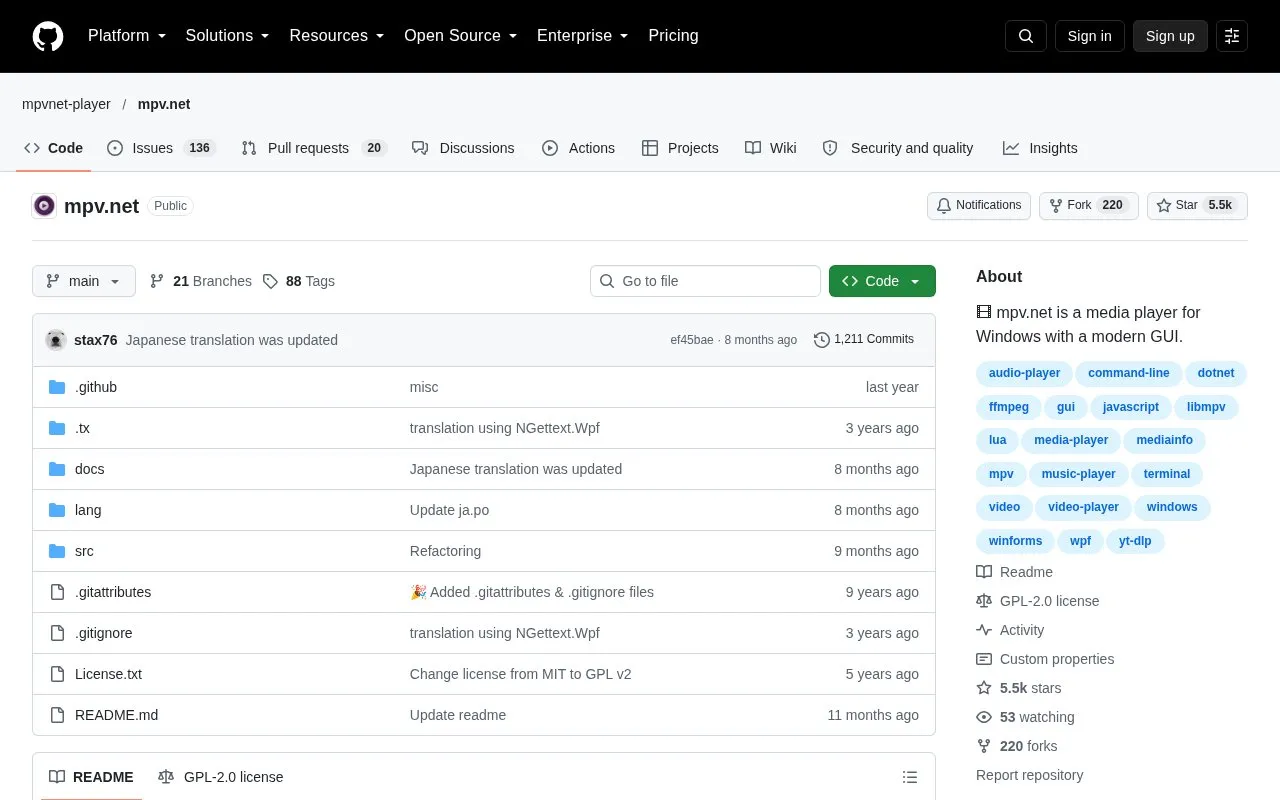
mpv.net is a graphical front end for the mpv media player that runs on Windows. It is built on libmpv and is designed to be compatible with mpv, so most mpv features are available through a desktop interface. The official mpv manual applies to mpv.net, and differences are documented in the mpv.net manual.
The interface includes customizable color themes, a searchable config editor, and a searchable shortcut editor. Users can also run mpv's command-line interface, use Lua and JavaScript scripting, and use a .NET extension API. Built-in media streaming requires yt-dlp to be installed separately.
Key features
- Modern graphical interface with customizable color themes
- Searchable config editor as an alternative to editing config files by hand
- Searchable input shortcut editor and global keyboard shortcuts
- Lua and JavaScript scripting, plus an extension API for .NET languages
- Video output with high-quality scaling, color management, interpolation and HDR
- Built-in decoders, so external codecs do not have to be installed
Best for: Windows users who want a graphical interface for mpv while keeping access to its configuration, scripting and command-line options.
Good for
- Based on libmpv and designed to be compatible with almost all mpv features
- Open source under the GPL-2.0 license
- Built-in decoders mean external codecs do not have to be installed
Watch out for
- Available for Windows only
- Built-in media streaming requires yt-dlp to be installed
- Some behavior differs from mpv and is documented in the separate mpv.net manual
mpv.net at a glance
- Category
- Software & Utilities › Media Players & Servers
- Type
- Online tool
- Pricing
- Free
- Platforms
- Windows
- Open source
- Yes · Source code
- Last checked
- Oct 8, 2026 · Online when checked
- Listed
- Oct 8, 2026
Guides for Media Players & Servers
mpv.net alternatives
Tools and sites you could use instead, ranked by how closely they match.

ImPlay offers cross-platform desktop media playback built on mpv and ImGui, with scripting and command-line options.
Open source
24 alternatives
Play media from the command line with mpv, a free, open-source player supporting many formats, codecs, and subtitle types.

Streamlink pipes streams from supported services into a media player through its command-line utility and Python library.
Open source
24 alternatives
Extract streams from services and send them to a video player of choice with Streamlink, a command-line utility.

DockSTARTer helps configure a system for running apps in Docker, with setup guidance and options to use it as a starting point for Docker configuration.
Open source
24 alternatives
Play media from the command line with mpv, which supports a wide range of formats, codecs, and subtitles.
Featured in
 8 sites


Best of
Best Free Media Players: 8 Choices for Files, Subtitles and TV
The best free media players open your local files, handle the right audio and subtitle tracks, and stay out of the way…
Popular in Media Players & Servers
Well-known listings from the same topic.
Ampacheampache.orgAIMPaimp.ruXbox Kodiapps.microsoft.com/detail/9nblggh4t892Pasta Toolpastatool.comMuseeksmuseeks.ioCaracal Clubcaracal.club


mpv.net FAQ
Which platform does mpv.net run on?
mpv.net is a media player for Windows.
Does mpv.net need external codecs installed?
No. It uses built-in decoders, so external codecs do not have to be installed.
Do I need to install anything for media streaming?
Yes. Built-in media streaming requires yt-dlp to be installed.
Is something wrong or out of date?
Tell us and an editor will check it.
Own this website?
Claim this listing
Claim the listing and suggest updates yourself. An editor checks every claim first.