

mpv
Play media from the command line with mpv, a free, open-source player supporting many formats, codecs, and subtitle types.
About mpv
mpv is a free, open source media player that runs from the command line. The project describes it as cross-platform and says it supports a wide variety of media file formats, audio and video codecs, and subtitle types.
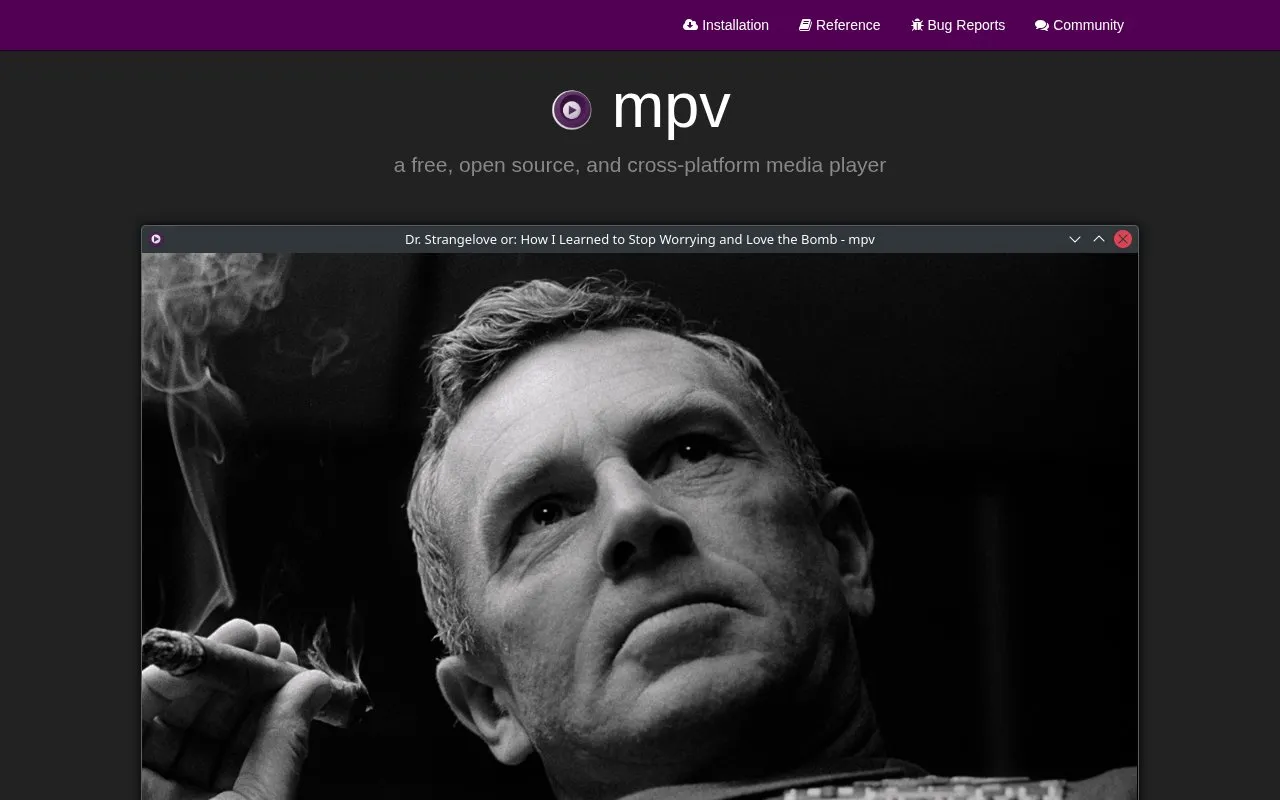
mpv has no full graphical interface. It shows a small controller on top of the video for basic control. Its scripting capabilities can extend the player, and a collection of user scripts is listed on the project wiki. Its video output supports high quality scaling, color management, frame timing, interpolation, and HDR, and it can use hardware decoding APIs on most platforms. Pricing is unknown.
Key features
- Plays a wide range of media file formats, audio and video codecs, and subtitle types
- Scripting support, with user scripts listed on the project wiki
- Small on-screen controller on top of the video for basic control
- OpenGL, Vulkan, and D3D11 video output with scaling, color management, and HDR
- Hardware video decoding that can be enabled at runtime on demand
- C API for embedding mpv as a library in other applications
Best for: Users who want to play media from the command line and extend the player with scripts.
Good for
- Free and open source, according to the project
- Supports many media formats, codecs, and subtitle types
- Hardware decoding can be used on most platforms
Watch out for
- Provides no real graphical user interface, only a small controller on the video
- Uses a command-line interface as its main way of operation
mpv at a glance
- Website
- mpv.io
- Category
- Software & Utilities › Media Players & Servers
- Type
- Website
- Pricing
- Not confirmed. Check the site
- Platforms
- Web
- Open source
- Not stated
- Last checked
- Oct 6, 2026 · Online when checked
- Listed
- Oct 5, 2026
Guides for Media Players & Servers
mpv alternatives
Tools and sites you could use instead, ranked by how closely they match.

Play media from the command line with mpv, which supports a wide range of formats, codecs, and subtitles.

Play audio and video formats with SMPlayer, a media player for Windows and Linux that includes built-in codecs.

Extract streams from services and send them to a video player of choice with Streamlink, a command-line utility.
The free K-Lite Codec Pack supports playback of music and video files, including MKV, MP4, AVI, and FLV formats.
ALF FreeWare VideoCODECs lists codec collections and formats, including AVI, MPEG, MP4, and audio codec options.

Streamlink pipes streams from supported services into a media player through its command-line utility and Python library.
Open source
24 alternativesPopular in Media Players & Servers
Well-known listings from the same topic.
Ampacheampache.orgAIMPaimp.ruXbox Kodiapps.microsoft.com/detail/9nblggh4t892Pasta Toolpastatool.comMuseeksmuseeks.ioCaracal Clubcaracal.club


mpv FAQ
Does mpv have a graphical user interface?
mpv provides no real GUI. It has a small controller on top of the video for basic control.
Can mpv be used inside other applications?
Yes. mpv has a C API designed to make it usable as a library and to make integration into other applications easier.
Is something wrong or out of date?
Tell us and an editor will check it.
Own this website?
Claim this listing
Claim the listing and suggest updates yourself. An editor checks every claim first.