

Mpv
Play media from the command line with mpv, which supports a wide range of formats, codecs, and subtitles.
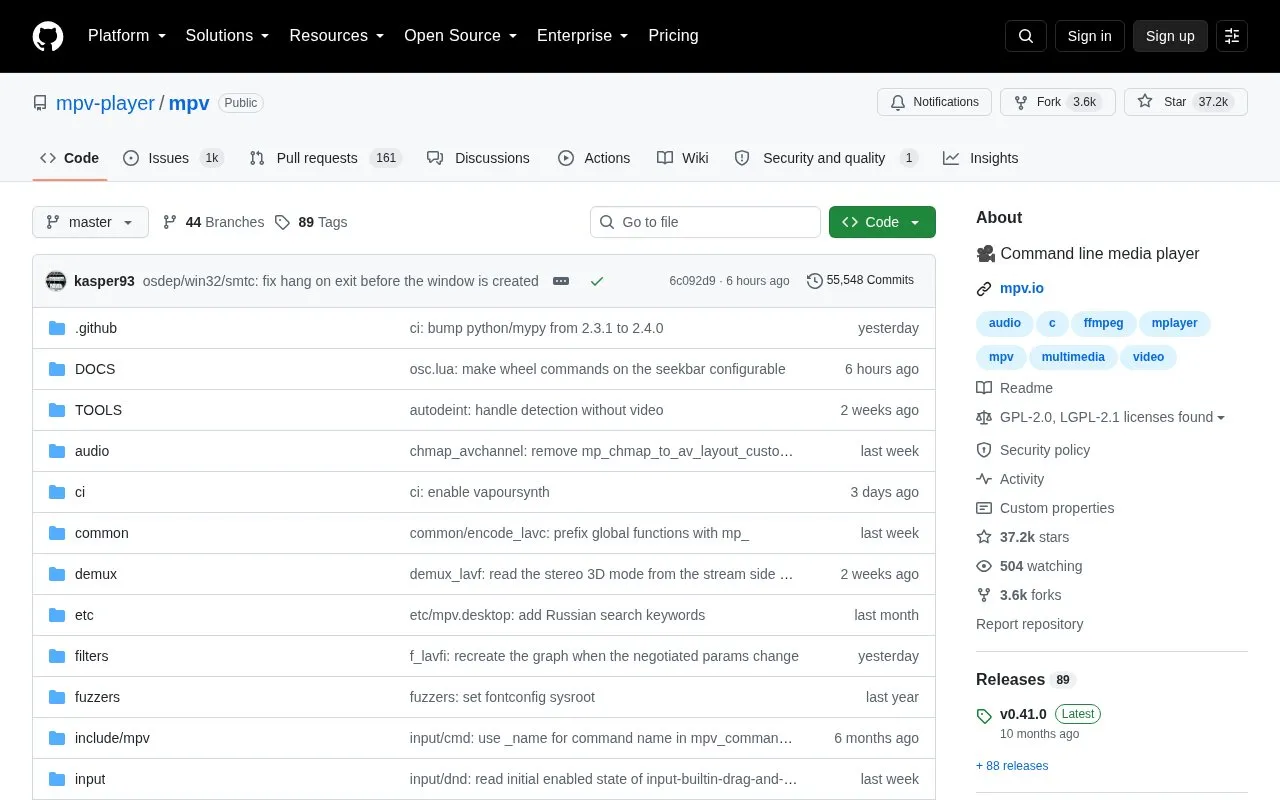
About Mpv
mpv is a free (as in freedom) media player for the command line. It supports a wide variety of media file formats, audio and video codecs, and subtitle types.
It runs on recent Linux distributions, Windows 10 1607 or later, and macOS 10.15 or later, and needs a capable CPU and GPU. Hardware decoding is not enabled by default and must be turned on with --hwdec, and compatibility with older hardware or unsupported operating systems is not guaranteed.
Key features
- Plays media files from the command line
- Supports many media file formats
- Supports audio and video codecs
- Supports subtitle types
- Enables hardware decoding with --hwdec option
- Offers --profile=fast for low-power GPUs
Best for: People who want to play varied audio, video, and subtitle formats from the command line.
Good for
- Supports a wide variety of formats, codecs, and subtitle types
- Runs on Linux, Windows 10 1607 or later, and macOS 10.15 or later
- Described as free (as in freedom)
Watch out for
- Hardware decoding is not enabled by default
- Low-power GPUs may have tearing or stutter
- Compatibility with older hardware or unsupported systems is not guaranteed
Mpv at a glance
- Website
- github.com/mpv-player/mpv
- Category
- Software & Utilities › Media Players & Servers
- Type
- Open-source project
- Pricing
- Not confirmed. Check the site
- Open source
- Not stated
- Language
- English
- Last checked
- Oct 5, 2026 · Online when checked
- Listed
- Oct 5, 2026
Guides for Media Players & Servers
Mpv alternatives
Tools and sites you could use instead, ranked by how closely they match.

The mpv wiki lists third-party applications that use mpv or libmpv, noting that projects may be unofficial or unmaintained.

The mpv wiki catalogs user scripts that add functionality to the player, with installation locations for different systems.

Play media from the command line with mpv, a free, open-source player supporting many formats, codecs, and subtitle types.

Play audio and video formats with SMPlayer, a media player for Windows and Linux that includes built-in codecs.

ImPlay offers cross-platform desktop media playback built on mpv and ImGui, with scripting and command-line options.
Open source
24 alternatives
Streamlink pipes streams from supported services into a media player through its command-line utility and Python library.
Open source
24 alternativesPopular in Media Players & Servers
Well-known listings from the same topic.
Ampacheampache.orgAIMPaimp.ruXbox Kodiapps.microsoft.com/detail/9nblggh4t892Pasta Toolpastatool.comMuseeksmuseeks.ioCaracal Clubcaracal.club


Mpv FAQ
Where can I get mpv builds?
See mpv.io/installation for semi-official builds and third-party packages.
How do I enable hardware decoding?
It must be explicitly enabled with the --hwdec option.
What helps smooth playback on low-power GPUs?
Use --profile=fast for smooth playback.
Is something wrong or out of date?
Tell us and an editor will check it.
Own this website?
Claim this listing
Claim the listing and suggest updates yourself. An editor checks every claim first.