

Museeks
Museeks provides a cross-platform music player with a simple interface, according to its project description.
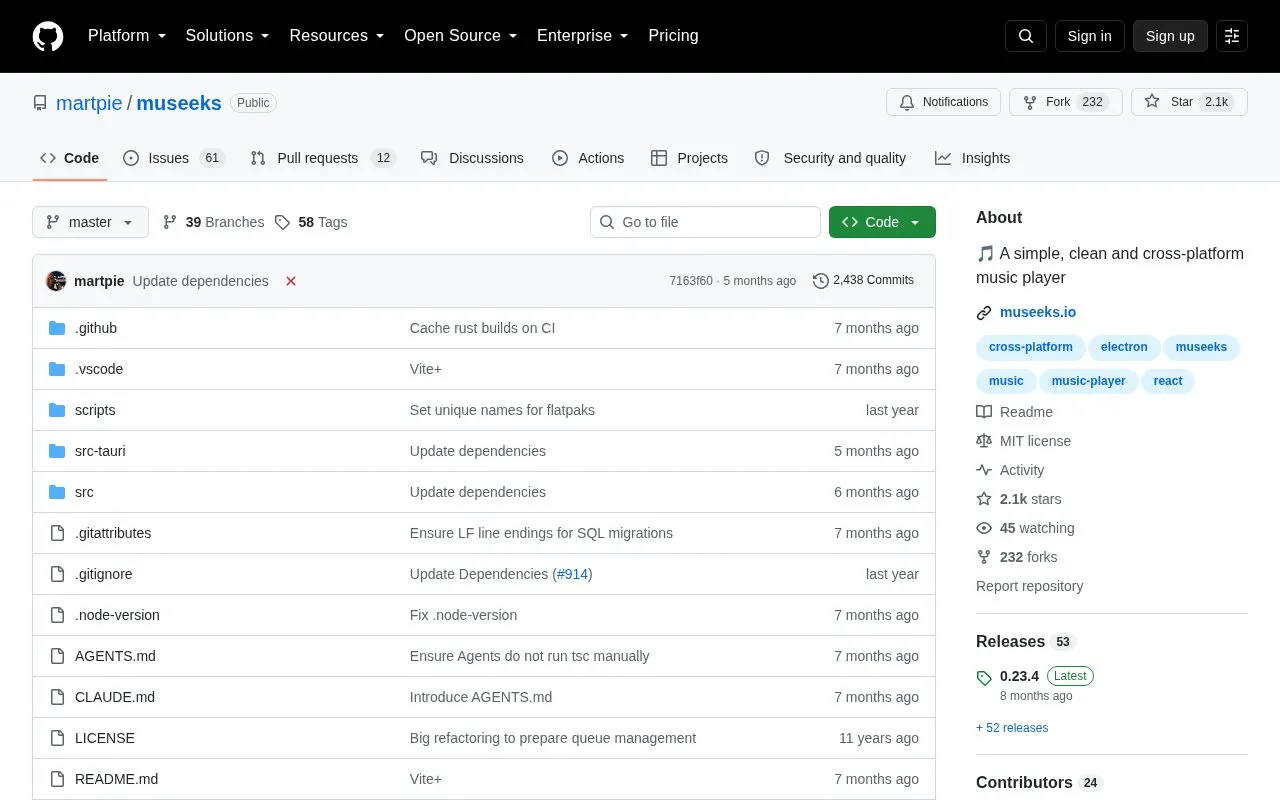
About Museeks
Museeks is a cross-platform music player for Linux, macOS, and Windows for playing local audio files. It supports mp3, mp4, m4a/aac, flac, wav, ogg, and 3gpp, and includes playlists with .m3u import/export, queue management, library auto-refresh, playback speed control, and cover art display.
The project states it is intended to remain basic and not compete with more complete players. Versions in package managers such as Homebrew or AUR are community-maintained and may not be the latest.
Key features
- Plays mp3, mp4, m4a/aac, flac, wav, ogg, and 3gpp files
- Library auto-refresh
- Playlists with .m3u import and export
- Queue management with shuffle and loop modes
- Playback speed control
- Sleep mode blocker
Best for: People on Linux, macOS, or Windows who need a basic open-source player for local music files.
Good for
- Runs on Linux, macOS, and Windows
- Supports seven listed audio formats including flac and ogg
- Released as open source under the MIT license
Watch out for
- Intentionally limited in scope and does not aim to match more complete players
- Package manager copies are community-maintained and may not be current
- Translations are early-stage and may lack support for special language needs
Museeks at a glance
- Website
- github.com/martpie/museeks
- Category
- Software & Utilities › Media Players & Servers
- Type
- Open-source project
- Pricing
- Not confirmed. Check the site
- Platforms
- Linux, macOS, Windows
- Open source
- Yes · Source code
- Language
- English
- Good for
- Developers
- Last checked
- Oct 5, 2026 · Online when checked
- Listed
- Oct 5, 2026
Guides for Media Players & Servers
Museeks alternatives
Tools and sites you could use instead, ranked by how closely they match.

mpv-webm adds a simple WebM creation script to mpv without external dependencies.
Open source
24 alternatives
MPC-QT reimplements much of the Media Player Classic interface with Qt and uses libmpv for video playback.
Open source
24 alternatives
Fladder provides a cross-platform frontend for Jellyfin, built with Flutter.
Open source
24 alternatives
ImPlay offers cross-platform desktop media playback built on mpv and ImGui, with scripting and command-line options.
Open source
24 alternatives
Plezy provides a cross-platform client for Plex and Jellyfin, built with Flutter.
Open source
24 alternatives
ThumbFast generates on-the-fly thumbnails for mpv and is designed to work alongside an interface script.
Open source
24 alternativesPopular in Media Players & Servers
Well-known listings from the same topic.
Ampacheampache.orgAIMPaimp.ruXbox Kodiapps.microsoft.com/detail/9nblggh4t892Pasta Toolpastatool.comMuseeksmuseeks.ioCaracal Clubcaracal.club


Museeks FAQ
Where are Museeks installers available?
Binaries and installers are listed on the releases page.
What should I do if Museeks freezes or crashes?
Reset it by opening Settings > Open Storage Directory, deleting everything there, and restarting the app.
Are package manager versions up to date?
Not necessarily; they are community-maintained with no guarantee of being the latest version.
Is something wrong or out of date?
Tell us and an editor will check it.
Own this website?
Claim this listing
Claim the listing and suggest updates yourself. An editor checks every claim first.