

Streama
Streama offers a self-hosted streaming media server, with setup instructions and documentation linked from the project.
About Streama
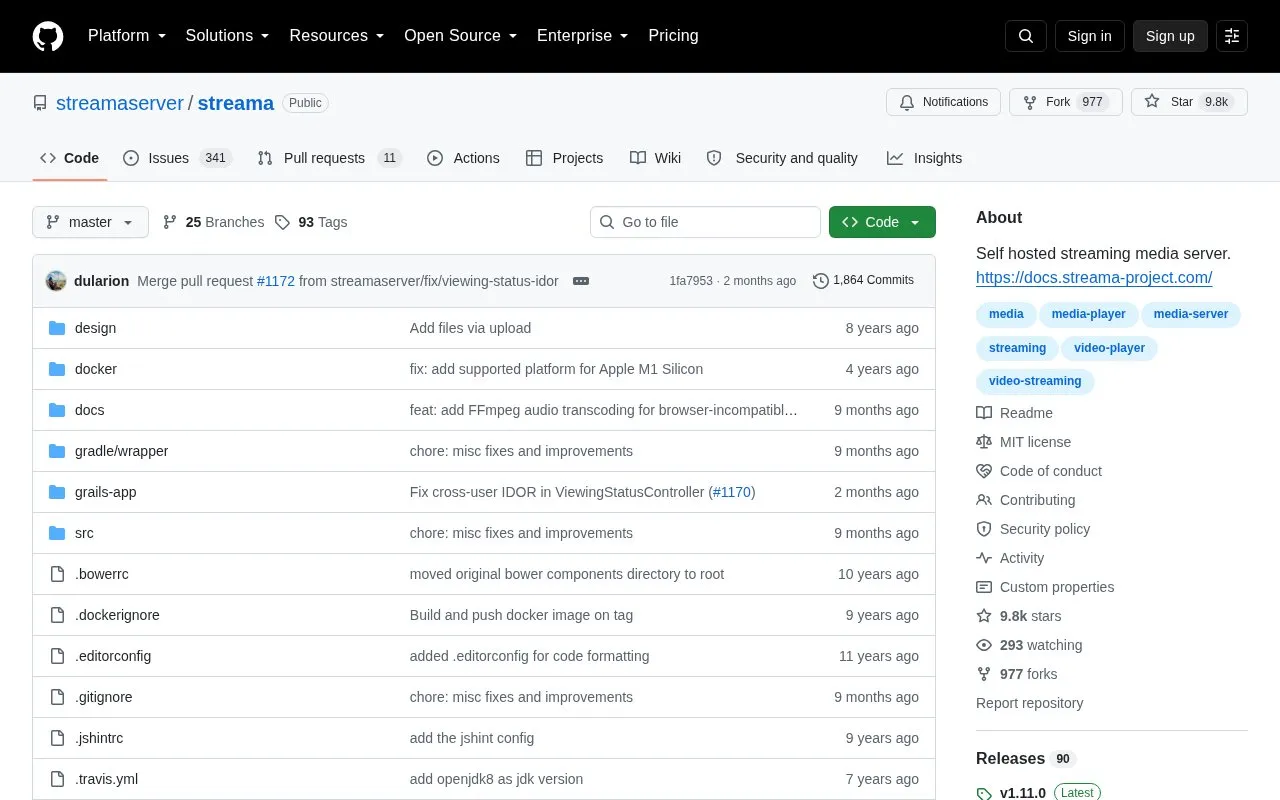
Streama is a self-hosted streaming media server distributed as an open-source repository on GitHub. It is aimed at people who have a large collection of shows and movies on disk and want a way to organize and play those files from their own installation, with a Netflix-style interface. First-time setup redirects you to a settings page where you enter an upload directory for video files, a theMovieDb.org API key, and optionally a different base URL for remote hosting. The application validates the API key against theMovieDb.org and checks that it has read and write permission for the upload directory. An admin panel uses the theMovieDb.org API to auto-fill shows, movies and episodes with metadata and images, and video files can be added per episode by drag-and-drop. The HTML5-based player has been tested mainly in Chrome. A live demo is available with public demo credentials and is reset nightly. Pricing is not stated in the source.
Key features
- Self-hosted server for organizing and streaming personal movie and TV libraries
- Continue Watching tracks progress and resumes playback where you left off
- Episode browser lists seasons and episodes, including entries without video files
- Admin panel auto-fills metadata and images via theMovieDb.org API
- Drag-and-drop uploading of video files for each episode
- Settings page for upload directory, API key and base URL
Best for: People with large local collections of shows and movies who want to organize and stream them from their own server.
Good for
- Open source, with setup instructions and documentation linked from the project
- Live demo available to try before deploying your own instance
- Admin panel reduces manual data entry by pulling metadata from theMovieDb.org
Watch out for
- The HTML5 player has only really been tested in Chrome
- Setup requires a theMovieDb.org API key and a writable upload directory
- Subtitle support and switching between video files were still planned, not yet available
Streama at a glance
- Category
- Software & Utilities › Media Players & Servers
- Type
- Open-source project
- Pricing
- Not confirmed. Check the site
- Open source
- Yes · Source code
- Language
- English
- Last checked
- Oct 5, 2026 · Online when checked
- Listed
- Oct 5, 2026
Guides for Media Players & Servers
Streama alternatives
Tools and sites you could use instead, ranked by how closely they match.

Kyoo runs as a self-hosted server for movies, series, and anime, with automatic scanning and metadata matching.
Open source
24 alternatives
Swing Music is a self-hosted player for local audio files, according to its project description.
Open source
24 alternatives
Run a self-hosted virtual browser in Docker with Neko, which uses WebRTC.
Open source
24 alternatives
DockSTARTer helps configure a system for running apps in Docker, with setup guidance and options to use it as a starting point for Docker configuration.
Open source
24 alternatives
Gonic streams music through a server implementing the Subsonic API as free software.
Open source
24 alternatives
Airsonic-refix provides a modern web interface for Subsonic-compatible music servers.
Open source
24 alternativesPopular in Media Players & Servers
Well-known listings from the same topic.
Ampacheampache.orgAIMPaimp.ruXbox Kodiapps.microsoft.com/detail/9nblggh4t892Pasta Toolpastatool.comMuseeksmuseeks.ioCaracal Clubcaracal.club


Streama FAQ
What is needed to set up Streama?
On first run you are redirected to a settings page where you enter an upload directory for video files, a theMovieDb.org API key and, optionally, a different base URL for remote hosting. The API key is validated against theMovieDb.org and the application checks read/write permissions for the upload directory.
Can Streama be tried without installing it?
Yes. A live demo is linked from the repository, with username demoUser and password demoUser. Everything in the demo is reset at night, and it is kept updated with new releases.
Which browsers does the player support?
The player is HTML5-based and, according to the project readme, has only really been tested in Chrome so far.
Is something wrong or out of date?
Tell us and an editor will check it.
Own this website?
Claim this listing
Claim the listing and suggest updates yourself. An editor checks every claim first.