

MovieNight
MovieNight provides a single-instance server for video streaming with integrated chat.
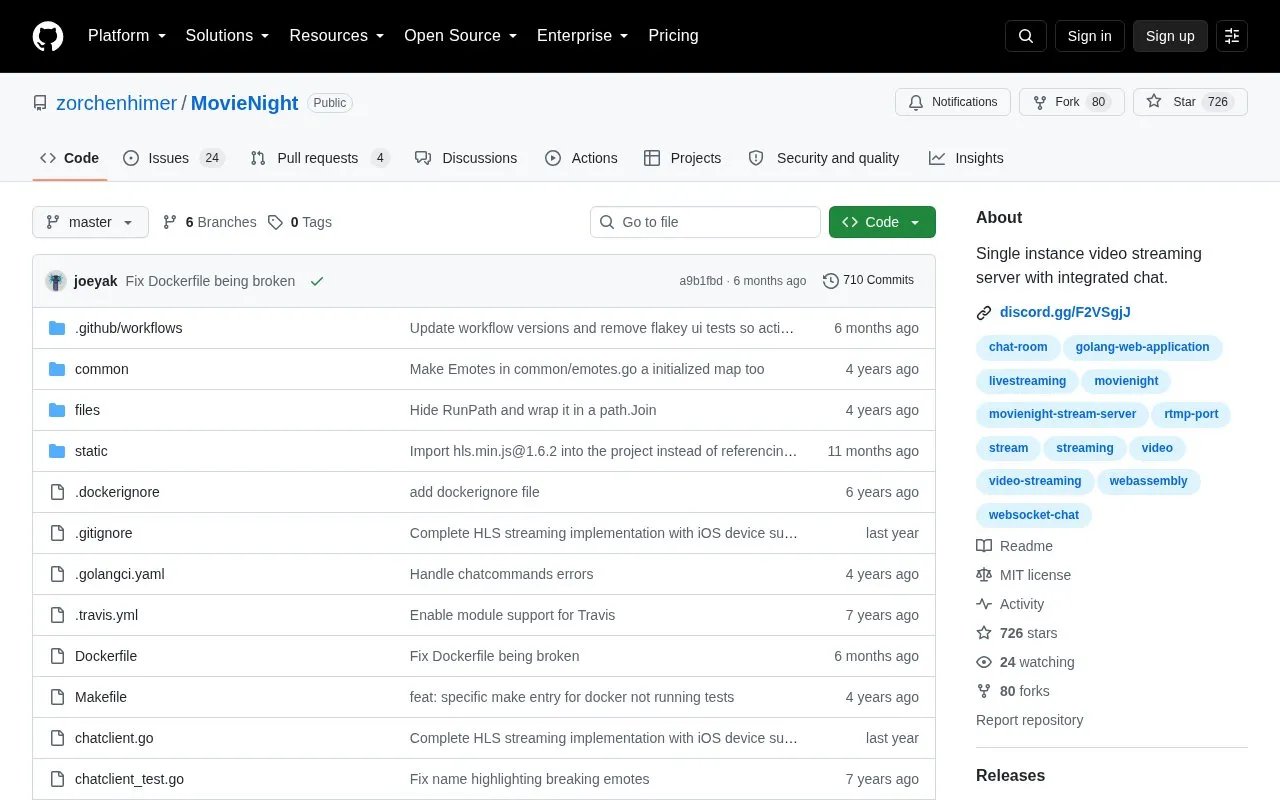
About MovieNight
MovieNight is an open-source, single-instance video streaming server with integrated chat. It was written for watching movies with a group of people online.
It can be built from source with Go 1.16 or newer and GNU Make, or run with Docker and docker-compose. It uses a web interface on port 8089, an RTMP input on port 1935 for OBS, and configuration through a settings.json file.
Key features
- Single-instance video streaming server with integrated chat
- Web interface mapped to port 8089
- RTMP input on port 1935 for OBS
- Docker and docker-compose deployment support
- JSON-based configuration via settings.json file
- Source build with Go 1.16 or newer and GNU Make
Best for: People who want to self-host a small group movie-watching server with chat.
Good for
- Open-source code with included Dockerfile and docker-compose file
- Container image available to pull from GHCR
- Includes an example settings file for configuration
Watch out for
- Designed as a single-instance server
- Container must be restarted to apply settings.json changes
MovieNight at a glance
- Category
- Software & Utilities › Media Players & Servers
- Type
- Open-source project
- Pricing
- Not confirmed. Check the site
- Open source
- Yes · Source code
- Language
- English
- Last checked
- Oct 5, 2026 · Online when checked
- Listed
- Oct 5, 2026
Guides for Media Players & Servers
MovieNight alternatives
Tools and sites you could use instead, ranked by how closely they match.

Streama offers a self-hosted streaming media server, with setup instructions and documentation linked from the project.
Open source
24 alternatives
Jellyfin’s server backend and API support collecting, managing, and streaming personal media from a server.
Open source
24 alternatives
Gonic streams music through a server implementing the Subsonic API as free software.
Open source
24 alternatives
This Ansible playbook automates a home media server stack running in Docker, with options including GPU acceleration and SSL.
Open source
24 alternatives
Dispatcharr describes itself as a companion for managing IPTV and streams.
Open source
24 alternatives
Kyoo runs as a self-hosted server for movies, series, and anime, with automatic scanning and metadata matching.
Open source
24 alternativesPopular in Media Players & Servers
Well-known listings from the same topic.
Ampacheampache.orgAIMPaimp.ruXbox Kodiapps.microsoft.com/detail/9nblggh4t892Pasta Toolpastatool.comMuseeksmuseeks.ioCaracal Clubcaracal.club


MovieNight FAQ
What is needed to build MovieNight from source?
Go 1.16 or newer and GNU Make, then clone the repository and run go build.
How do I run MovieNight with Docker?
Build with docker build -t movienight . and run with docker run -d -p 8089:8089 -p 1935:1935 movienight.
How do I run MovieNight with docker-compose?
Install Docker and docker-compose, clone the repository, and run docker-compose up -d, which builds the image and maps ports 8089 and 1935.
Is something wrong or out of date?
Tell us and an editor will check it.
Own this website?
Claim this listing
Claim the listing and suggest updates yourself. An editor checks every claim first.