

DockerDL provides a deep learning Docker image intended to simplify setup of a deep learning environment.
Open source
24 alternativesDocker image contents and layers can be explored with Dive, a command-line tool.
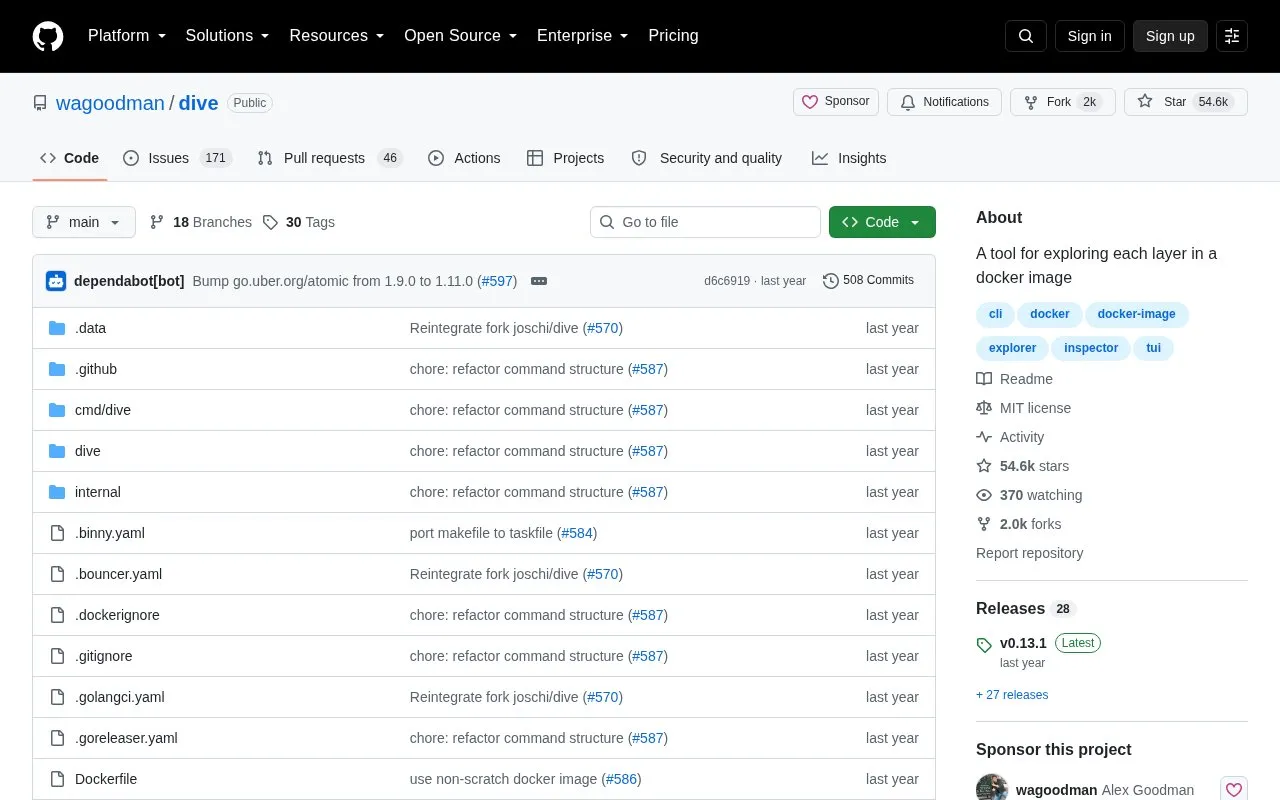
Dive is a command-line tool for exploring Docker/OCI image contents by layer. It displays the file tree for a selected layer combined with previous layers, indicates added, modified, and removed files, and provides an experimental estimate of wasted space. It can analyze an image tag, ID, or digest, build an image and analyze it in one command, and run without the interface for CI checks. The project describes itself as beta quality and its efficiency metric as experimental. Podman support is listed as Linux only, and building on macOS is described as supporting only the Docker container engine.
Tools and sites you could use instead, ranked by how closely they match.
DockerDL provides a deep learning Docker image intended to simplify setup of a deep learning environment.
Docker environments can be managed through Arcane, a modern management interface.
Docker containers can be managed from a self-hosted web interface with Isaiah.
Kurtosis packages and launches blockchain infrastructure using a workflow compared to Docker Compose.
Watchtower automates updates to Docker container images and deployed containers.
Unhealthy Docker containers can be monitored and restarted by Docker AutoHeal.
Well-known listings from the same topic.
Tell us and an editor will check it.
Claim the listing and suggest updates yourself. An editor checks every claim first.


