

DL Translate
dl-translate is a library for translating text between languages using transformer models.
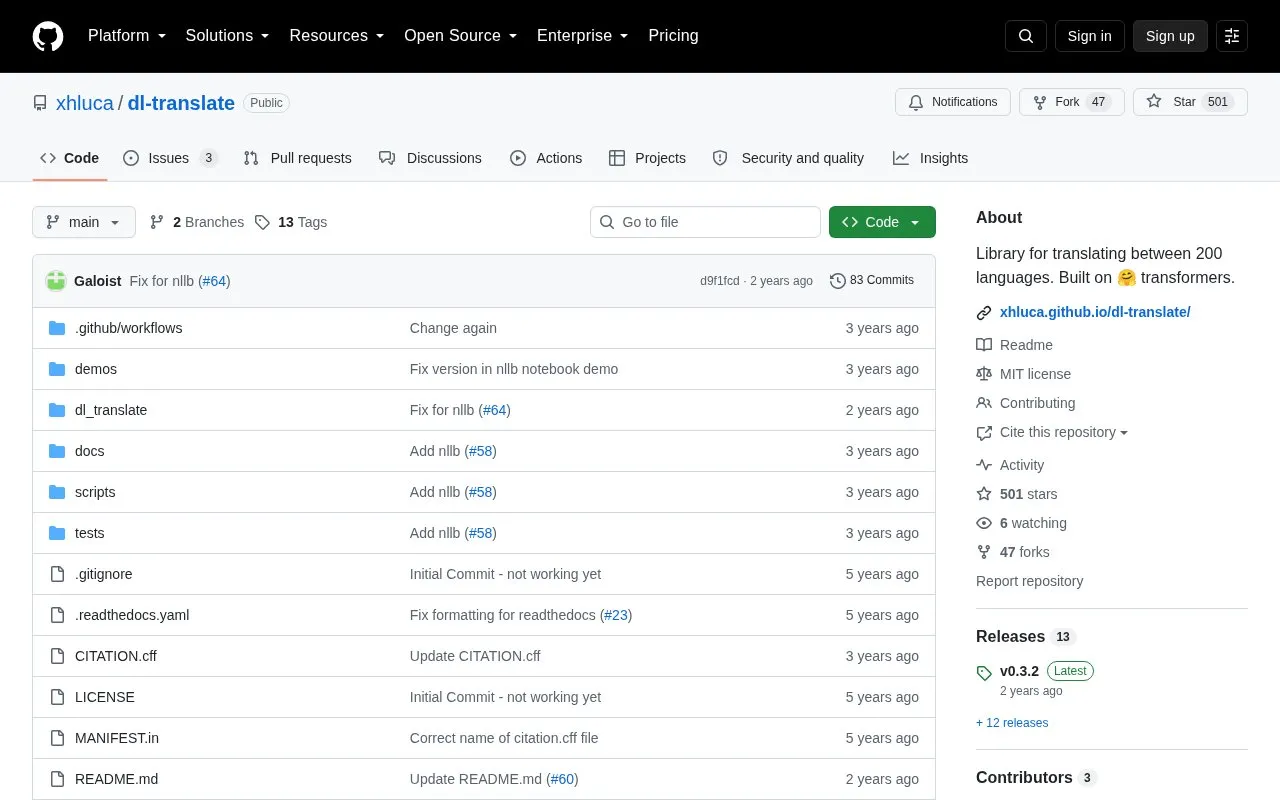
About DL Translate
DL Translate is a Python library for translating text between languages using transformer models. It installs with pip and provides a TranslationModel class that translates text using source and target languages given as constants, names, or codes.
Users can choose mBART-50, m2m100, or NLLB-200 models with different language coverage, select the compute device, and adjust batch size. Models download from Hugging Face and are cached. The first load is slow, long texts take more time to process, and GPU use is recommended for reasonable processing time.
Key features
- Translate text using language names, codes, or constants
- Check supported languages, codes, and language-to-code mapping
- Choose between mBART-50, m2m100, and NLLB-200 models
- Select CPU, GPU, or automatic device for model loading
- Load models from Hugging Face cache or local directory
- Translate lists with adjustable batch size and progress display
Best for: Python developers who need to add text translation between languages to a script or project.
Good for
- Installs with pip and builds on Hugging Face transformer models
- Supports up to 200 languages when using NLLB-200
- Provides language constants with autocomplete and methods to list languages and codes
Watch out for
- First model load is slow
- Extremely long texts take more time to process
- Reasonable processing time generally requires a GPU
DL Translate at a glance
- Category
- Development › Developer Tools
- Type
- Open-source project
- Pricing
- Not confirmed. Check the site
- Open source
- Yes · Source code
- Language
- English
- Last checked
- Oct 5, 2026 · Online when checked
- Listed
- Oct 5, 2026
Guides for Developer Tools


DL Translate alternatives
Tools and sites you could use instead, ranked by how closely they match.

Gitingest turns a GitHub repository URL into a text digest suited to language model prompts.
Open source
24 alternatives
Kinho’s Neural repository provides an API for deep learning and feedforward neural network models.
Open source
24 alternatives
Gito uses language models to review GitHub code for high impact issues such as vulnerabilities, bugs, and maintainability concerns.
Open source
24 alternatives
DSPy is a framework for programming language models, with algorithms to optimize prompts and model weights.
Open source
24 alternatives
Neofuzz provides Python developers with a library for fuzzy text search.
Open source
24 alternatives
Python developers can use Zipline’s event-driven library to backtest algorithmic trading strategies.
Open source
24 alternativesPopular in Developer Tools
Well-known listings from the same topic.
AppDevToolsappdevtools.comCommand Not Foundcommand-not-found.comTestFlighttestflight.apple.com/join/A8GwCnq8Sourcegraphabout.sourcegraph.comProject Wallaceprojectwallace.comCarbon Calculatorwebsitecarbon.com


DL Translate FAQ
How do I install DL Translate?
Run pip install dl-translate.
How do I specify source and target languages?
Use dlt.lang constants, a language name such as "Arabic", or a code such as "fr" for French.
How do I select CPU or GPU?
Pass device="auto", "cpu", "gpu", or another torch.device string to TranslationModel; auto uses a GPU if possible.
Is something wrong or out of date?
Tell us and an editor will check it.
Own this website?
Claim this listing
Claim the listing and suggest updates yourself. An editor checks every claim first.