

Configure encrypted DNS with Mullvad’s public DoH and DoT service, scheduled to end on November 2, 2026.
DNSecure
Manage encrypted DNS configurations on iOS with DNSecure, an App Store utility.
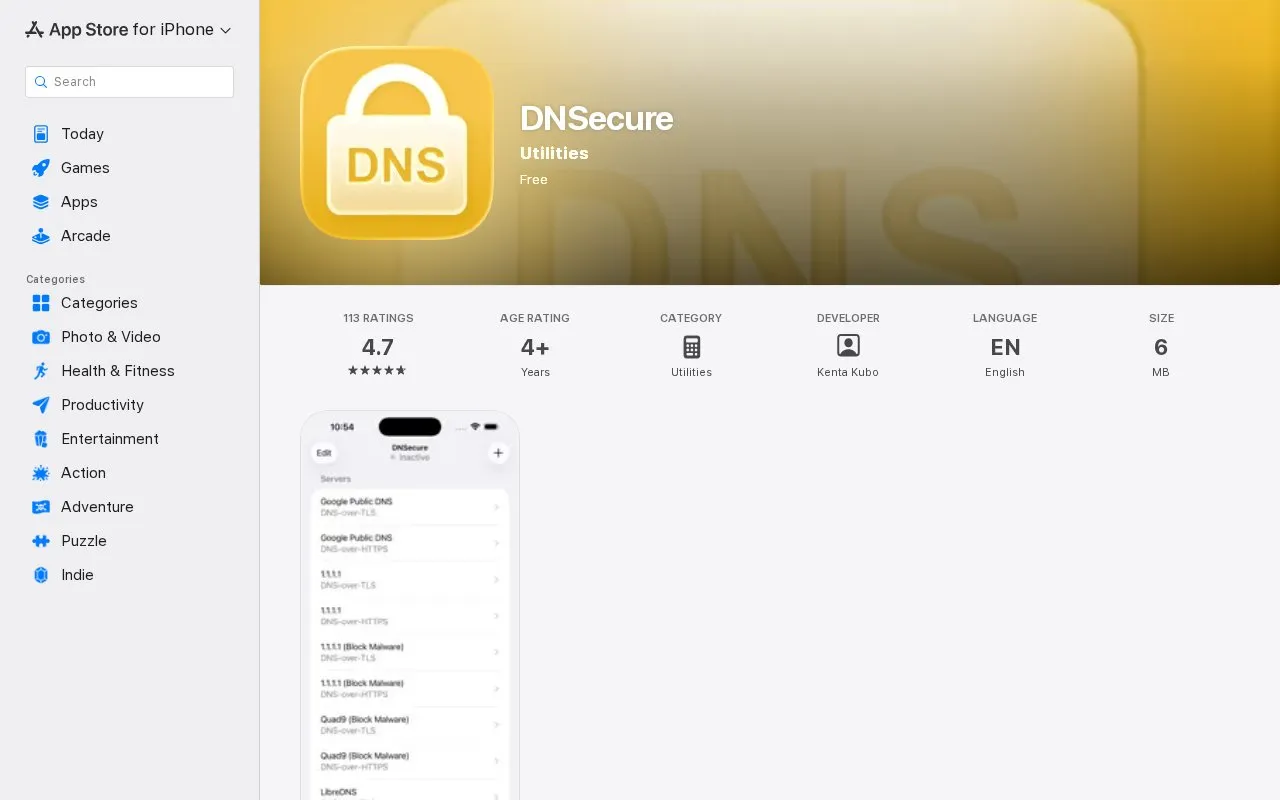
About DNSecure
DNSecure is a configuration tool for encrypted DNS on iOS/iPadOS. A configured service is used system-wide. It supports DNS-over-TLS and DNS-over-HTTPS. Users select a server or add another one, enable it in the app, then select DNSecure under General > VPN & Network > DNS in Settings.
Key features
- Configures encrypted DNS for system-wide use on iOS/iPadOS
- Supports DNS-over-TLS protocol
- Supports DNS-over-HTTPS protocol
- Select a preset server or add another one
- Enable chosen server with Use This Server option
- Activates through Settings General VPN Network DNS selection
Best for: Best for iOS and iPadOS users who want to set system-wide encrypted DNS.
Good for
- Supports DNS-over-TLS and DNS-over-HTTPS
- Applies configured DNS system-wide
- Accepts custom servers in addition to listed options
Watch out for
- Requires manual activation in system Settings
DNSecure at a glance
- Category
- Development › Domain, IP & DNS Lookup
- Type
- Website
- Pricing
- Not confirmed. Check the site
- Platforms
- iOS, Web
- Open source
- Not stated
- Language
- English
- Last checked
- Oct 5, 2026 · Online when checked
- Listed
- Oct 5, 2026
DNSecure alternatives
Tools and sites you could use instead, ranked by how closely they match.

Change DNS servers on Windows with DNS Jumper, a free portable utility with IPv6 support.

Configure DNS over HTTPS or DNS over TLS on iOS, iPadOS, and macOS with DNSecure.
Open source
24 alternatives
Google Transparency Report publishes data about requests and activity affecting Google services.
Pick
24 alternatives
Intercept system DNS requests on Windows and configure resolvers with YogaDNS.

Search domain names and check availability across more than 800 extensions with InstantDomain.
Popular in Domain, IP & DNS Lookup
Well-known listings from the same topic.
Cloudflare DNScloudflare.com/application-services/products/dnsNetlas:netlas.ioIWantMyNameiwantmyname.comRDAPclient.rdap.orgIPIP.NETwhois.ipip.netDomainrdomainr.com


DNSecure FAQ
What protocols does DNSecure support?
DNS-over-TLS and DNS-over-HTTPS.
How is DNSecure activated after choosing a server?
Open Settings, go to General > VPN & Network > DNS, and select DNSecure instead of Automatic.
Which devices are listed as compatible?
iPhone, iPad, and Mac.
Is something wrong or out of date?
Tell us and an editor will check it.
Own this website?
Claim this listing
Claim the listing and suggest updates yourself. An editor checks every claim first.