Dnsecure

github.com/kkebo/DNSecure Domain, IP & DNS Lookup Open-source projectOpen source

Configure DNS over HTTPS or DNS over TLS on iOS, iPadOS, and macOS with DNSecure.

github.com/kkebo/DNSecure
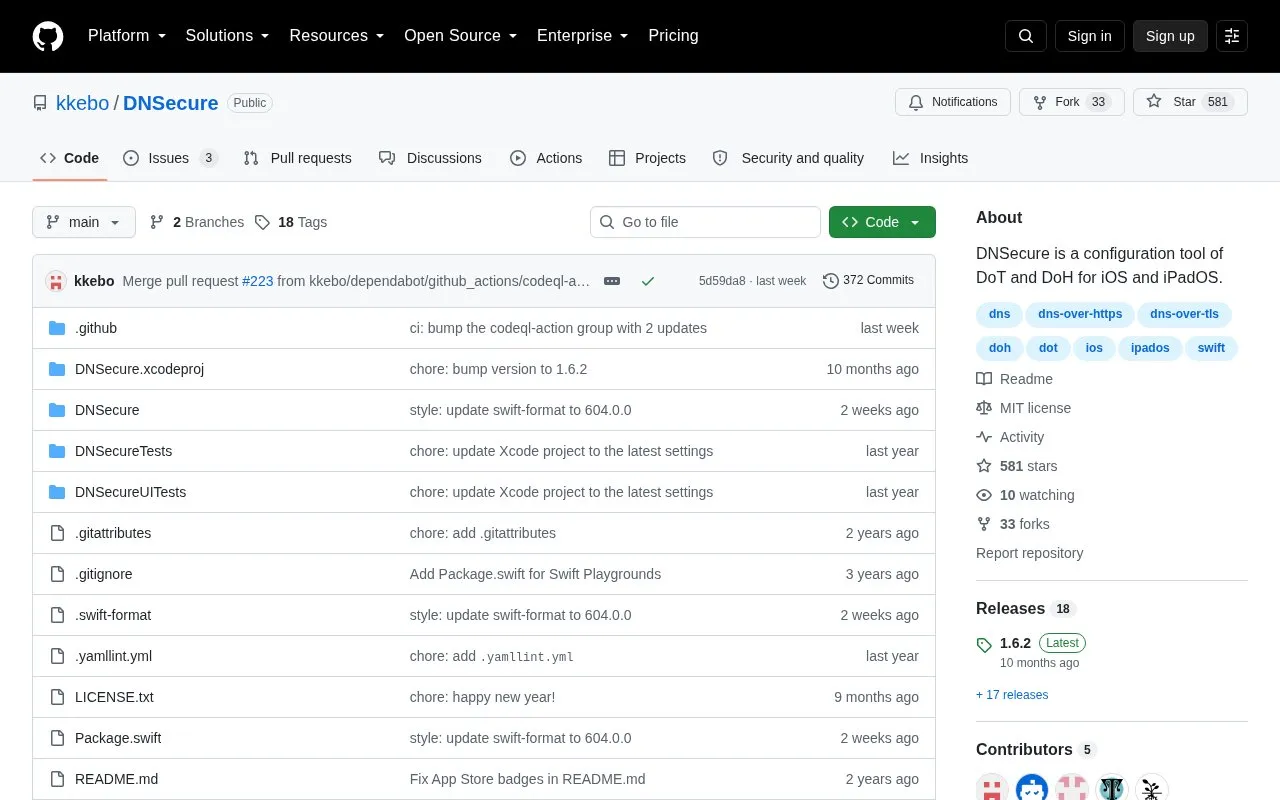
Dnsecure homepage screenshot

About Dnsecure

DNSecure is a configuration tool for DNS-over-TLS and DNS-over-HTTPS on iOS, iPadOS, and macOS. It addresses the lack of a native interface for encrypted DNS on those systems.

It requires iOS 14+, iPadOS 14+, or macOS 11+ because it uses the DNS Settings API. Users select a server or add another one, turn on "Use This Server," then select or enable DNSecure in the system Settings or Network settings.

Key features

  • Configures DNS-over-TLS (DoT) on supported Apple devices
  • Configures DNS-over-HTTPS (DoH) on supported Apple devices
  • Allows selection from available DNS servers
  • Allows adding a custom DNS server
  • Includes Use This Server toggle to enable selection
  • Integrates with system through DNS Settings API
Best for: People on iOS 14+, iPadOS 14+, or macOS 11+ who want to configure encrypted DNS servers.
Good for
  • Supports both DNS-over-TLS and DNS-over-HTTPS
  • Allows use of preset or user-added DNS servers
  • Open source under MIT license
Watch out for
  • Requires iOS 14+, iPadOS 14+, or macOS 11+
  • Requires manual activation in system Settings or Network settings

Dnsecure at a glance

Type
Open-source project
Pricing
Not confirmed. Check the site
Platforms
iOS, macOS
Open source
Yes · Source code
Language
English
Last checked
Oct 6, 2026 · Online when checked
Listed
Oct 5, 2026

Dnsecure alternatives

Tools and sites you could use instead, ranked by how closely they match.

All 24 alternatives

Popular in Domain, IP & DNS Lookup

Well-known listings from the same topic.

All 44

Dnsecure FAQ

What is required to use DNSecure?
iOS 14+, iPadOS 14+, or macOS 11+ is required because the app uses the DNS Settings API.
How do I activate DNSecure on iOS or iPadOS?
Select a server or add one, enable "Use This Server," then go to Settings > General > VPN & Network > DNS and select "DNSecure."
How do I activate DNSecure on macOS 13 or later?
Select a server or add one, enable "Use This Server," then go to System Settings > Network settings, click "Filters," and enable "DNSecure."
Is something wrong or out of date?

Tell us and an editor will check it.

Own this website?

Claim the listing and suggest updates yourself. An editor checks every claim first.

Claim this listing