
Look up DNS records and RDAP domain information with whois_, which supports common record types and network entities.
Whois
This Whois command-line tool looks up DNS and RDAP records for a domain.
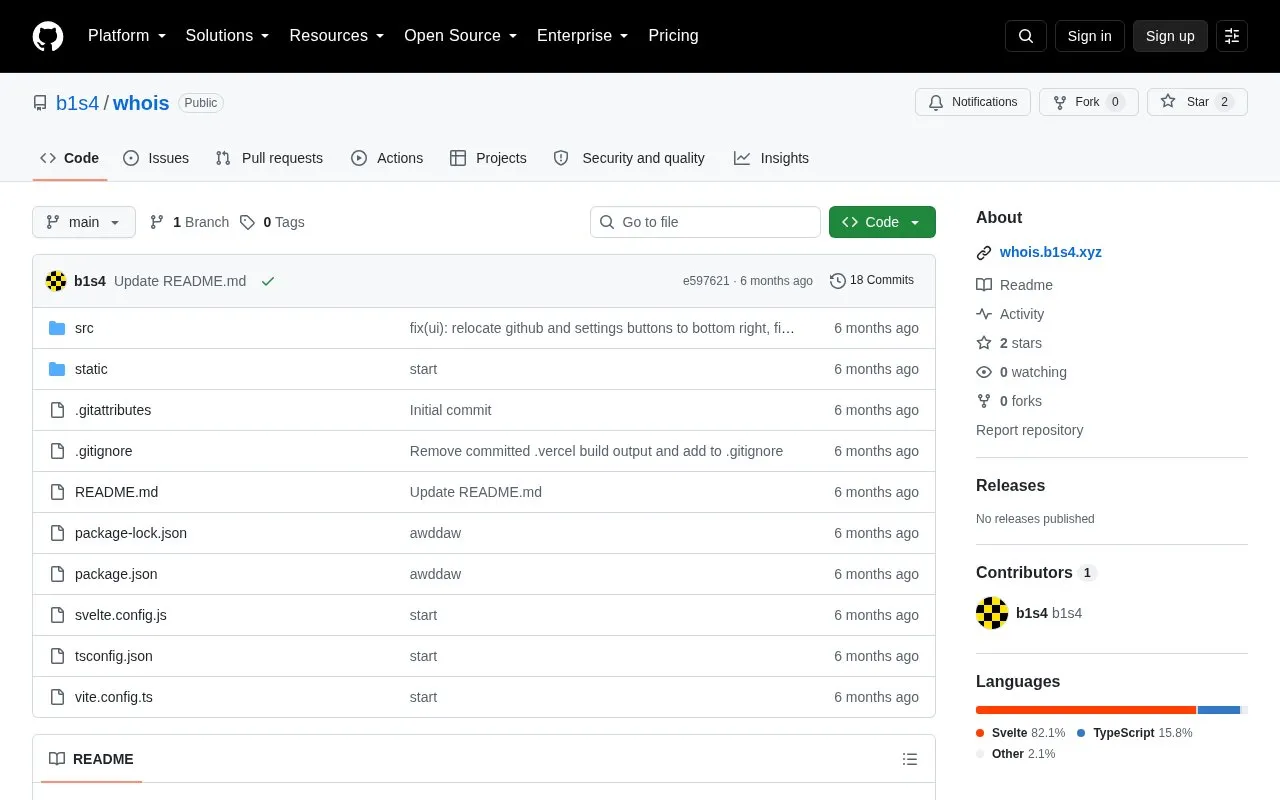
About Whois
Whois looks up DNS and RDAP records for a domain from a single search. It returns DNS records, registration and ownership data, and propagation results across geographically distributed resolvers.
It queries 35+ DNS record types through Cloudflare's DNS-over-HTTPS API and resolves the RDAP server through the IANA bootstrap registry, with fallback to rdap.org and rdap.arin.net. Propagation checks cover listed record types and run server-side; resolvers that block cloud or datacenter IPs are excluded.
Key features
- Query 35+ DNS record types in parallel via Cloudflare DNS-over-HTTPS
- Group DNS results into Core, Security, Services, and Advanced tabs
- Show raw record data with TTL and answer count
- Resolve authoritative RDAP server via IANA bootstrap registry
- Check propagation across distributed resolvers for listed record types
- Display registrar, contacts, status codes, dates, and nameservers
Best for: People who need to look up DNS records, RDAP registration data, and DNS propagation for a domain.
Good for
- Uses IANA bootstrap registry to query authoritative RDAP server
- Runs propagation queries server-side to avoid CORS restrictions
- Shows TTL values, raw data, and answer counts for DNS records
Watch out for
- Propagation checks support only listed record types
- Excludes resolvers that block cloud or datacenter IPs
- Running locally requires Node.js 18+
Whois at a glance
- Website
- github.com/b1s4/whois
- Category
- Development › Domain, IP & DNS Lookup
- Type
- Open-source project
- Pricing
- Not confirmed. Check the site
- Open source
- Not stated
- Language
- English
- Last checked
- Oct 5, 2026 · Online when checked
- Listed
- Oct 5, 2026
Whois alternatives
Tools and sites you could use instead, ranked by how closely they match.

Look up domain, IP, autonomous system, and entity records with RDAP.org RDAP-based lookup tool.
Whoxy provides a WHOIS API for looking up domain registration records from a database of historical records.
Paid
24 alternativesDomain Digger looks up DNS, WHOIS, IP data, SSL history, and subdomains for a domain.

Cloudflare DDNS Updater updates dynamic DNS records so users can reach a home network through a custom domain.
Open source
24 alternatives
Verisign Whois Search provides information about domain name registrations, including .com and .net records.
Popular in Domain, IP & DNS Lookup
Well-known listings from the same topic.
Cloudflare DNScloudflare.com/application-services/products/dnsGoogle Transparency Reporttransparencyreport.google.com/https/certificatesNetlas:netlas.ioIWantMyNameiwantmyname.comIPIP.NETwhois.ipip.netDomainrdomainr.com


Whois FAQ
Which record types can be checked for propagation?
A, AAAA, CNAME, MX, NS, PTR, SRV, SOA, TXT, CAA, DS, and DNSKEY.
How is the authoritative RDAP server found?
It is resolved via the IANA bootstrap registry, with fallback to rdap.org and rdap.arin.net if the IANA lookup fails.
What is needed to run it locally?
Node.js 18+ is required. Install with npm install and start with npm run dev; no environment variables are needed.
Is something wrong or out of date?
Tell us and an editor will check it.
Own this website?
Claim this listing
Claim the listing and suggest updates yourself. An editor checks every claim first.