

DOCX Editor
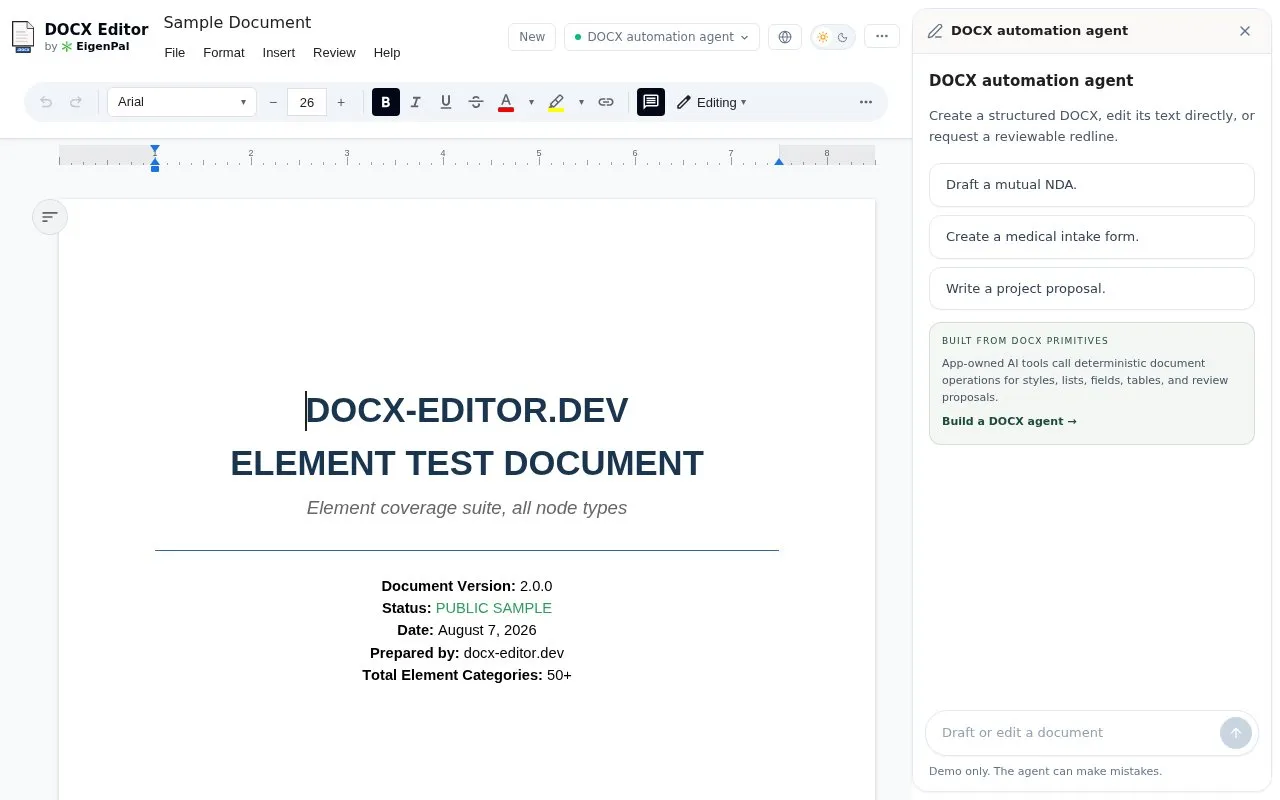
Open and edit DOCX documents in the browser, then save them with formatting, comments, tables, and images.
About DOCX Editor
DOCX Editor lets users open a .docx Word document in a web browser, edit it, and save it back as a .docx file. According to the homepage, it supports tracked changes, comments, tables, and images, and it keeps formatting when saving. The homepage states that the editor runs entirely in the browser, requires no sign-up, and does not upload files to servers. The homepage also describes a React package and a Vue 3 and Nuxt package that provide the same editor for developers. Pricing is not stated in the source.
Key features
- Opens and edits .docx Word documents in the browser
- Saves edited documents as .docx files with formatting preserved
- Supports tracked changes
- Supports comments, tables, and images
- Available as a React package for developers
- Available as a Vue 3 and Nuxt package for developers
Best for: People who need to edit Word documents in a browser without installing desktop software, and developers who want a DOCX editor component for React or Vue applications.
Good for
- Runs in the browser with no sign-up, according to the homepage
- Homepage states that files are not uploaded to servers
DOCX Editor at a glance
- Website
- docx-editor.dev/editor
- Category
- Software & Utilities › Text Editors
- Type
- Website
- Pricing
- Not confirmed. Check the site
- Platforms
- Web
- Open source
- Not stated
- Language
- English
- Last checked
- Oct 6, 2026 · Online when checked
- Listed
- Oct 5, 2026
Guides for Text Editors

DOCX Editor alternatives
Tools and sites you could use instead, ranked by how closely they match.
Create and edit tables interactively, then export them as plain text for posts, comments, or emails.

Are.na helps users save and organize online content, then connect ideas through shared collections.
Popular in Text Editors
Well-known listings from the same topic.
Google Docsgoogle.com/docs/aboutProton Docsproton.me/drive/docsVertex42vertex42.comNotepad++notepad-plus-plus.orgLibreOfficelibreoffice.orgSublime Textsublimetext.com


DOCX Editor FAQ
Does it require an account?
The homepage states that no sign-up is required.
Are my documents uploaded to a server?
The homepage states that there is no upload to servers and that everything runs in the browser. The source does not describe any optional cloud backup or external services.
Is something wrong or out of date?
Tell us and an editor will check it.
Own this website?
Claim this listing
Claim the listing and suggest updates yourself. An editor checks every claim first.