

FaceFusion
FaceFusion provides face manipulation tools, with command-line usage instructions and installers for Windows and macOS.
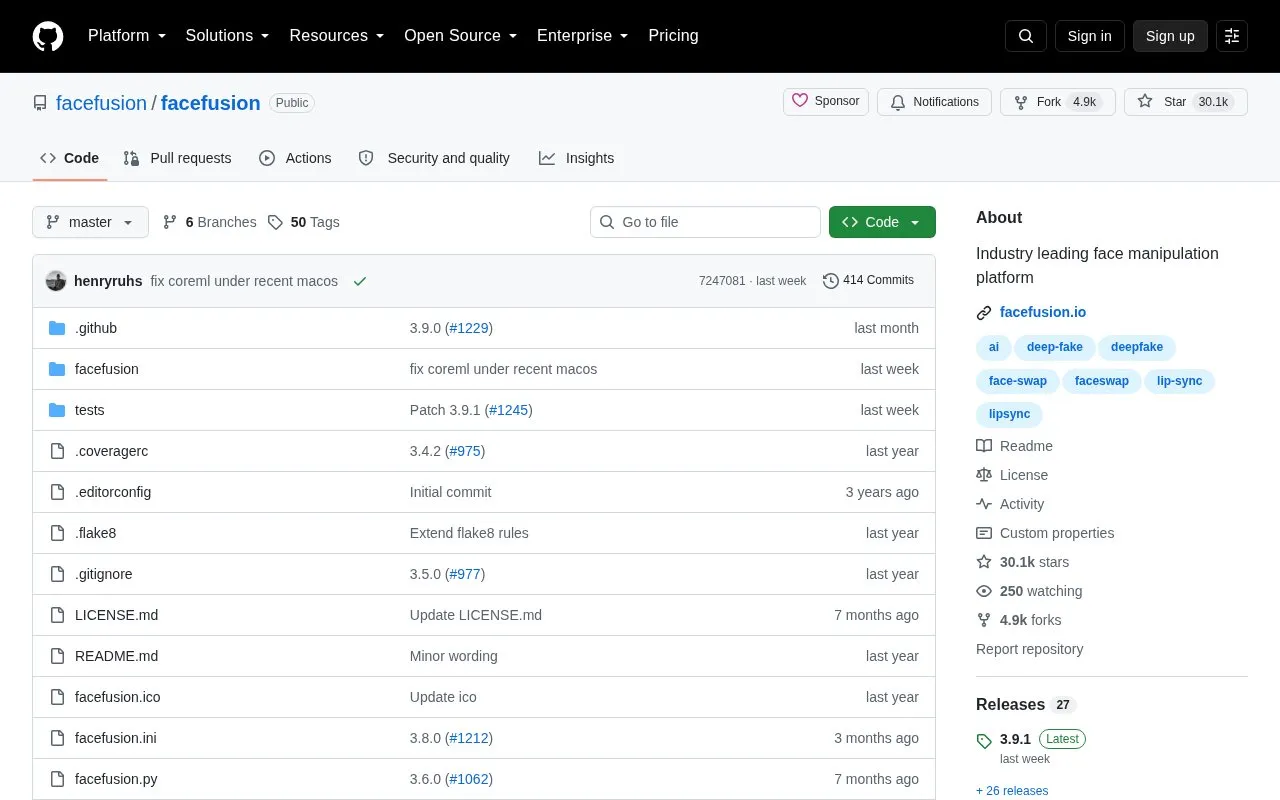
About FaceFusion
FaceFusion is a face manipulation platform distributed through a GitHub repository. It is operated from the command line with python facefusion.py [commands] [options], offering run, headless-run and batch-run modes plus a set of job-management commands for creating, submitting, running, retrying and deleting jobs.
Installation is aimed at users with technical skills and is not recommended for beginners; Windows and macOS installers are provided for people who are not comfortable using a terminal. The repository page lists macOS and Windows as supported platforms and does not state pricing.
Key features
- Command-line operation with run, headless-run and batch-run modes
- Job commands to create, submit, run, retry and delete jobs
- Step commands to add, remix, insert or remove steps in drafted jobs
- Windows and macOS installers for users avoiding the terminal
- Benchmark command to measure program performance
- force-download command to automate downloads and exit
Best for: Technically comfortable users who want command-line face manipulation on Windows or macOS.
Good for
- Provides Windows and macOS installers alongside command-line installation
- Includes headless, batch and queued-job commands for repeated processing
- Documentation is available for a deeper look at the tool
Watch out for
- Installation requires technical skills and is not recommended for beginners
- No pricing information is stated on the repository page
FaceFusion at a glance
- Category
- Online Tools › Image Tools
- Type
- Open-source project
- Pricing
- Not confirmed. Check the site
- Platforms
- macOS, Windows
- Open source
- Not stated
- Language
- English
- Last checked
- Oct 6, 2026 · Online when checked
- Listed
- Oct 5, 2026
Guides for Image Tools

FaceFusion alternatives
Tools and sites you could use instead, ranked by how closely they match.

This repository collects Google Colaboratory notebooks for fast experiments, with examples spanning machine learning and related topics.
Open source
24 alternatives
Caesium Command Line Tools compresses images with lossy or lossless options.

Oxipng optimizes PNG and APNG files with lossless compression, and offers both a command-line interface and a library.
Open source
24 alternatives
The cbird command-line program retrieves image and video content by visual content, with search and deduplication tools.
Open source
24 alternatives
Compress PNG files with pngquant, a command-line utility and library that preserves alpha transparency.

G’MIC is an open-source image processing framework for 2D, 3D, and 3D+t images, with command-line and other interfaces.
Free
6 alternativesPopular in Image Tools
Well-known listings from the same topic.
CamScannerapps.apple.com/us/app/camscanner-pdf-scanner-a…BeeRefbeeref.orgGreenshotgetgreenshot.orgLightshotapp.prntscr.comnomacsnomacs.orgConverseenconverseen.fasterland.net


FaceFusion FAQ
Do I need to use the terminal to install FaceFusion?
Installation needs technical skills and is not recommended for beginners, but Windows and macOS installers are offered for users who are not comfortable using a terminal.
How is FaceFusion started?
By running the command python facefusion.py [commands] [options].
Can multiple jobs be processed without manual intervention?
Yes. Batch-run and headless-run modes are available, and job commands can submit, run, and retry all queued or failed jobs.
Is something wrong or out of date?
Tell us and an editor will check it.
Own this website?
Claim this listing
Claim the listing and suggest updates yourself. An editor checks every claim first.