

FMD Android helps locate and remotely control a device through SMS, messaging apps, or the FMD Server web interface.
Find Hub
Google Find Hub helps locate Android devices, share location with family, and lock a missing device.
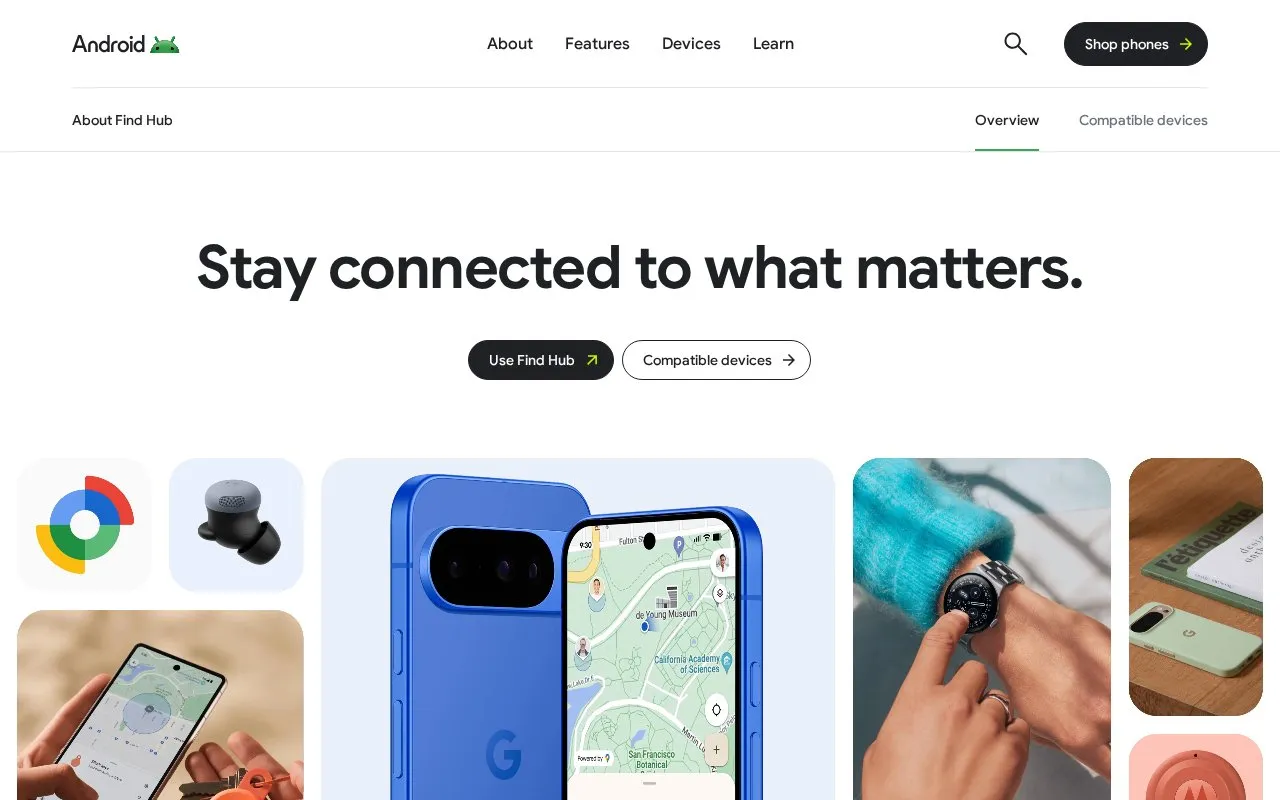
About Find Hub
Find Hub is Google's Android app and web tool for locating Android devices and compatible accessories on a map. It can ring a device, show where an item was last located, and use Ultrawideband for precise distance and direction cues with supported accessories. It also lets users share their location with friends and family for chosen periods, including over satellite on Android when there is no connection, and share a locator tag link with an airline for lost luggage.
The app includes protection options such as locking or erasing a device remotely, adding a PIN or pattern, and unknown tracker alerts on Bluetooth-enabled Android phones. Device location data on the Find Hub network is described as encrypted using the Android device's PIN, pattern or password. App access requires Android 6 or above, while the Find Hub network requires Android 9 or above; accessories must carry the 'Works with Android' badge.
Key features
- Locate devices and compatible accessories on a map, including offline or silent devices
- Ring a device by playing a sound
- Find nearby uses Ultrawideband for precise distance and direction cues
- Share location with chosen contacts for set durations
- Share live location via satellite on Android without a connection
- Lock or erase a device remotely and receive unknown tracker alerts
Best for: Android users who want to locate phones, tags and other compatible items and share their location with people they choose.
Good for
- Can locate devices on a map even if they are offline or on silent
- Location sharing can be limited to an hour, the rest of the day, or until stopped
- Supports locking or erasing a device and alerts for unfamiliar Bluetooth trackers
Watch out for
- The Find Hub network requires Android phones with OS 9 and above
- Accessories must carry the 'Works with Android' badge to be compatible
- Precise 'Find nearby' directions depend on Ultrawideband hardware
Find Hub at a glance
- Category
- Mobile Apps › Android Apps
- Type
- Website
- Pricing
- Not confirmed. Check the site
- Platforms
- Android, Web
- Open source
- Not stated
- Language
- English
- Last checked
- Oct 6, 2026 · Online when checked
- Listed
- Oct 5, 2026
Find Hub alternatives
Tools and sites you could use instead, ranked by how closely they match.

This download hub collects modified Google Camera ports from multiple developers for Android devices.

Users can self-host Hauk to share live location from a phone with chosen contacts.
Open source
24 alternatives
PhoneTrack Android logs device locations to a PhoneTrack server, providing a mobile companion for collecting location data in that service.

FMD helps locate and remotely control an Android device when it is lost or misplaced.

VolumeLockr controls Android device volume levels and can lock them to prevent unwanted changes.
Open source
24 alternativesPopular in Android Apps
Well-known listings from the same topic.
SwiftKeymicrosoft.com/en-us/swiftkeyMobile Abyssmobile.alphacoders.comPocketPal AIpocketpal.devGrapheneOSgrapheneos.orgTransittransitapp.comFairEmailemail.faircode.eu


Find Hub FAQ
What Android version is required to use Find Hub?
Android phones with OS 6 and above can use the Find Hub app, and it can also be accessed in a web browser on laptops and tablets. The Find Hub network requires Android phones with OS 9 and above.
Which phones and accessories work with Find Hub?
Accessories such as earbuds, headphones, tracking tags, tablets, watches and smart luggage may be compatible. Look for the 'Works with Android' badge on accessories that work with Find Hub.
How do I share my device locations with friends and family?
You can add friends and family to shared items, such as a tablet or house keys with a tag attached. Sharing can be set for an hour, the rest of the day, or until you stop, and it ends automatically.
Is something wrong or out of date?
Tell us and an editor will check it.
Own this website?
Claim this listing
Claim the listing and suggest updates yourself. An editor checks every claim first.