

Google Quick Share
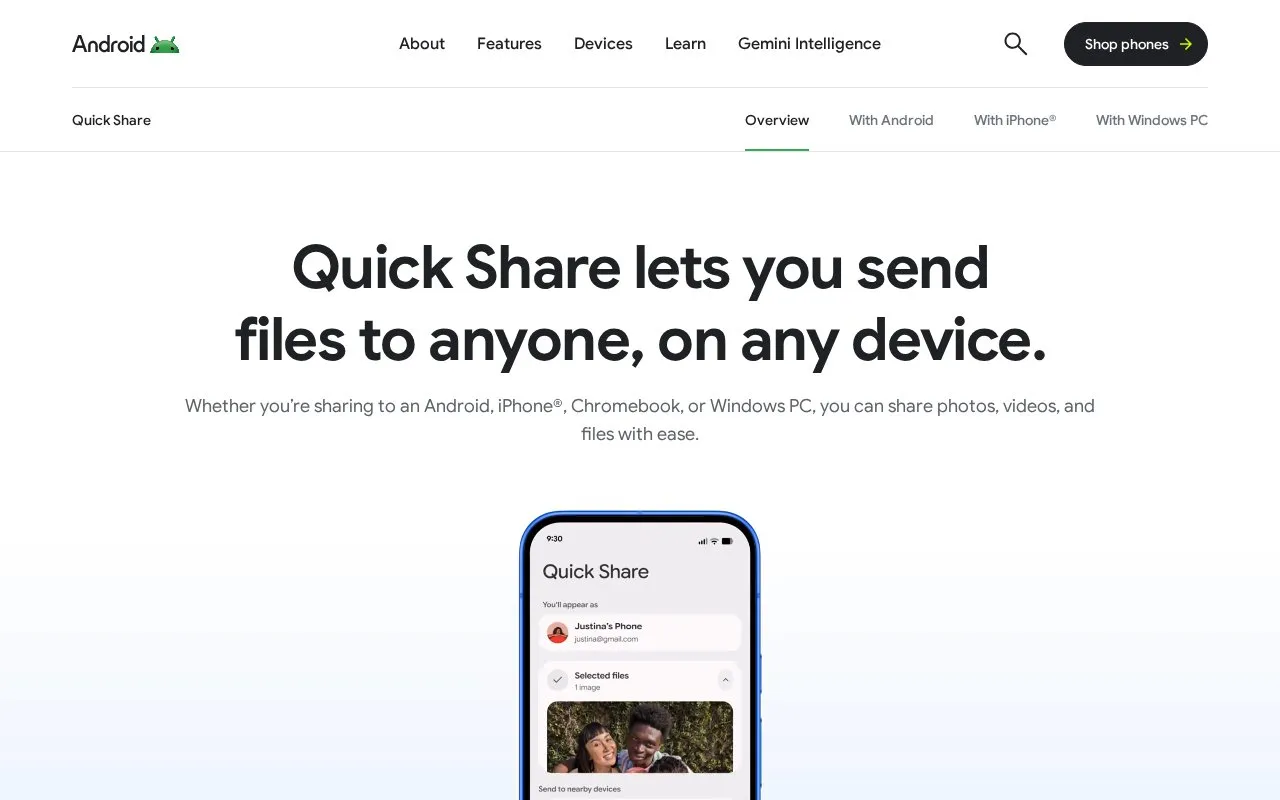
Google Quick Share sends files between Android devices and nearby compatible devices, including Windows PCs.
About Google Quick Share
Google Quick Share sends files such as photos, videos, documents and folders between nearby devices. It supports transfers between Android smartphones and tablets, and between Android and iPhones via AirDrop support, as well as Chromebooks, ChromeOS devices and Windows PCs.
Devices must be in Bluetooth range with Wi-Fi enabled. Availability of products, features and compatibility varies by region, carrier and device.
Key features
- Send photos, videos and other files between nearby devices
- Transfer files between Android devices and iPhones via AirDrop support
- Transfer photos, documents or folders from Android to Windows PC
- Share files with Chromebooks and ChromeOS devices
- Control who can see device and send files
- Available on many Android smartphones and tablets
Best for: Best for people who need to move files between Android devices and nearby iPhones, Chromebooks, or Windows PCs.
Good for
- Supports Android, iPhone, Windows PC and Chromebook transfers
- Supports transfer of whole folders from Android to Windows PC
- Includes controls for who can see the device and send files
Watch out for
- Requires devices to be in Bluetooth range with Wi-Fi enabled
- Listed as available on smartphones and tablets
- Availability varies by region, carrier and device
Google Quick Share at a glance
- Website
- android.com/quick-share
- Category
- Software & Utilities › File Utilities
- Type
- Website
- Pricing
- Not confirmed. Check the site
- Platforms
- Android, iOS, Web, Windows
- Open source
- Not stated
- Language
- English
- Last checked
- Oct 5, 2026 · Online when checked
- Listed
- Oct 5, 2026
Guides for File Utilities
Google Quick Share alternatives
Tools and sites you could use instead, ranked by how closely they match.
Exchange files and clipboard text through SpaceDrop, a peer-to-peer web application.

Croc GUI provides a graphical interface for croc, the file transfer utility, with a design intended for mobile use.
Open source
24 alternatives
copyparty serves files with resumable uploads, deduplication, WebDAV, SFTP, FTP, TFTP, and media indexing.
Open source
24 alternatives
HFS shares folders or single files from a computer through a virtual file system and web server.
Open source
24 alternativesFeatured in
 8 sites


Best of
Best Free File Transfer Tools for Phones and Computers
Free file transfer tools solve different jobs: moving photos across your desk, sending a file from a borrowed laptop…
Popular in File Utilities
Well-known listings from the same topic.
SDeletelearn.microsoft.com/en-us/sysinternals/downloa…PowerRenamelearn.microsoft.com/en-us/windows/powertoys/po…robocopylearn.microsoft.com/windows-server/administrat…VERTvert.shNanaZipnanazip.orgPhotonphotondev.netlify.app


Google Quick Share FAQ
What devices can receive files with Quick Share?
Android smartphones and tablets, iPhones via AirDrop support, Chromebooks and ChromeOS devices, and Windows PCs.
What is required for a transfer?
Devices must be in Bluetooth range and Wi-Fi must be enabled.
Can I control who sends me files?
Yes, you choose who can see your device and send you files.
Is something wrong or out of date?
Tell us and an editor will check it.
Own this website?
Claim this listing
Claim the listing and suggest updates yourself. An editor checks every claim first.