

FreeFileSync
FreeFileSync is open-source backup software for comparing and synchronizing files and folders on Windows, macOS, and Linux.
About FreeFileSync
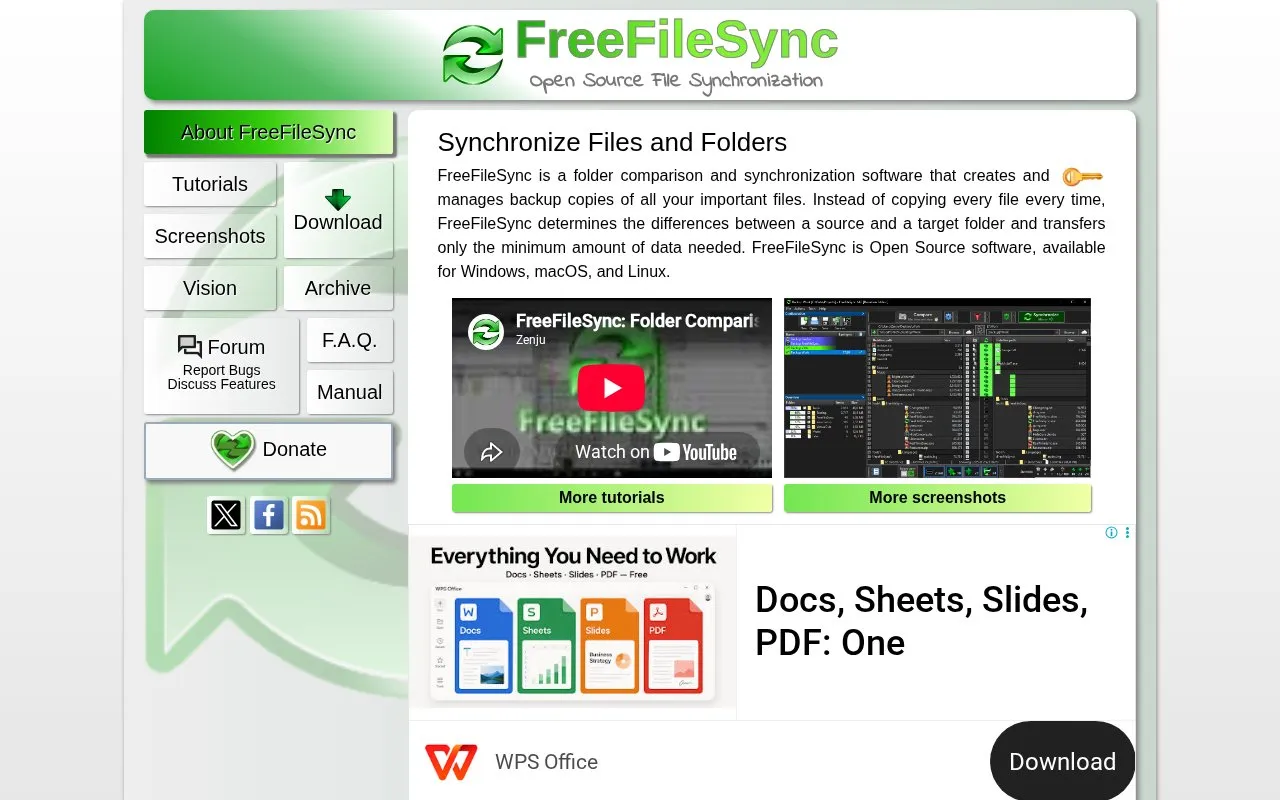
FreeFileSync is a folder comparison and synchronization program for Windows, macOS and Linux that creates and manages backup copies of files. It compares a source folder with a target folder and transfers only the data that differs, instead of copying every file each time. The homepage describes it as open source software.
From version 13, sync directions can also be based on changes recorded against the previous sync using a database file, which lets the Update variant tell a newly created file apart from one deleted on the target. Two way, Mirror and Update variants are offered, along with multi-file rename. FreeFileSync is free to use and aimed at private individuals at home; businesses are allowed to use it commercially by licensing the FreeFileSync [Business] Edition, whose device licenses can be extended or increased and decreased. The site states the project depends on ad revenue and donations to continue.
Key features
- Compares source and target folders to find differences
- Transfers only the minimum data needed between folders
- Two way, Mirror and Update synchronization variants
- Change-based sync directions using a database file since version 13
- Multi-file rename support
- Runs on Windows, macOS and Linux
Best for: Home users who want to keep files and folders synchronized or backed up across Windows, macOS and Linux computers and drives.
Good for
- Free to use for private individuals at home
- Described on its homepage as open source software
- Copies only changed data rather than every file each time
Watch out for
- Commercial use by businesses requires licensing the FreeFileSync [Business] Edition
- Business licensing uses a self-service model; company-specific payment terms are not offered
- The project states it depends on ad revenue and donations to continue
FreeFileSync at a glance
- Website
- freefilesync.org
- Category
- Software & Utilities › File Utilities
- Type
- Website
- Pricing
- Not confirmed. Check the site
- Platforms
- Linux, macOS, Web, Windows
- Open source
- Not stated
- Language
- English
- Last checked
- Oct 6, 2026 · Online when checked
- Listed
- Oct 5, 2026
Guides for File Utilities
FreeFileSync alternatives
Tools and sites you could use instead, ranked by how closely they match.

SyncFolder backs up and synchronizes folders on Windows 10 and later, according to its Microsoft Store listing.
Popular in File Utilities
Well-known listings from the same topic.
SDeletelearn.microsoft.com/en-us/sysinternals/downloa…PowerRenamelearn.microsoft.com/en-us/windows/powertoys/po…robocopylearn.microsoft.com/windows-server/administrat…VERTvert.shNanaZipnanazip.orgPhotonphotondev.netlify.app


FreeFileSync FAQ
Which operating systems does FreeFileSync support?
It is available for Windows, macOS and Linux.
Can a business use FreeFileSync commercially?
The free edition targets private individuals using the software at home. Businesses are allowed to use it commercially by licensing the FreeFileSync [Business] Edition.
How does it avoid copying everything on each run?
It determines the differences between a source and a target folder and transfers only the minimum amount of data needed.
Is something wrong or out of date?
Tell us and an editor will check it.
Own this website?
Claim this listing
Claim the listing and suggest updates yourself. An editor checks every claim first.