Bulk Crap Uninstaller removes multiple unwanted applications, according to its repository description.
GeekUninstaller
Geek Uninstaller removes applications through a portable Windows utility, according to its download page.

About GeekUninstaller
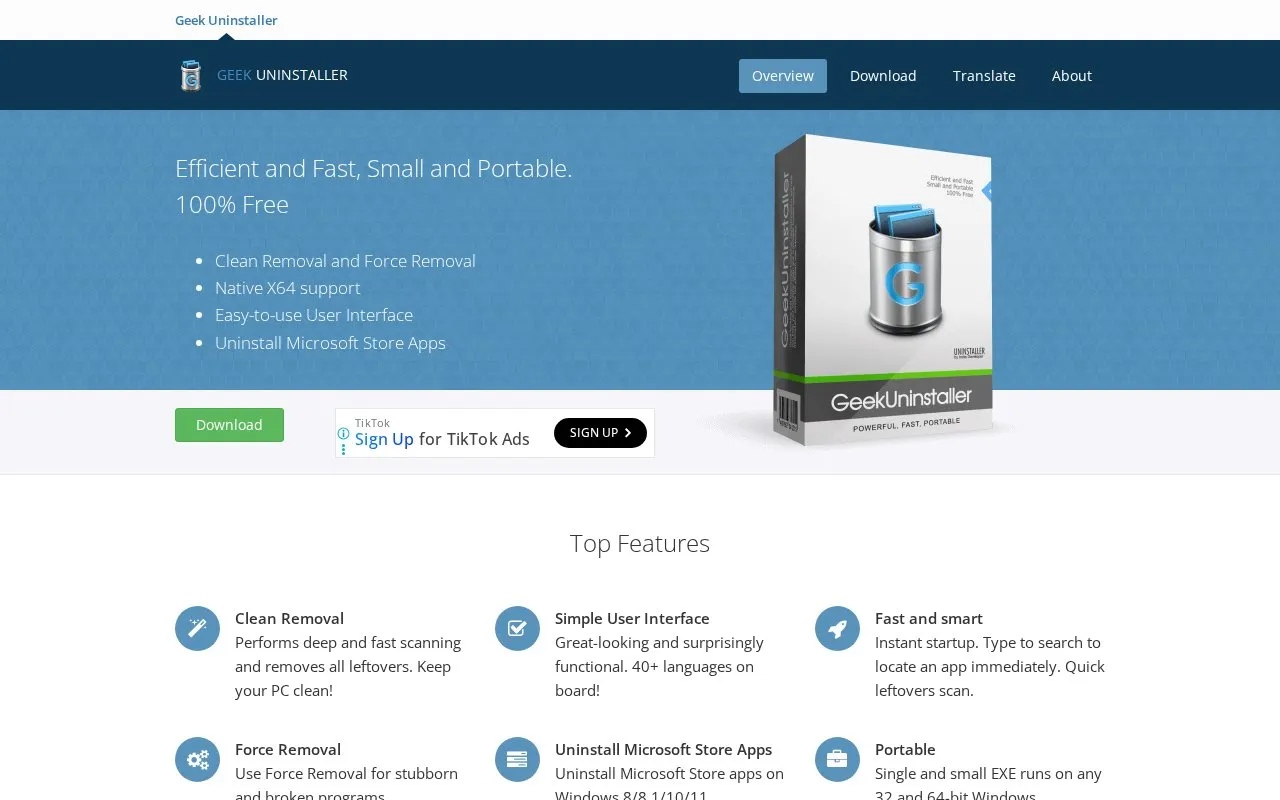
Geek Uninstaller is a portable Windows utility for removing desktop programs and Microsoft Store apps. It scans for leftover files after standard removal, includes Force Removal for stubborn or broken programs, and provides instant search, Store app removal on Windows 8/8.1/10/11, and a single EXE that runs on 32-bit and 64-bit Windows.
Key features
- Deep scan after uninstall to remove leftover files
- Force Removal for stubborn and broken programs
- Uninstall Microsoft Store apps on Windows 8/8.1/10/11
- Type-to-search to instantly locate an installed program
- Single portable EXE for 32-bit and 64-bit Windows
- Highlights recently installed or modified programs with color
Best for: Windows users who need to remove desktop and Store apps and clear leftover files with a portable tool.
Good for
- Portable single EXE runs on 32-bit and 64-bit Windows
- Scans for leftovers after standard program removal
- Interface available in 40+ languages with instant search
GeekUninstaller at a glance
- Website
- geekuninstaller.com
- Category
- Software & Utilities › System Utilities
- Type
- Website
- Pricing
- Free
- Platforms
- Web, Windows
- Open source
- Not stated
- Language
- English
- Last checked
- Oct 5, 2026 · Online when checked
- Listed
- Oct 5, 2026
GeekUninstaller alternatives
Tools and sites you could use instead, ranked by how closely they match.
Open source
24 alternativesPopular in System Utilities
Well-known listings from the same topic.
Phone Linkmicrosoft.com/windows/sync-across-your-devicesMicrosoft SDmicrosoft.com/en-us/software-downloadPowerToyslearn.microsoft.com/en-us/windows/powertoysWinWorldPCwinworldpc.com0Install0install.netGetDNotegetdnote.com
GeekUninstaller FAQ
How do I switch between desktop programs and Microsoft Store apps?
Use the View menu or press Ctrl+Tab.
How does it handle programs that will not uninstall normally?
It provides Force Removal for stubborn and broken programs.
Does it need to be installed?
It is described as portable, with a single EXE that runs on 32-bit and 64-bit Windows.
Is something wrong or out of date?
Tell us and an editor will check it.
Own this website?
Claim this listing
Claim the listing and suggest updates yourself. An editor checks every claim first.