

PortableApps.com Platform organizes portable apps into a custom software suite for use from a synced cloud folder, local PC, or USB drive.
Free
Phone Link connects Android or iPhone devices with a Windows computer.
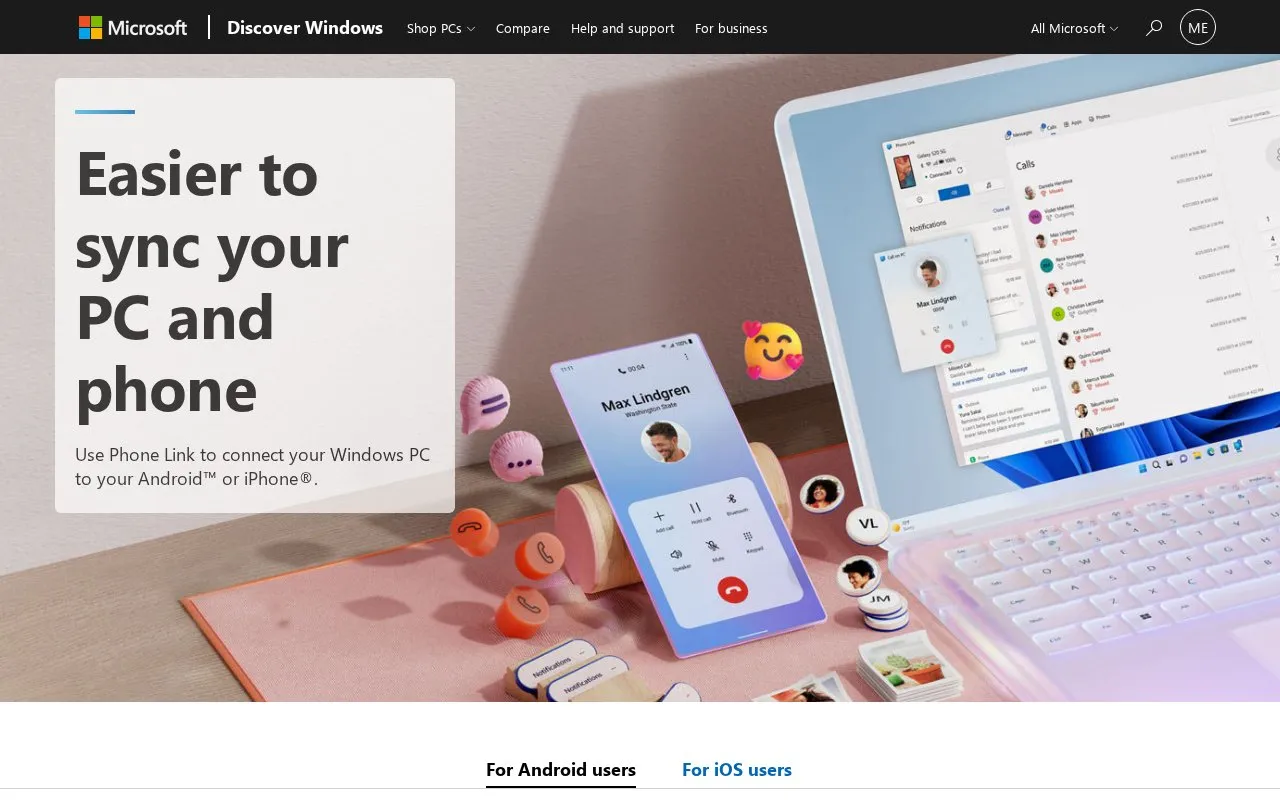
Phone Link is a Microsoft tool that connects an Android smartphone or iPhone to a Windows 10 or Windows 11 computer wirelessly. It replaces the Your Phone Companion app. On many Windows 10 and Windows 11 PCs it comes preinstalled and can be found by searching “Phone Link” in the Start menu.
With Phone Link, you can read and reply to text messages from your PC, make and receive calls, review call history, and search contacts. You can also check, pin, and dismiss phone notifications and adjust banner alert preferences. For Android devices, you can view the last 2,000 images from the camera roll and drag and drop or copy and paste them into other apps on the PC. Setup involves launching Phone Link on the PC, selecting the device type, and pairing with the Link to Windows app on Android.
It suits people who use a Windows PC alongside an Android phone or iPhone and want to handle calls, messages, notifications, and recent photos without picking up the phone.
Tools and sites you could use instead, ranked by how closely they match.
PortableApps.com Platform organizes portable apps into a custom software suite for use from a synced cloud folder, local PC, or USB drive.
Rufus creates bootable USB drives for installing or running Microsoft Windows, according to its official site.
Sefirah connects a phone and computer with shared clipboard and related cross-device workflow features.
KDE Connect enables devices to communicate with each other through a cross-device connectivity project.
Well-known listings from the same topic.
Tell us and an editor will check it.
Claim the listing and suggest updates yourself. An editor checks every claim first.


