

Microsoft PowerToys is a collection of Windows utilities for productivity and customization, according to its repository description.
Open source
24 alternativesMicrosoft PowerToys bundles Windows utilities such as FancyZones, PowerToys Run, Color Picker, and PowerRename for Windows 10 and 11.
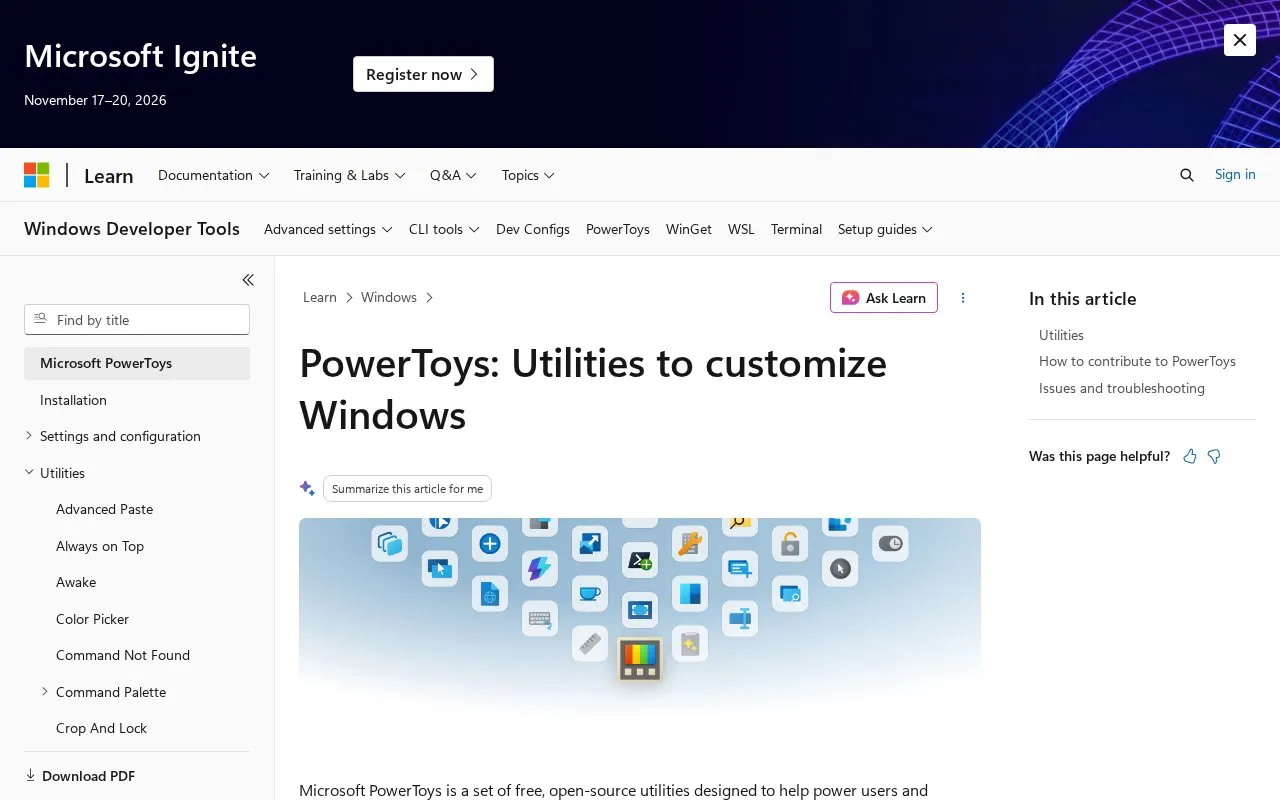
Microsoft PowerToys is a set of free, open-source utilities for Windows 10 and 11, documented on Microsoft Learn. It builds on standard Windows features to add customization and workflow tools that are not available out of the box.
With PowerToys you can manage window layouts with FancyZones, launch apps and commands with PowerToys Run and Command Palette, pick colors from the screen with Color Picker, and rename multiple files at once with PowerRename. Other utilities cover key remapping, image resizing, file previews with Peek, text extraction with OCR, screen measuring, and keeping windows on top or a PC awake.
The collection suits power users and developers who want more control over Windows. The Learn page describes each utility and links to GitHub for installation, releases, issue reporting, and contributions.
Tools and sites you could use instead, ranked by how closely they match.
Microsoft PowerToys is a collection of Windows utilities for productivity and customization, according to its repository description.
NirLauncher bundles more than 200 portable utilities from NirSoft, according to its site.
Microsoft Sysinternals provides a library of Windows utilities, with learning resources, downloads, and support information.
Well-known listings from the same topic.
Tell us and an editor will check it.
Claim the listing and suggest updates yourself. An editor checks every claim first.


