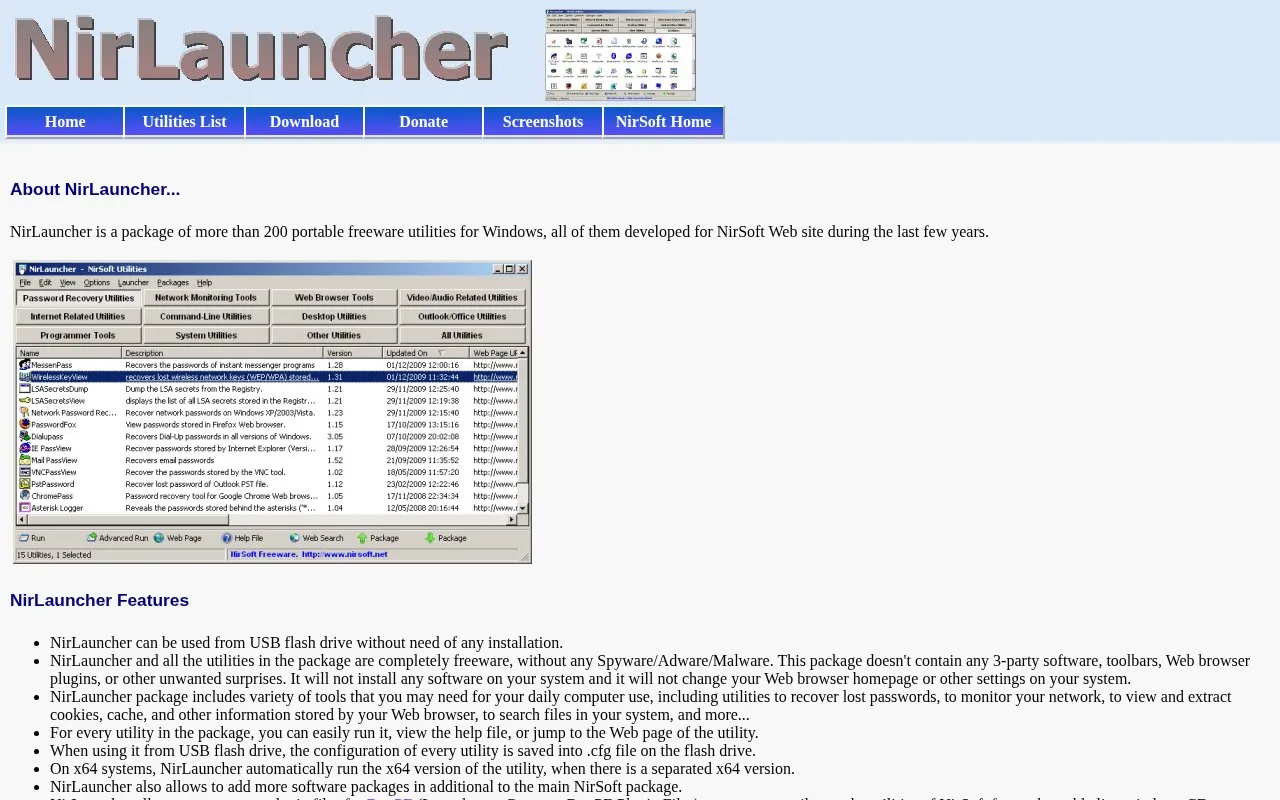
NirLauncher is a package of more than 200 portable utilities for Windows from NirSoft. It runs from a USB flash drive or other disk without installation and includes tools to recover lost passwords, monitor a network, view and extract browser cookies and cache, and search files.
When used from a USB drive, each utility's configuration is saved to a .cfg file on the drive, and x64 versions are used automatically on x64 systems where available. The package excludes NirSoft utilities not updated since 01/10/2007, lists Windows 2000 through Windows 10 as supported, and notes that antivirus software may flag password-recovery tools.
Key features
Runs more than 200 portable Windows utilities from USB without installation
Recovers lost passwords, monitors network activity, and searches files
Views and extracts browser cookies, cache, and stored information
Saves each utility configuration to .cfg file on flash drive
Automatically runs x64 utility version on x64 systems
Generates BartPE plugin files for bootable live Windows CD
Best for: Windows users who need multiple portable system utilities that can run from a USB drive.
Good for
Portable operation from USB flash drive without installation
Described as freeware for home and company use with NK2Edit exception
Supports additional software packages beyond the main NirSoft package
Watch out for
Does not include NirSoft utilities last updated before 01/10/2007
Stated system support is Windows 2000 through Windows 10
Antivirus programs may report password-recovery utilities as malware