

PowerShell provides a shell and scripting environment for multiple systems, according to the project summary.
Open source
24 alternativesDnote is a terminal-based notebook for capturing commands and snippets, with full-text search and a self-hosted server API.
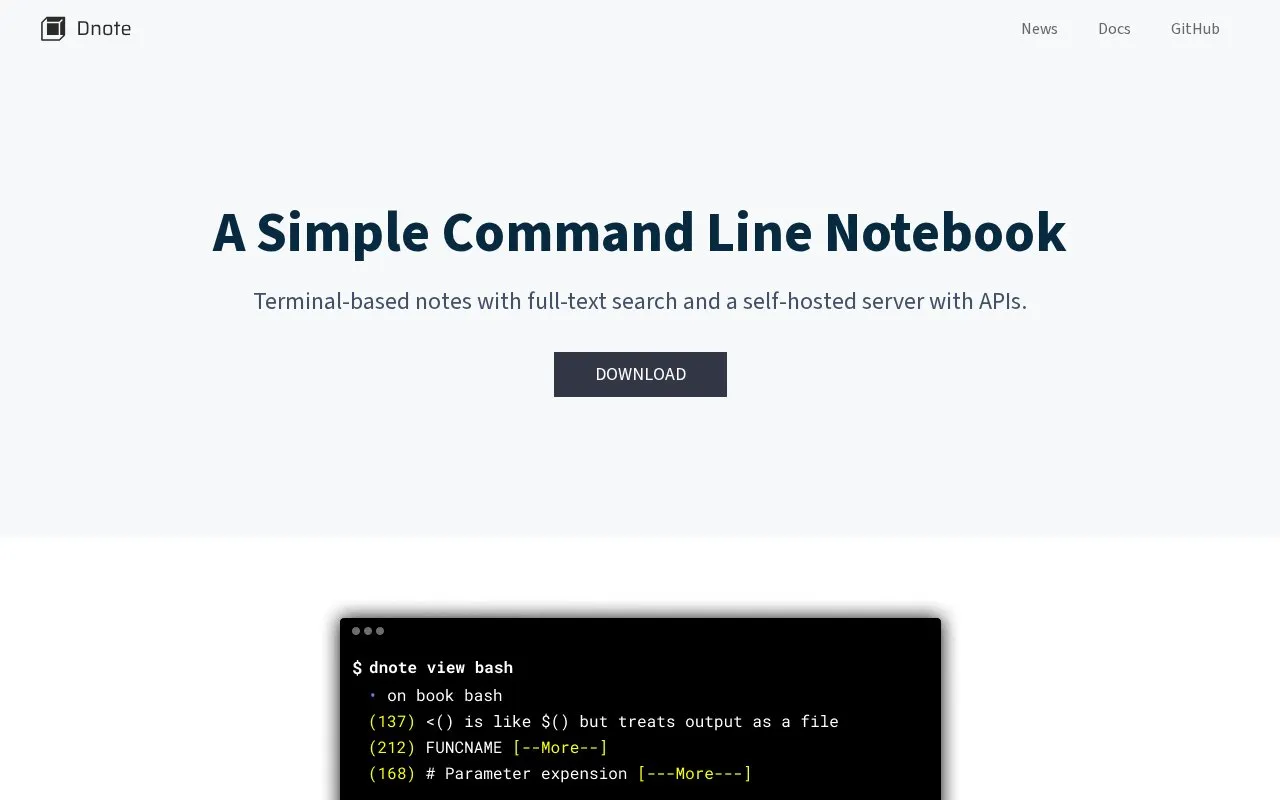
Dnote is a terminal-based notebook for saving commands, snippets, and insights, with full-text search for later retrieval. Notes are stored in a single SQLite file and can be written using terminal or GUI text editors.
It is distributed as a single binary with no dependencies for macOS, Linux, FreeBSD, and Windows, with installation via Homebrew or direct download. An optional self-hosted server, deployable directly or with Docker, enables multi-device sync and REST API access.
Tools and sites you could use instead, ranked by how closely they match.
PowerShell provides a shell and scripting environment for multiple systems, according to the project summary.
Windows Terminal brings Command Prompt, PowerShell, and WSL into one command-line app, with tabs, panes, and custom themes.
SS64 provides command-line references for Linux, macOS, Windows Command Prompt, PowerShell, and other scripting tools.
Silent Install Builder creates installers and multi-pack setups, and can record installation automation scripts for software without command-line options.
WinGet discovers, installs, upgrades, removes, and configures applications from the command line.
Scoop installs Windows software from the command line, according to the supplied description.
Well-known listings from the same topic.
Tell us and an editor will check it.
Claim the listing and suggest updates yourself. An editor checks every claim first.


