

SS64 provides command-line references for Linux, macOS, Windows Command Prompt, PowerShell, and other scripting tools.
Windows Terminal
Windows Terminal brings Command Prompt, PowerShell, and WSL into one command-line app, with tabs, panes, and custom themes.
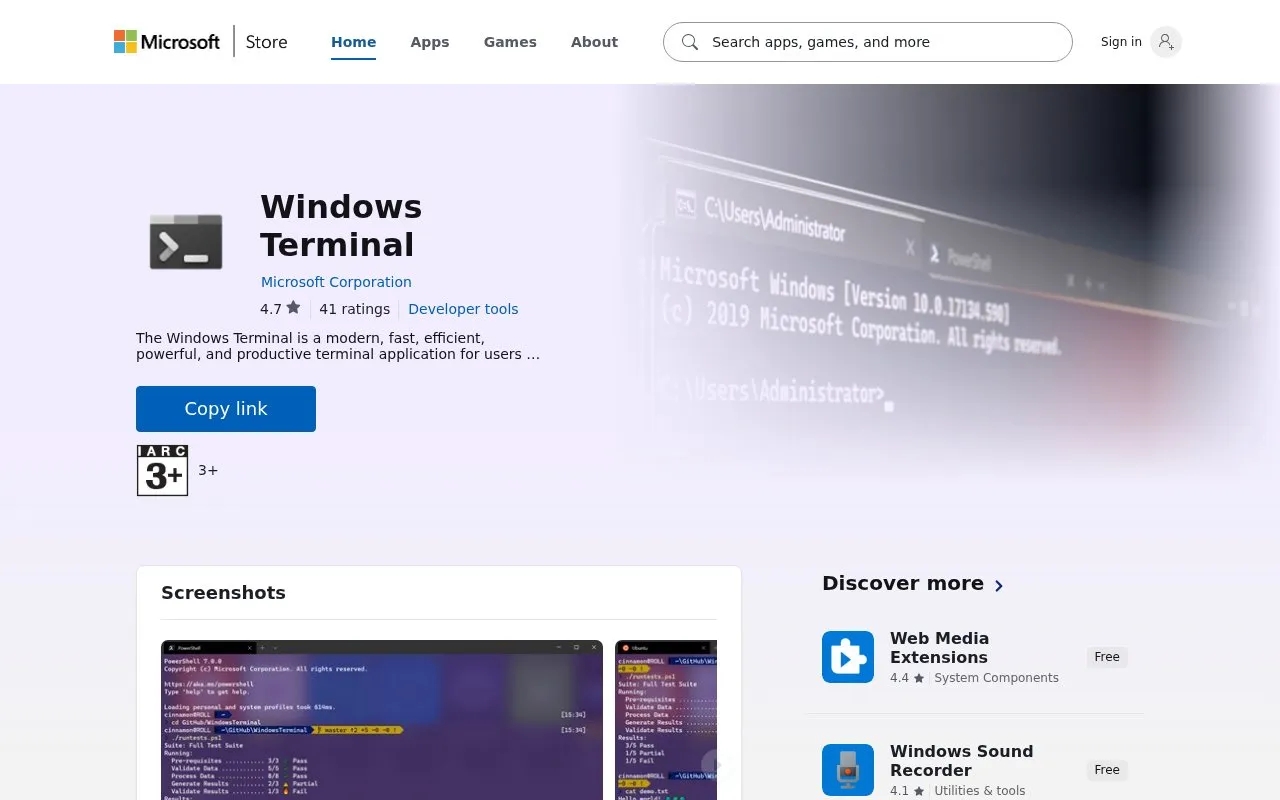
About Windows Terminal
Windows Terminal is a terminal application for Windows for users of command-line tools and shells such as Command Prompt, PowerShell, and WSL. It brings these shells together in one app instead of separate windows. It is listed on the Microsoft Store as a free download and install on Windows.
You can open multiple tabs in a single window and split the view into panes. The app supports Unicode and UTF-8 characters and includes a GPU accelerated text rendering engine. You can also adjust themes, styles, and configurations to change how the terminal looks and behaves.
It suits people who regularly use Command Prompt, PowerShell, or WSL on Windows. The Store page also notes community participation through the project's GitHub page. It is accessed through the Microsoft Store listing.
Key features
- Run Command Prompt, PowerShell, and WSL in one app
- Open multiple tabs in a single window
- Split the window into multiple panes
- Support Unicode and UTF-8 characters
- Use custom themes, styles, and configurations
- Use GPU accelerated text rendering engine
Best for: People who use Command Prompt, PowerShell, or WSL on Windows and want them in one terminal app.
Good for
- Combines Command Prompt, PowerShell, and WSL in one app
- Includes tabs, panes, and custom themes
- Supports Unicode and UTF-8 characters
- Free download via Microsoft Store
Watch out for
- Requires Windows
Windows Terminal at a glance
- Category
- Software & Utilities › System Utilities
- Type
- Website
- Pricing
- Free
- Platforms
- Web, Windows
- Open source
- Not stated
- Language
- English
- Last checked
- Oct 5, 2026 · Online when checked
- Listed
- Oct 5, 2026
Windows Terminal alternatives
Tools and sites you could use instead, ranked by how closely they match.

Explorer Tab Utility adds tab-management functions to Windows 11 File Explorer, including opening windows as tabs and restoring closed tabs.
Open source
24 alternatives
WinGet is the Windows Package Manager command-line interface, with PowerShell modules and related tools in the project.
Open source
24 alternatives
Winfetch displays system information from the command line using a PowerShell utility.
Open source
24 alternatives
Silent Install Builder creates installers and multi-pack setups, and can record installation automation scripts for software without command-line options.

WinGet discovers, installs, upgrades, removes, and configures applications from the command line.
Popular in System Utilities
Well-known listings from the same topic.
Phone Linkmicrosoft.com/windows/sync-across-your-devicesMicrosoft SDmicrosoft.com/en-us/software-downloadPowerToyslearn.microsoft.com/en-us/windows/powertoysWinWorldPCwinworldpc.comGeekUninstallergeekuninstaller.com0Install0install.net


Windows Terminal FAQ
What is Windows Terminal used for?
It provides one terminal app for using Command Prompt, PowerShell, and WSL on Windows.
Where can I download Windows Terminal?
It is listed as a free download and install on Windows through the Microsoft Store.
Does Windows Terminal support tabs and custom themes?
Yes. It supports multiple tabs, panes, and custom themes, styles, and configurations.
Is something wrong or out of date?
Tell us and an editor will check it.
Own this website?
Claim this listing
Claim the listing and suggest updates yourself. An editor checks every claim first.