

Silent Install Builder creates installers and multi-pack setups, and can record installation automation scripts for software without command-line options.
WinGet
WinGet discovers, installs, upgrades, removes, and configures applications from the command line.
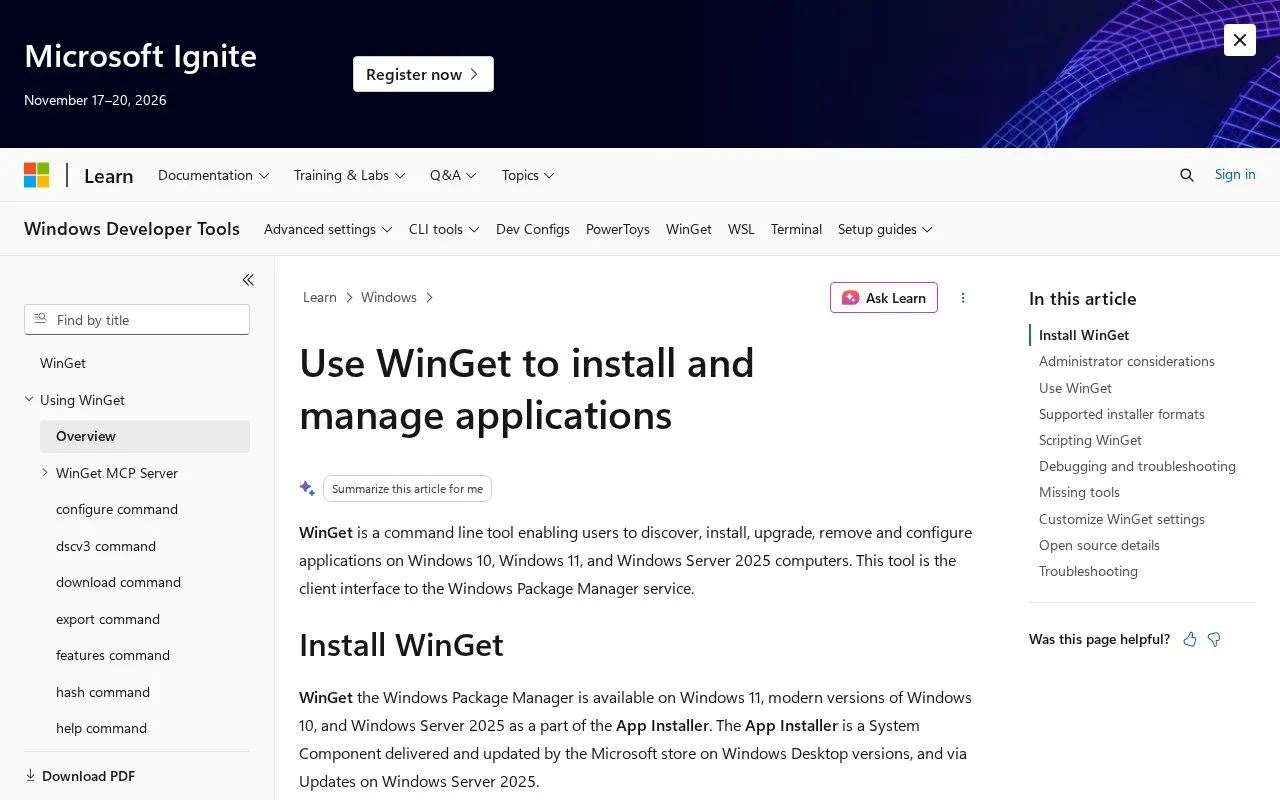
About WinGet
WinGet is a command line tool for discovering, installing, upgrading, removing, and configuring applications on Windows 10, Windows 11, and Windows Server 2025 computers. It serves as the client interface to the Windows Package Manager service.
WinGet is included with App Installer, a system component that Microsoft Store delivers and updates on Windows desktop versions and that receives updates on Windows Server 2025. The tool is supported only on Windows 10 version 1809 (build 17763) or later. It is not available until a user has logged in to Windows for the first time, and it may need a manual registration command before it appears. Some installs may require administrator elevation, and declining the prompt causes the install to fail.
Key features
- Searches for applications from the command line with winget search
- Installs applications on Windows 10, Windows 11, and Windows Server 2025
- Upgrades and removes installed applications from the command line
- Configures applications from the command line
- Offers preview builds for testing new WinGet features
- Can be installed in Windows Sandbox using the Repair-WinGetPackageManager cmdlet
Best for: Windows users and developers who prefer to install, update, and remove applications from a command prompt.
Good for
- Provides a single command line interface to the Windows Package Manager service
- Ships as part of App Installer on supported Windows versions
- Windows Sandbox can run installed software separately from the host machine
Watch out for
- Supported only on Windows 10 version 1809 (build 17763) or later
- Not available until a user logs in to Windows for the first time
- Installs that require elevation fail if the user declines the elevation prompt
WinGet at a glance
- Category
- Software & Utilities › System Utilities
- Type
- Website
- Pricing
- Not confirmed. Check the site
- Platforms
- Web, Windows
- Open source
- Not stated
- Language
- English
- Last checked
- Oct 6, 2026 · Online when checked
- Listed
- Oct 5, 2026
WinGet alternatives
Tools and sites you could use instead, ranked by how closely they match.

Scoop installs Windows software from the command line, according to the supplied description.

WinGet is the Windows Package Manager command-line interface, with PowerShell modules and related tools in the project.
Open source
24 alternatives
Install Windows apps from the command line with Scoop, which aims to keep setup minimal.

Windows Terminal brings Command Prompt, PowerShell, and WSL into one command-line app, with tabs, panes, and custom themes.
Free
24 alternatives
SS64 provides command-line references for Linux, macOS, Windows Command Prompt, PowerShell, and other scripting tools.
Popular in System Utilities
Well-known listings from the same topic.
Phone Linkmicrosoft.com/windows/sync-across-your-devicesMicrosoft SDmicrosoft.com/en-us/software-downloadPowerToyslearn.microsoft.com/en-us/windows/powertoysWinWorldPCwinworldpc.comGeekUninstallergeekuninstaller.com0Install0install.net


WinGet FAQ
Why is WinGet not available after I set up Windows?
WinGet is not available until you have logged in as a user for the first time, which triggers Microsoft Store to register the Windows Package Manager. If it is still missing, you can run a registration command in PowerShell as described in the source.
Can WinGet be used inside Windows Sandbox?
Windows Sandbox does not include WinGet. The source describes installing the stable release there from PowerShell using the PSGallery Microsoft.WinGet.Client module and the Repair-WinGetPackageManager cmdlet.
How can I try a preview version of WinGet?
You can download the latest preview package, though it does not enable automatic preview updates from Microsoft Store. Users in the Windows Insider Canary or Dev Channels receive automatic preview updates from Microsoft Store.
Is something wrong or out of date?
Tell us and an editor will check it.
Own this website?
Claim this listing
Claim the listing and suggest updates yourself. An editor checks every claim first.