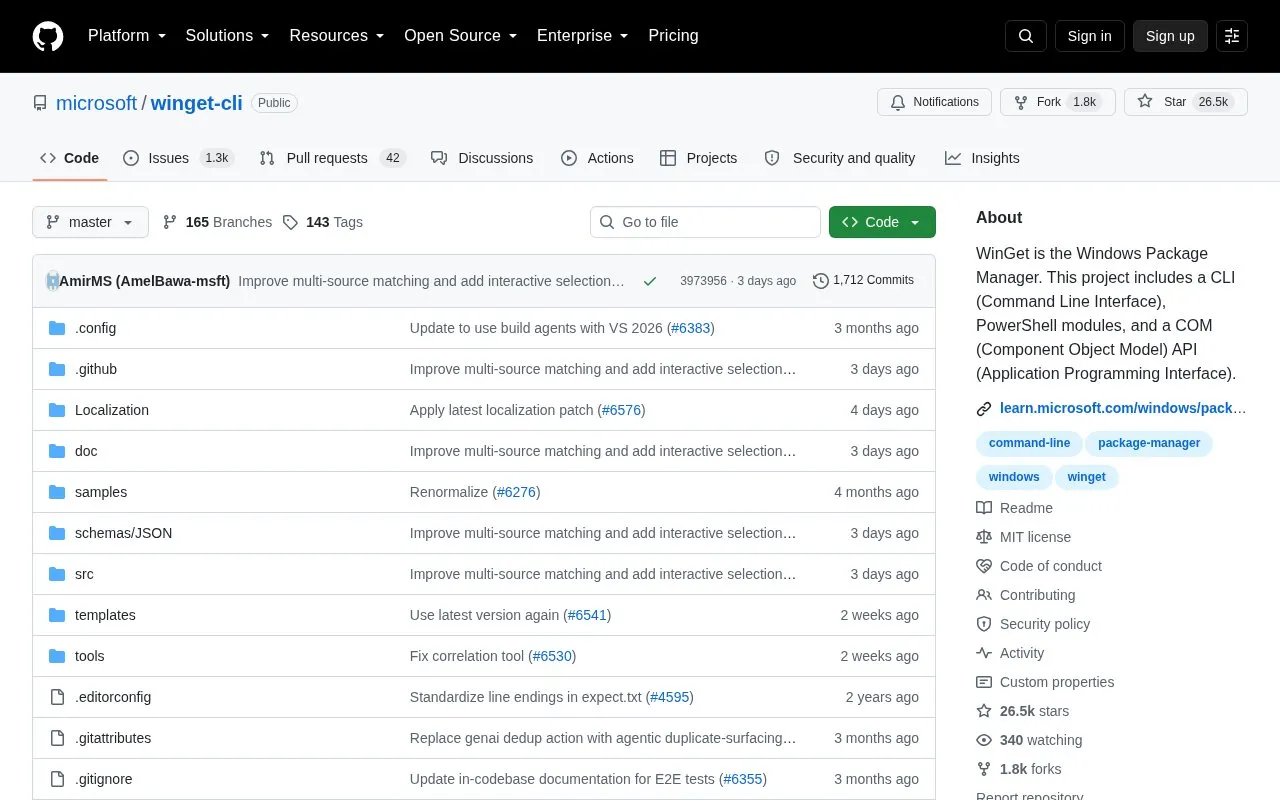
WinGet is the Windows Package Manager command-line interface. The project also includes PowerShell modules and a COM API. It accesses two default sources: "msstore" for free Microsoft Store apps rated "e" for everyone, and "winget" for the community repository.
It requires Windows 10 1809, Windows 11, Windows Server 2025, or later. It does not run on Windows Server Core or earlier Windows versions, and group policy can modify configured sources.
Key features
Command-line interface for Windows package management
Access to msstore and winget default package sources
PowerShell module with cmdlets to search, install, list, and update
COM API for programmatic interaction
Check configured policies with winget --info
Repair installation using Repair-WinGetPackageManager cmdlet
Best for: Windows users and administrators who manage software by command line or PowerShell.
Good for
Includes CLI, PowerShell modules, and COM API in one project
Uses two default sources: Microsoft Store and community repository
Distributed within the App Installer package
Watch out for
Requires Windows 10 1809, Windows 11, Windows Server 2025, or later
Does not run on Windows Server Core or earlier Windows versions
Manually installed releases lack automatic Store updates without Insider program
It requires Windows 10 1809, Windows 11, Windows Server 2025, or later. It cannot run on Windows Server Core or versions earlier than Windows 10 1809.
Where do WinGet packages come from?
The client has two default sources: "msstore" for free Microsoft Store apps rated "e" for everyone, and "winget" for the community repository. Group policy can modify sources; run winget --info to see configured policies.
How do I install the PowerShell module?
Install it from the PowerShell Gallery with Install-Module -Name Microsoft.WinGet.Client, which provides cmdlets such as Find-WinGetPackage, Install-WinGetPackage, Get-WinGetPackage, and Update-WinGetPackage.
Is something wrong or out of date?
Tell us and an editor will check it.
Own this website?
Claim the listing and suggest updates yourself. An editor checks every claim first.