

WinGet is the Windows Package Manager command-line interface, with PowerShell modules and related tools in the project.
Open source
24 alternativesClink adds Bash-style command-line editing features to cmd.exe, according to its repository description.
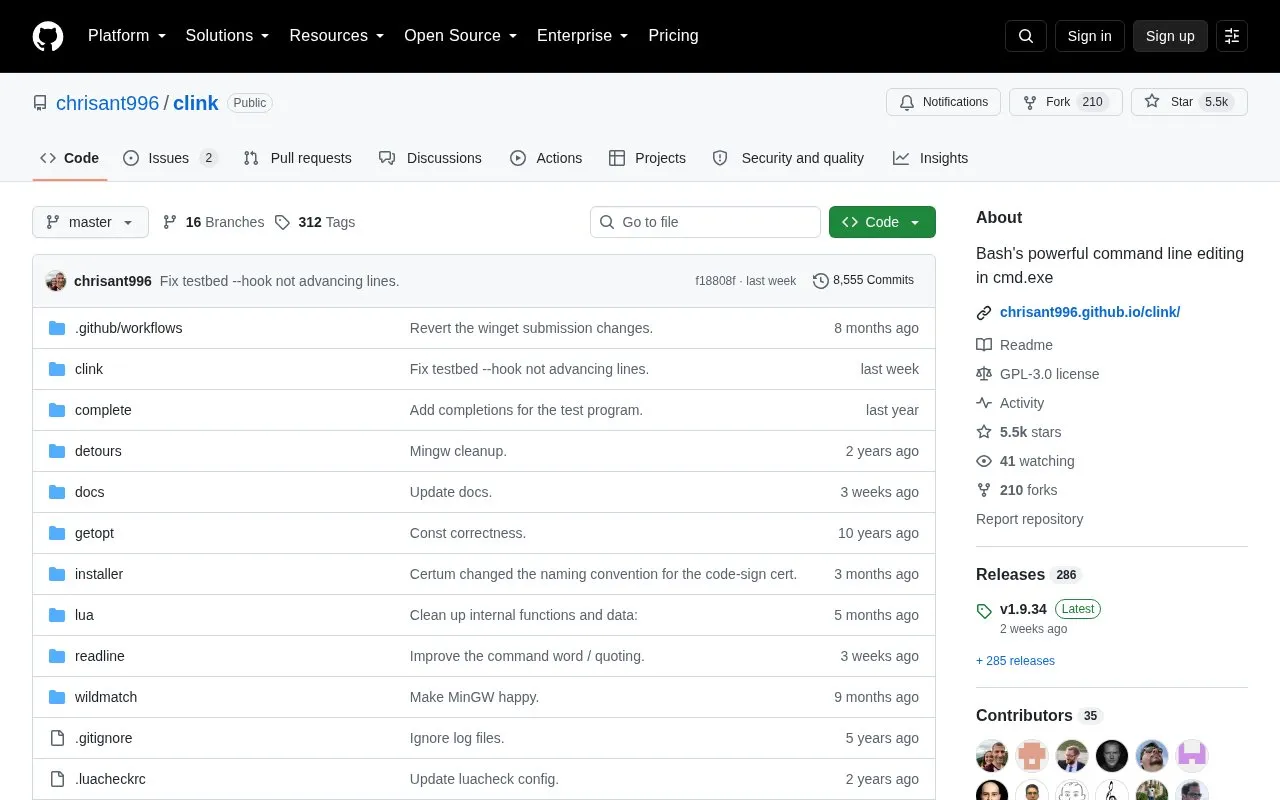
Clink adds Bash-style command line editing to cmd.exe, the native Windows shell. It combines cmd.exe with the GNU Readline library, which provides completion, history, and line-editing features. Clink works by injecting into a cmd.exe process, where it intercepts some Windows API functions to replace the prompt and input line editing.
Clink can be installed with the setup EXE, winget, scoop, or a ZIP file from the releases page. It can be set to load automatically when cmd.exe starts, or started manually. The source states that Clink can be used without any configuration, and it can be extended with Lua scripts. Upgrading from Clink v0.4.9 may require some configuration work.
Tools and sites you could use instead, ranked by how closely they match.
WinGet is the Windows Package Manager command-line interface, with PowerShell modules and related tools in the project.
Manifest Creator is Microsoft’s command-line tool for creating Windows Package Manager manifests, also known as wingetcreate.
Winfetch displays system information from the command line using a PowerShell utility.
This repository collects more than 600 PowerShell scripts for Linux, macOS, and Windows.
This repository collects command-line utilities, according to its title and description.
This repository curates command-line applications across different categories.
Well-known listings from the same topic.
Tell us and an editor will check it.
Claim the listing and suggest updates yourself. An editor checks every claim first.


