

Organize automates file-management tasks, with documentation for its tools and configuration.
Organize
Organize automates file management through rules, with documentation and a version 3 release noted on its project page.
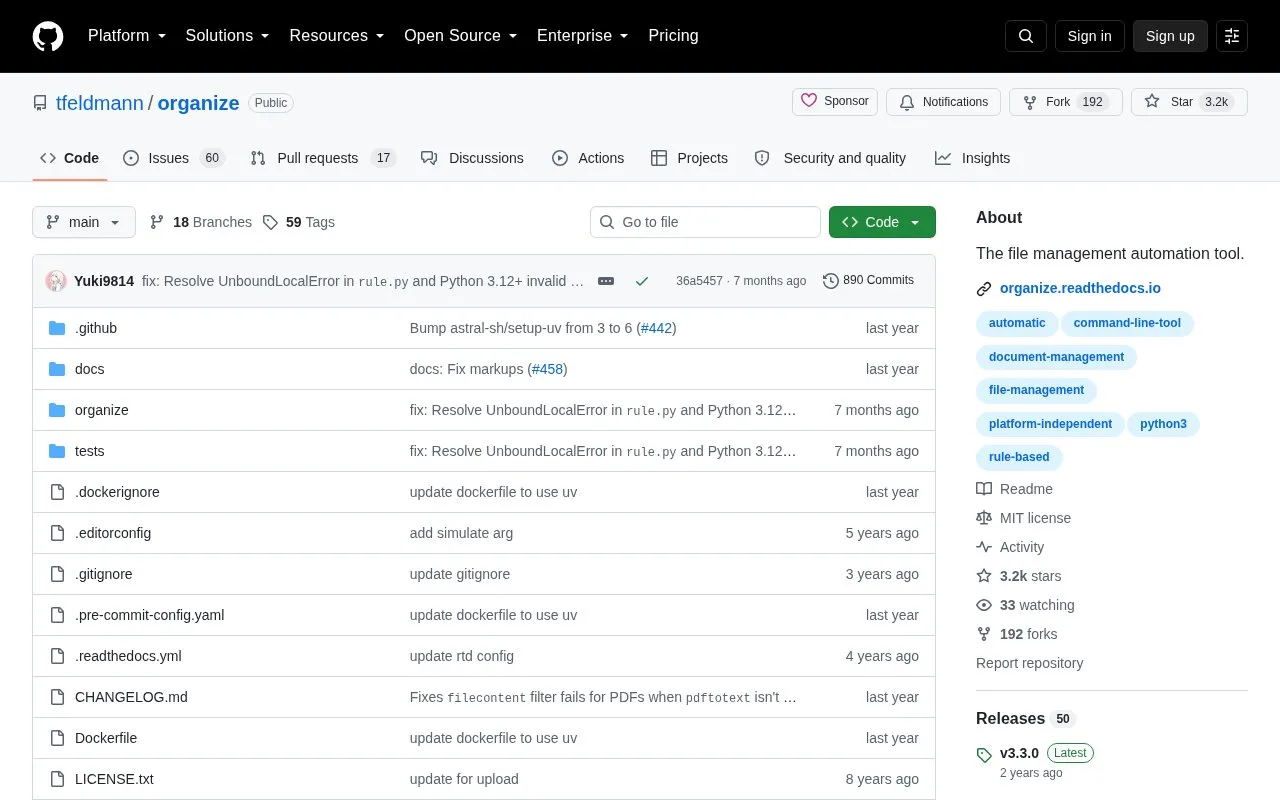
About Organize
organize is a free, open-source command-line tool that automates file management. Users define rules that specify folders to watch, filters that select files, and actions to perform on them. Common uses include sorting pictures by EXIF data, sorting and renaming PDF invoices by content, removing incomplete downloads, and freeing disk space by finding duplicates. The project describes it as a command-line alternative to apps such as Hazel for macOS and File Juggler for Windows.
The tool requires Python 3.9 or later and is installed with pip under the package name organize-tool. It runs on macOS, Windows, and Linux. The project notes that a version 3 release is available, with a changelog and migration guide, and that users may encounter bugs during migration. Pricing is not stated.
Key features
- Moving, renaming, and copying of files and folders with conflict resolution options
- Fast duplicate file detection
- EXIF tag extraction for sorting pictures
- Categorization based on text extracted from PDF and DOCX files
- Inline Python and shell commands as filters and actions
- Simulation mode to preview changes before files are touched
Best for: Users comfortable with the command line who want to automate sorting, renaming, and cleanup of files on Linux, macOS, or Windows.
Good for
- Open source and free, according to the project
- Simulation mode shows what would happen without changing files
- Works on macOS, Windows, and Linux
Watch out for
- It is a command-line tool, so rules are written and run from a shell
- Requires Python 3.9 or later to be installed
- The project notes that bugs may occur during migration to version 3
Organize at a glance
- Category
- Software & Utilities › System Utilities
- Type
- Open-source project
- Pricing
- Not confirmed. Check the site
- Platforms
- Linux, macOS, Windows
- Open source
- Yes · Source code
- Language
- English
- Last checked
- Oct 6, 2026 · Online when checked
- Listed
- Oct 5, 2026
Organize alternatives
Tools and sites you could use instead, ranked by how closely they match.

This repository collects more than 600 PowerShell scripts for Linux, macOS, and Windows.
Open source
24 alternatives
WinGet is the Windows Package Manager command-line interface, with PowerShell modules and related tools in the project.
Open source
24 alternatives
Microsoft Terminal combines the new Windows Terminal and the original Windows console host in one project.
Open source
24 alternatives
Manifest Creator is Microsoft’s command-line tool for creating Windows Package Manager manifests, also known as wingetcreate.
Open source
24 alternatives
Winfetch displays system information from the command line using a PowerShell utility.
Open source
24 alternativesPopular in System Utilities
Well-known listings from the same topic.
Phone Linkmicrosoft.com/windows/sync-across-your-devicesMicrosoft SDmicrosoft.com/en-us/software-downloadPowerToyslearn.microsoft.com/en-us/windows/powertoysWinWorldPCwinworldpc.comGeekUninstallergeekuninstaller.com0Install0install.net


Organize FAQ
What do people commonly use organize for?
The project lists sorting pictures by EXIF data, sorting and renaming PDF invoices by content, removing incomplete downloads, cleaning unused files from the desktop, freeing disk space by removing duplicates, and automating business processes.
How is organize installed?
It is installed with pip using the package name organize-tool, after Python 3.9 or later is installed. The same command can be used to update it.
Can I see what a rule will do before it changes my files?
Yes. Running organize sim shows what would happen without touching your files.
Is something wrong or out of date?
Tell us and an editor will check it.
Own this website?
Claim this listing
Claim the listing and suggest updates yourself. An editor checks every claim first.