

Install Windows apps from the command line with Scoop, which aims to keep setup minimal.
Scoop
Scoop installs Windows software from the command line, according to the supplied description.
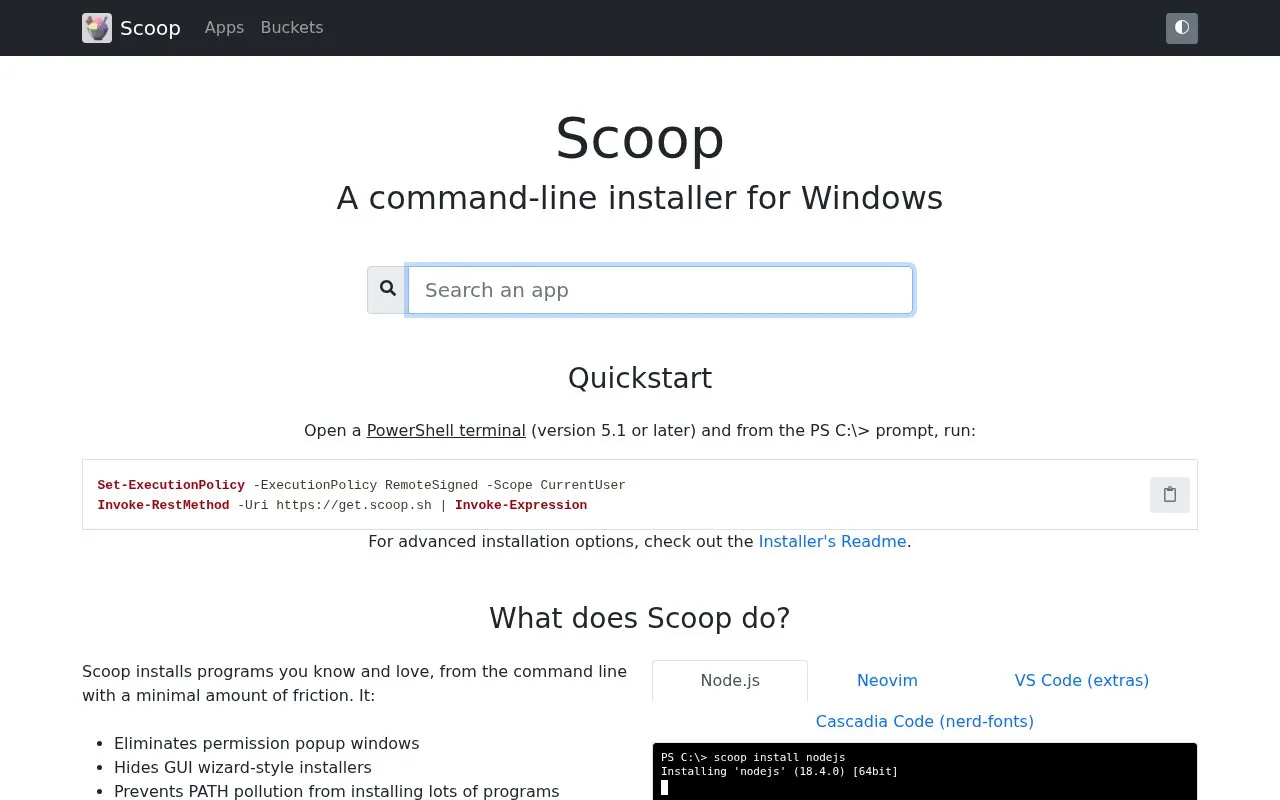
About Scoop
Scoop installs Windows software from the command line, according to the supplied description.
Scoop is a website in our System Utilities collection, part of the Software & Utilities directory. You can use Scoop in the browser, and it's also available for Windows.
People usually find Scoop when they’re looking for command line.
Not quite what you need? Close alternatives include Scoop, Silent Install, and WinGet — compare them below.
Scoop at a glance
- Website
- scoop.sh
- Category
- Software & Utilities › System Utilities
- Type
- Website
- Pricing
- Not confirmed. Check the site
- Platforms
- Web, Windows
- Open source
- Not stated
- Language
- English
- Last checked
- Oct 6, 2026 · Online when checked
- Listed
- Oct 5, 2026
Scoop alternatives
Tools and sites you could use instead, ranked by how closely they match.

Silent Install Builder creates installers and multi-pack setups, and can record installation automation scripts for software without command-line options.

WinGet discovers, installs, upgrades, removes, and configures applications from the command line.

Windows Terminal brings Command Prompt, PowerShell, and WSL into one command-line app, with tabs, panes, and custom themes.
Free
24 alternatives
SS64 provides command-line references for Linux, macOS, Windows Command Prompt, PowerShell, and other scripting tools.

WinGet is the Windows Package Manager command-line interface, with PowerShell modules and related tools in the project.
Open source
24 alternativesPopular in System Utilities
Well-known listings from the same topic.
Phone Linkmicrosoft.com/windows/sync-across-your-devicesMicrosoft SDmicrosoft.com/en-us/software-downloadPowerToyslearn.microsoft.com/en-us/windows/powertoysWinWorldPCwinworldpc.comGeekUninstallergeekuninstaller.com0Install0install.net


Scoop FAQ
What is Scoop?
Scoop installs Windows software from the command line, according to the supplied description.
Can I use Scoop in my browser?
Yes. Scoop works on the web, so you can use it from any modern browser — and it also has versions for Windows.
Is Scoop working?
scoop.sh responded when checked on Oct 6, 2026. Its current availability has not been confirmed.
What are the best alternatives to Scoop?
Popular alternatives to Scoop include Scoop, Silent Install, WinGet, and Windows Terminal. We list 12+ options matched by topic, tags and features.
Is something wrong or out of date?
Tell us and an editor will check it.
Own this website?
Claim this listing
Claim the listing and suggest updates yourself. An editor checks every claim first.