

Windows Terminal brings Command Prompt, PowerShell, and WSL into one command-line app, with tabs, panes, and custom themes.
Free
24 alternativesExplorer Tab Utility adds tab-management functions to Windows 11 File Explorer, including opening windows as tabs and restoring closed tabs.
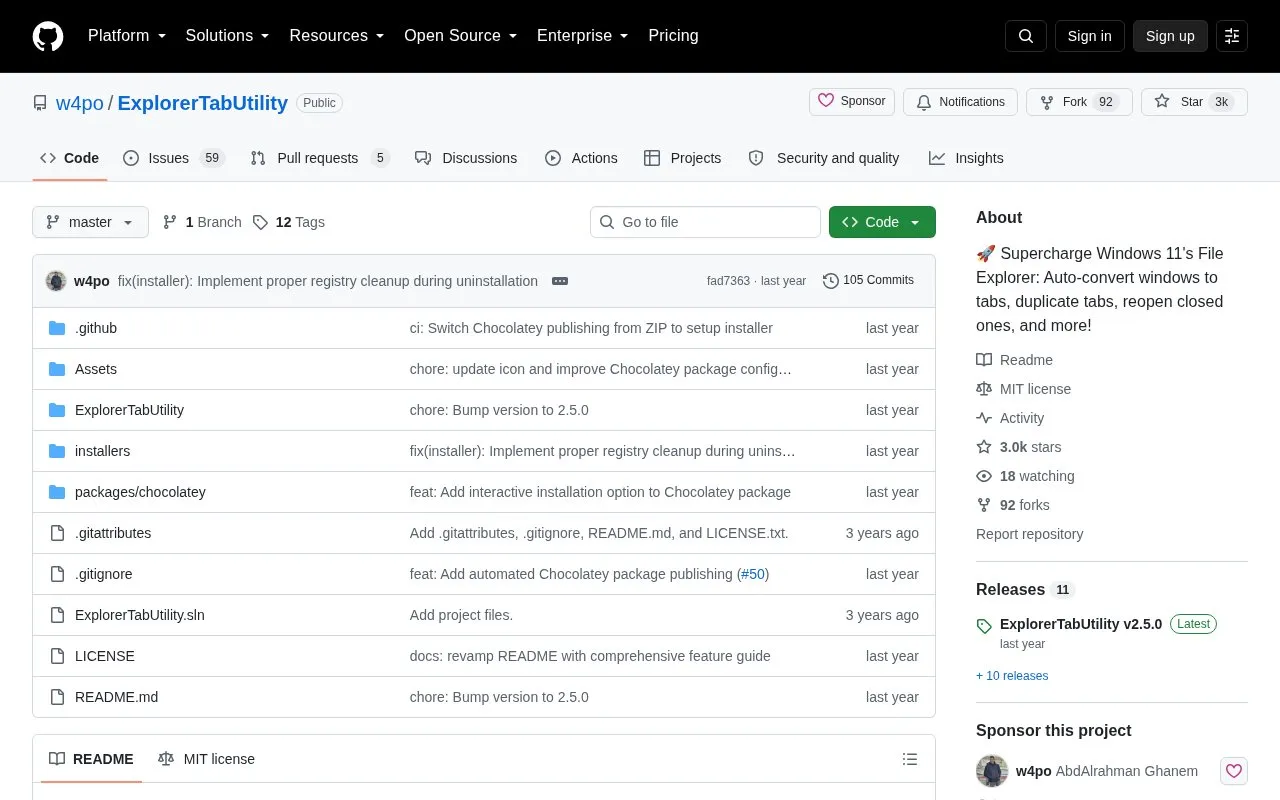
Explorer Tab Utility is an open source utility for Windows 11 File Explorer. It is distributed through its GitHub repository and requires Windows 11 (22H2 Build 22621 or later) with the File Explorer Tabs feature. It can be installed from the Releases page or using winget or Chocolatey.
It automatically converts new Explorer windows into tabs and can switch to an existing tab if the path is already open. Users can duplicate the current tab, reopen closed tabs and windows with location and selected items restored, and restore previous windows after an Explorer restart or system reboot. It also supports detaching tabs to new windows, keyboard shortcuts for navigation and favorite paths, and a search tool to find and switch between open tabs.
It suits Windows 11 users who regularly work with multiple File Explorer windows and want tab-based file management. Users should be comfortable downloading software from GitHub and configuring hotkeys and settings.
Tools and sites you could use instead, ranked by how closely they match.
Windows Terminal brings Command Prompt, PowerShell, and WSL into one command-line app, with tabs, panes, and custom themes.
Shell manages Windows File Explorer context-menu items, letting users choose which entries to add.
EverythingPowerToys adds Everything-powered file and folder search to the PowerToys Run launcher.
Organize automates file management through rules, with documentation and a version 3 release noted on its project page.
Clink adds Bash-style command-line editing features to cmd.exe, according to its repository description.
ChocolateyGUI provides a graphical interface for Chocolatey package management.
Well-known listings from the same topic.
Tell us and an editor will check it.
Claim the listing and suggest updates yourself. An editor checks every claim first.


