

StartIsBack restores a Start menu and Start button for Windows 8 and Windows 10, according to its page.
Free trial
StartAllBack restores and adjusts Windows 11 taskbar, Start menu, context menu, and File Explorer interface elements.
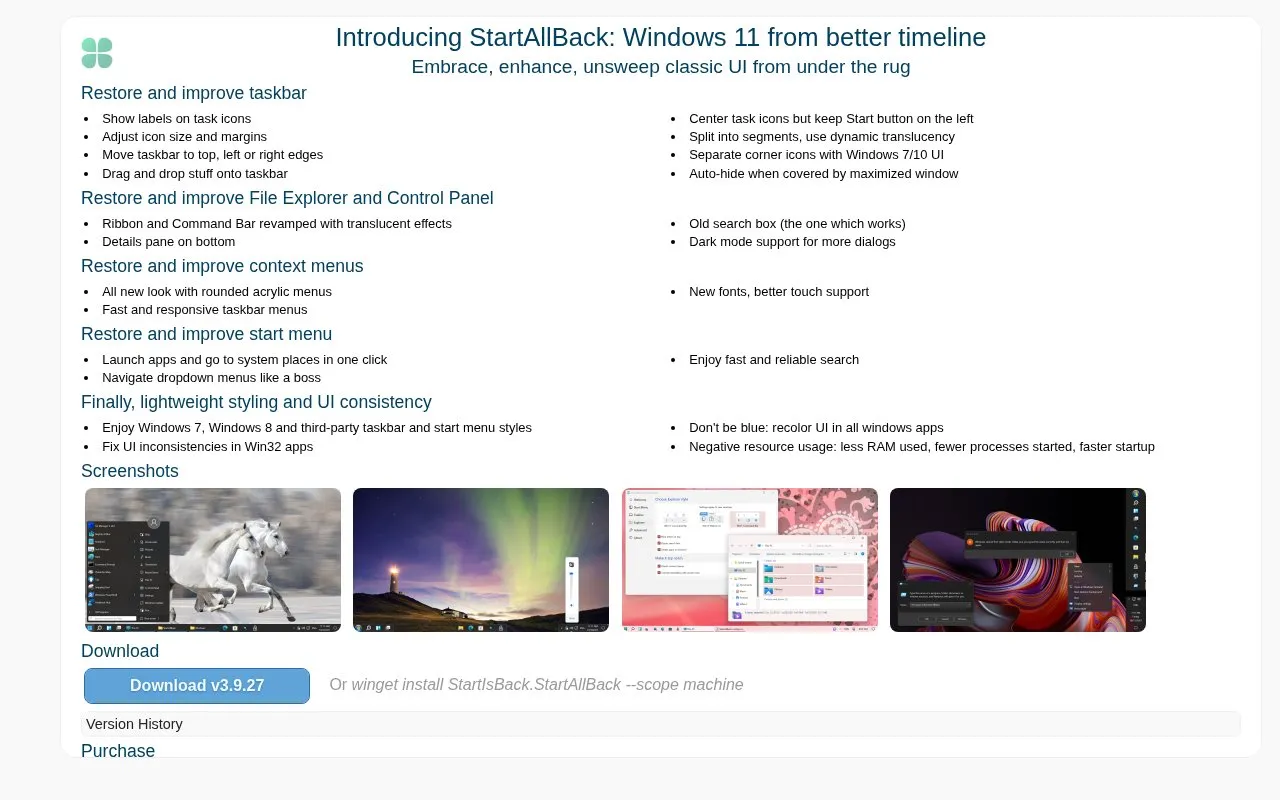
StartAllBack is a Windows utility that changes the appearance and behavior of the Windows 11 taskbar, Start menu, right-click context menus, and File Explorer. Its homepage describes it as a way to restore classic interface elements, such as Windows 7, 8, and 10 styles, and to adjust them. It is listed for Windows only, with no web-based version described.
The homepage lists the latest version as 3.9.28, dated 12 October 2026. Its changelog includes many compatibility updates for newer Windows builds and Insider previews, which suggests that behavior can depend on the installed Windows version. Some features have been turned off by default in certain releases. Pricing is not stated on the homepage.
Tools and sites you could use instead, ranked by how closely they match.
StartIsBack restores a Start menu and Start button for Windows 8 and Windows 10, according to its page.
Shell manages Windows File Explorer context-menu items, letting users choose which entries to add.
Spencer brings a classic Windows XP-style Start menu to Windows 10 and Windows 11, according to its project page.
Open-Shell provides Windows utilities for restoring classic interface features, according to its project homepage.
Use Quick Access Popup as a customizable Windows launcher with a context-menu style layout for accessing selected items quickly.
Explorer Tab Utility adds tab-management functions to Windows 11 File Explorer, including opening windows as tabs and restoring closed tabs.
Well-known listings from the same topic.
Tell us and an editor will check it.
Claim the listing and suggest updates yourself. An editor checks every claim first.


