

Shell manages Windows File Explorer context-menu items, letting users choose which entries to add.
Open source
24 alternativesRight Click Windows Magic provides open-source context-menu tools for administrators and power users, implemented with batch and PowerShell.
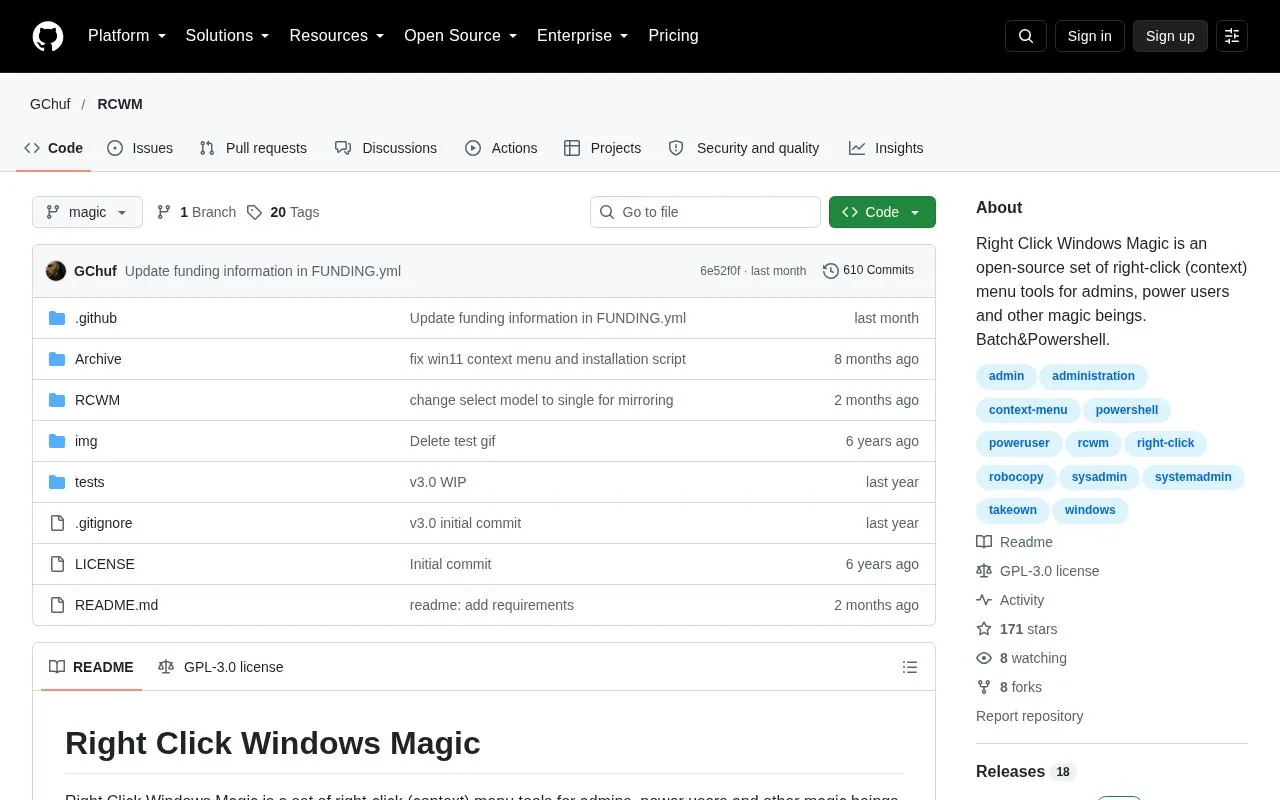
RCWM is an open-source set of tools that adds and changes options in the Windows right-click (context) menu. It is aimed at administrators and power users. According to its homepage, the tools work through the Windows registry with help from batch and PowerShell scripts. The main focus is automating robocopy, a command-line file copy tool, so that copying and moving folders is faster and can select several folders at once.
The pack also covers a range of other shortcuts, including opening command prompt or PowerShell in a folder, running .ps1 scripts as administrator, taking ownership of files and folders, and removing selected default menu entries. It runs on Windows 7, 8, 8.1, 10 and 11. Some features may not work properly if the user running them does not have administrator privileges. The source describes some planned items as not yet done, so not every idea listed on the page is available.
Tools and sites you could use instead, ranked by how closely they match.
Shell manages Windows File Explorer context-menu items, letting users choose which entries to add.
SmartSystemMenu extends the system menu of Windows windows with custom items, including an information view.
The Fido PowerShell script downloads Windows or UEFI Shell ISO files and is designed primarily for Rufus.
psmux brings tmux-style terminal multiplexing to PowerShell, Windows Terminal, and cmd.exe through a native Windows implementation.
WinGet is the Windows Package Manager command-line interface, with PowerShell modules and related tools in the project.
This repository collects more than 600 PowerShell scripts for Linux, macOS, and Windows.
Well-known listings from the same topic.
Tell us and an editor will check it.
Claim the listing and suggest updates yourself. An editor checks every claim first.


