

Shell manages Windows File Explorer context-menu items, letting users choose which entries to add.
Open source
24 alternativesSmartSystemMenu extends the system menu of Windows windows with custom items, including an information view.
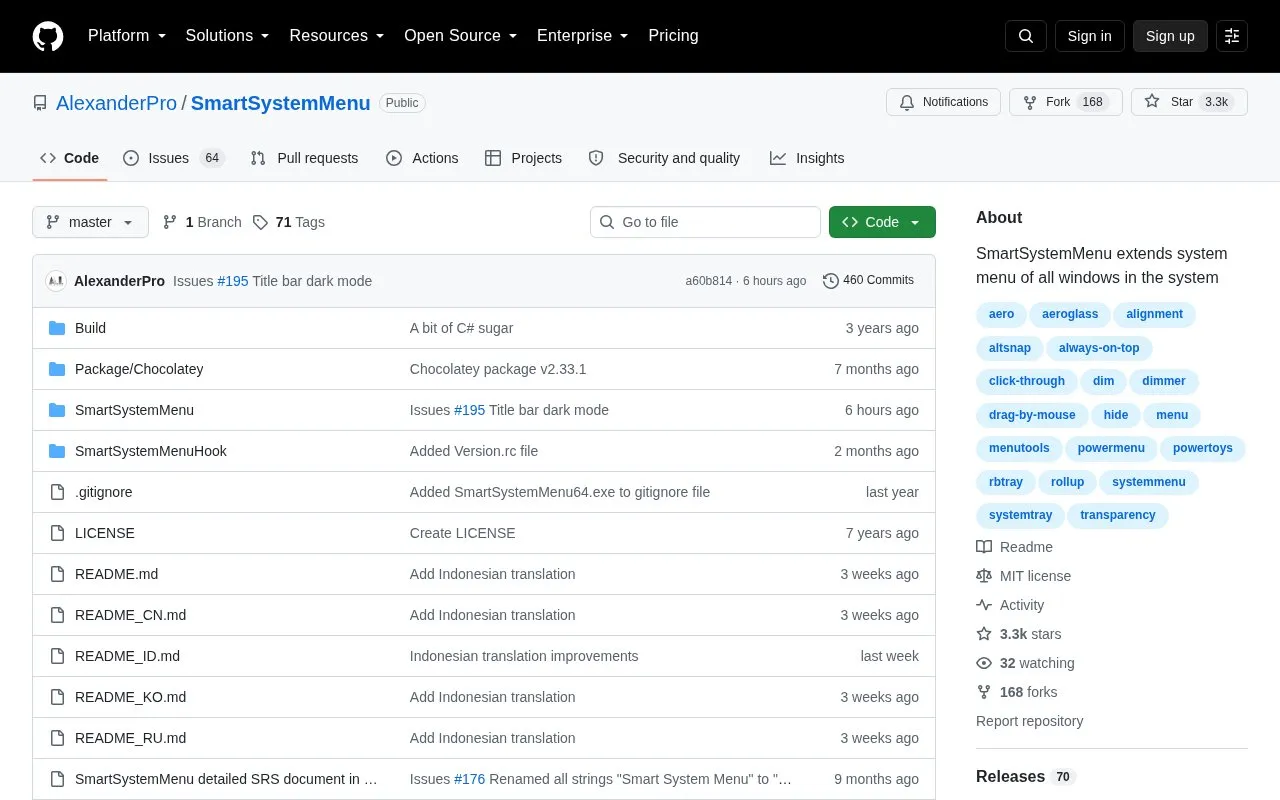
SmartSystemMenu extends the system menu of all windows in Windows with additional items. These include an Information dialog showing window handle, caption, style, class, process name, process ID and process path, plus controls for hiding, rolling up, always on top, transparency, resizing, moving to another monitor, alignment, priority, screenshots, and copying window text to the clipboard. It also provides a command-line interface for selecting windows by title, handle or process ID and applying actions without the GUI. It requires Windows XP SP3 or later on x86 or x64 systems with .NET Framework 4.0.
Tools and sites you could use instead, ranked by how closely they match.
Shell manages Windows File Explorer context-menu items, letting users choose which entries to add.
Right Click Windows Magic provides open-source context-menu tools for administrators and power users, implemented with batch and PowerShell.
Winfetch displays system information from the command line using a PowerShell utility.
EtchDroid writes operating-system images to USB drives on Android without requiring root access.
Rufus formats USB drives and creates bootable USB flash drives, with support for multiple file systems.
PowerShell provides a shell and scripting environment for multiple systems, according to the project summary.
Well-known listings from the same topic.
Tell us and an editor will check it.
Claim the listing and suggest updates yourself. An editor checks every claim first.


