

Winfetch displays system information from the command line using a PowerShell utility.
Open source
24 alternativesGlow is system analysis software that displays technical information, according to its repository description.
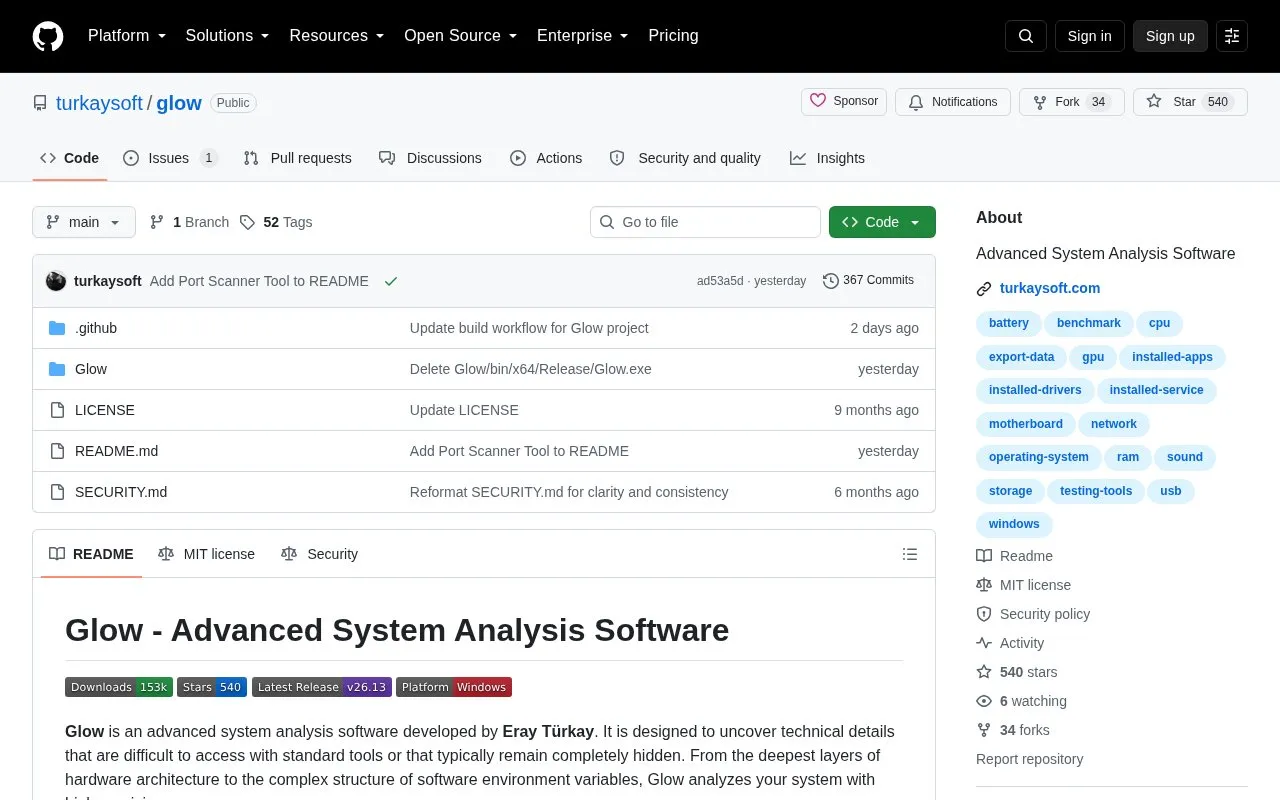
Glow is an open-source system analysis tool developed by Eray Türkay and distributed through a GitHub repository. It gathers detailed hardware and software information that the project says is often hard to reach with standard tools, covering components such as CPU, RAM, GPU, storage, motherboard, battery, network, USB and audio devices, as well as Windows build details, drivers, services and installed applications. It is oriented toward Windows systems, using Windows-specific maintenance tools and a Windows 11-style interface. The README describes over 500 features and a set of built-in maintenance utilities, including DISM/SFC automation, CPU, RAM and disk benchmarks, cache cleanup and system identifier analysis. Results can be exported as text, HTML or Markdown documents.
According to the repository, Glow is written in C# and .NET Framework without external libraries or dependencies, and is portable: users download a ZIP, extract it, select the appropriate architecture and run it without installation. The project states that data stays on the user's machine and is not transferred to external servers, and it also describes a built-in update mechanism. The interface supports 16 languages and light, dark and system themes. Pricing is not stated in the available information, and supported platforms beyond the Windows-oriented tooling and interface references are not documented here.
Tools and sites you could use instead, ranked by how closely they match.
Winfetch displays system information from the command line using a PowerShell utility.
cpufetch is a command-line tool written in C that displays CPU information.
Tiny Care Terminal displays self-care messages and other information while a user works in the terminal.
PreySense controls performance modes, fans, GPU behavior, RGB lighting, display options, battery limits, and a hardware overlay on Acer Predator laptops.
AutoActions creates profiles that change Windows display and audio settings or launch programs.
PowerShell provides a shell and scripting environment for multiple systems, according to the project summary.
Well-known listings from the same topic.
Tell us and an editor will check it.
Claim the listing and suggest updates yourself. An editor checks every claim first.


