

This repository curates PowerToys Run community plugins and resources for the Windows quick launcher.
Open source
24 alternativesQuickLook brings the macOS Quick Look feature to Windows, according to its repository description.
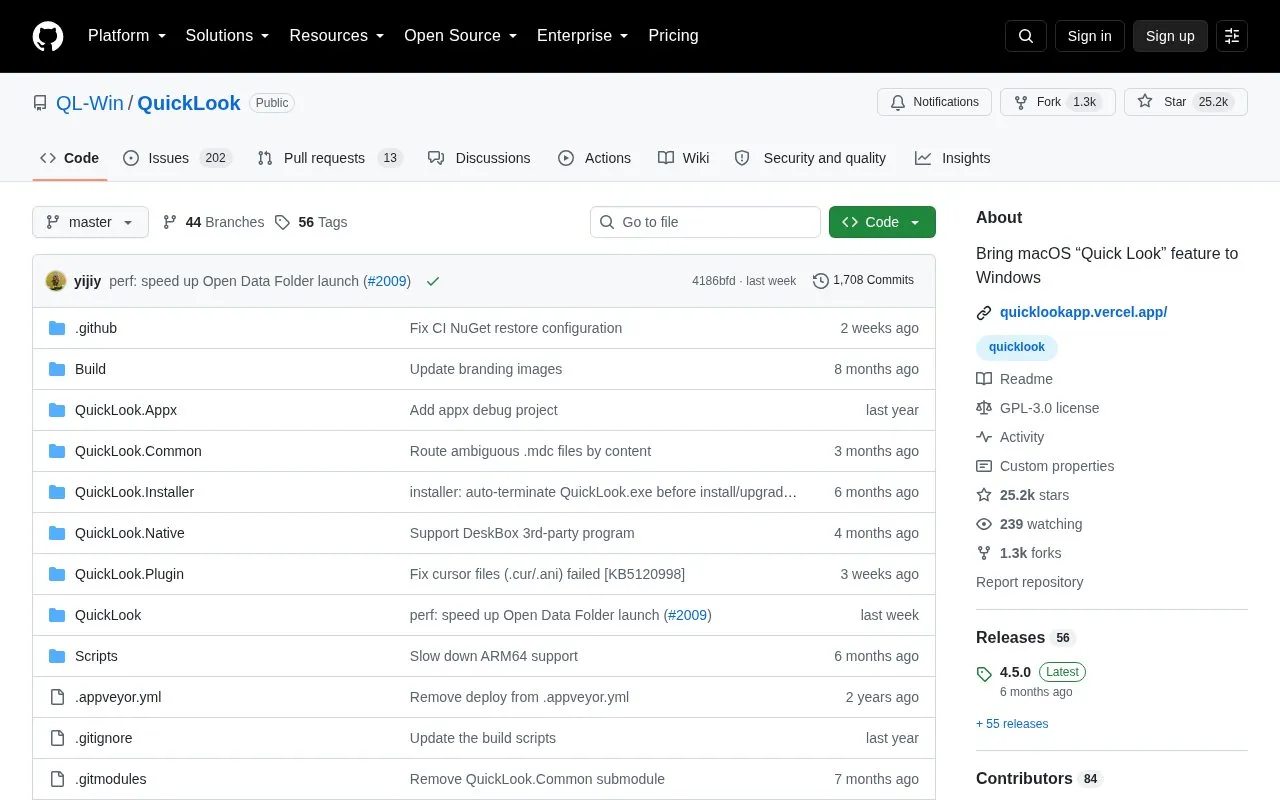
QuickLook is a Windows utility for previewing files without opening a separate application. After installation it runs from the system tray; users select a file in File Explorer and press Space to open a preview, then press Space or Esc to close, with arrow-key navigation between files.
It handles images, video, documents, code, archives, audio, fonts, and 3D models, and can be extended with plugins. It is distributed via Microsoft Store, installer, Scoop, and nightly builds; the Store version has limited Open/Save dialog support and no portable mode, while nightly builds may be unstable.
Tools and sites you could use instead, ranked by how closely they match.
This repository curates PowerToys Run community plugins and resources for the Windows quick launcher.
psmux brings tmux-style terminal multiplexing to PowerShell, Windows Terminal, and cmd.exe through a native Windows implementation.
This repository collects more than 600 PowerShell scripts for Linux, macOS, and Windows.
Microsoft PowerToys is a collection of Windows utilities for productivity and customization, according to its repository description.
Seelen UI provides a customizable desktop environment for Windows 10 and 11, according to its repository description.
This collection covers Windows 11 settings and tweaks, with scripts included in the repository.
Well-known listings from the same topic.
Tell us and an editor will check it.
Claim the listing and suggest updates yourself. An editor checks every claim first.


