

This repository curates PowerToys Run community plugins and resources for the Windows quick launcher.
Open source
24 alternativesMicrosoft PowerToys is a collection of Windows utilities for productivity and customization, according to its repository description.
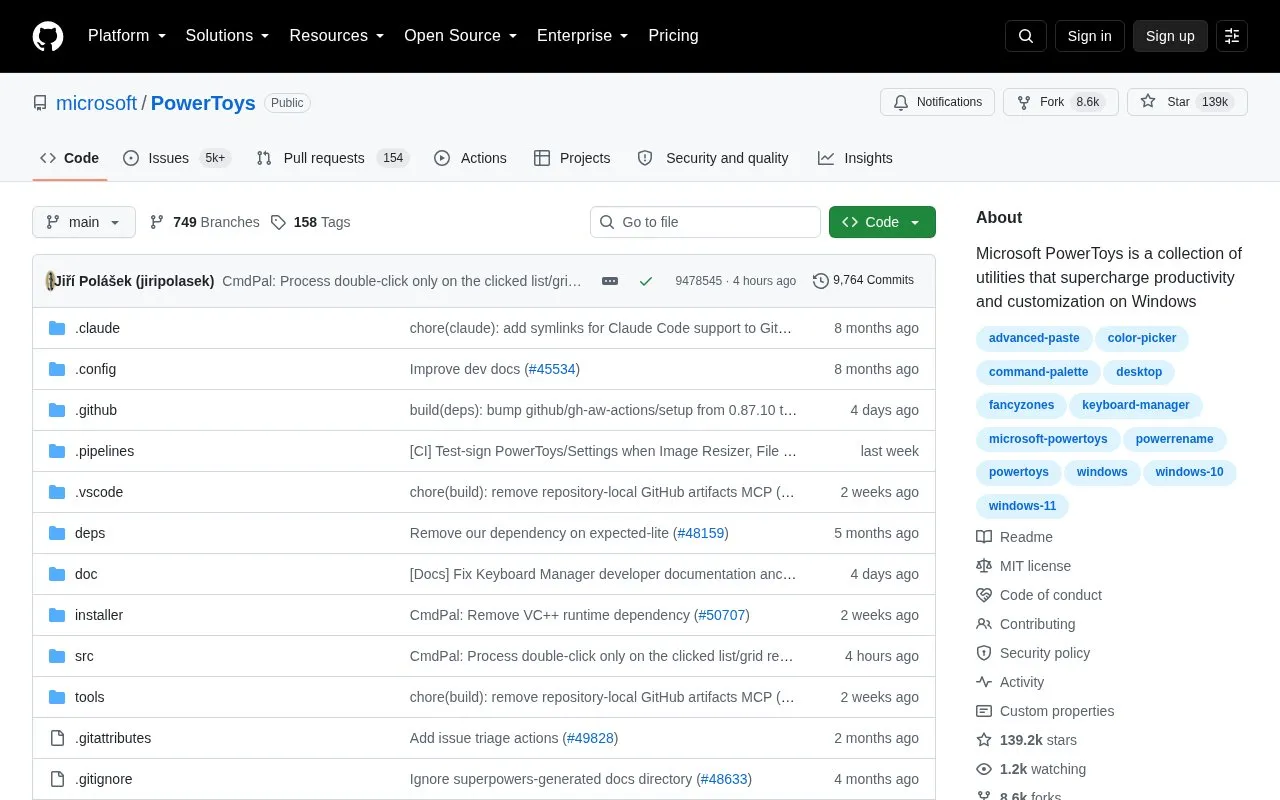
Microsoft PowerToys is a collection of utilities that help customize Windows and streamline everyday tasks. It includes over 30 utilities to customize and optimize the Windows experience. It installs on Windows from GitHub releases, the Microsoft Store, WinGet, and community tools such as Chocolatey and Scoop. Installation requires selecting the file matching architecture and install scope, with system requirements covered in separate installation docs.
Pricing is not clearly stated.
Tools and sites you could use instead, ranked by how closely they match.
This repository curates PowerToys Run community plugins and resources for the Windows quick launcher.
EverythingPowerToys adds Everything-powered file and folder search to the PowerToys Run launcher.
Microsoft PowerToys bundles Windows utilities such as FancyZones, PowerToys Run, Color Picker, and PowerRename for Windows 10 and 11.
dwm-win32 is a port of the X11 dwm window manager to Microsoft Windows.
Microsoft Terminal combines the new Windows Terminal and the original Windows console host in one project.
Manifest Creator is Microsoft’s command-line tool for creating Windows Package Manager manifests, also known as wingetcreate.
Well-known listings from the same topic.
Tell us and an editor will check it.
Claim the listing and suggest updates yourself. An editor checks every claim first.


